
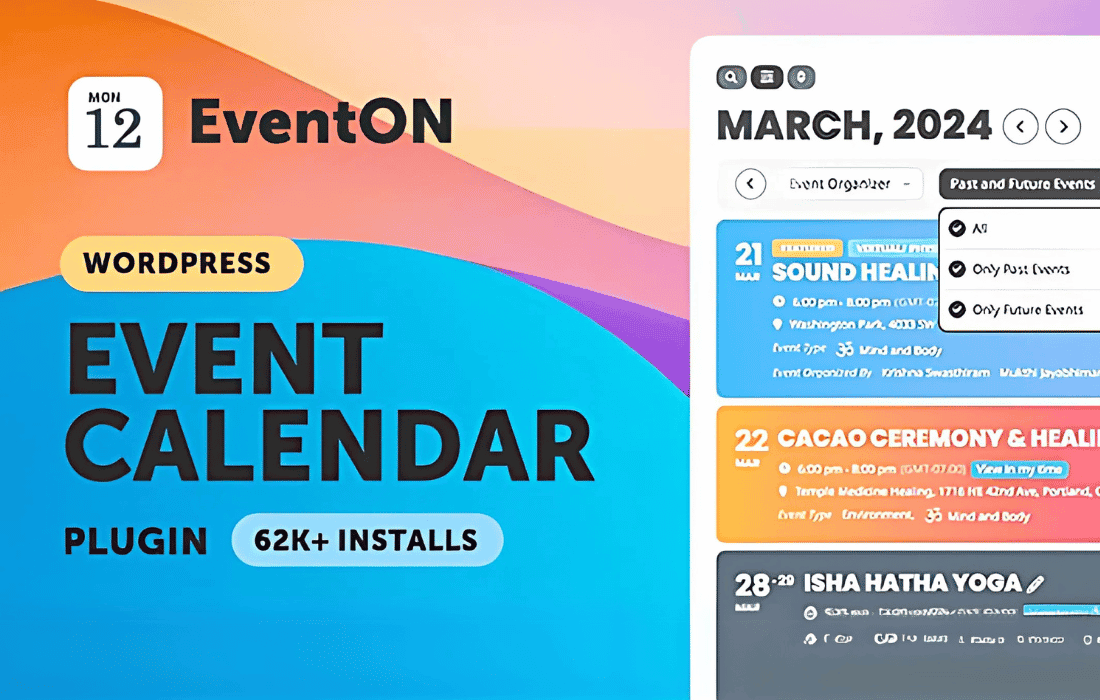
EventOn is a premium WordPress calendar plugin designed to transform how you display and manage events on your website. Whether you are running a small local community site or a large-scale corporate portal, EventOn provides a sleek, modern, and highly customizable interface that ensures your audience can find, filter, and engage with your schedule effortlessly. By combining a visually stunning design with a robust backend, it empowers site owners to create professional event experiences that drive attendance and keep visitors informed.
Key Features
- Visual Customization: Choose from a wide array of event layout styles, including tiles, lists, and calendar grids, ensuring your events match your brand identity perfectly.
- Advanced Filtering and Search: Visitors can easily navigate your schedule using powerful search bars and category filters, allowing them to find exactly what they are looking for in seconds.
- Interactive Maps: Integrate Google Maps seamlessly into event details, providing attendees with precise location information and directions to your venue.
- Recurring Event Support: Save time by setting up complex recurring events—daily, weekly, monthly, or custom intervals—with just a few clicks.
- Event Details and Media: Create rich event pages featuring featured images, image galleries, video embeds, and comprehensive event descriptions to capture interest.
- User-Friendly Backend: Manage your entire calendar from an intuitive dashboard designed to make adding, editing, and organizing events a straightforward process.
- Responsive Design: Your calendar will look and function flawlessly on all devices, from desktop computers to smartphones and tablets.
- Shortcode Generator: Easily embed your calendars, event lists, or specific event categories into any page or post using a simple, flexible shortcode builder.
Use Cases and Who It’s For
EventOn is built to serve a diverse range of users who need a professional-grade scheduling solution. It is an ideal choice for event planners and marketing teams who need to showcase multiple workshops, webinars, or live performances in a clean, organized manner. Educational institutions and training centers utilize EventOn to manage academic calendars, seminar schedules, and registration deadlines, keeping students and faculty updated.
For community organizations, non-profits, and local chambers of commerce, the plugin offers an accessible way to display community gatherings, town halls, and fundraisers. Business owners, such as restaurant managers or fitness studio owners, find it invaluable for displaying weekly specials, class schedules, or recurring workshops. Regardless of your industry, if you need to communicate “what, when, and where” to your audience, EventOn provides the structure and aesthetic appeal necessary to do so effectively.
Setup and How It Works
Getting started with EventOn is designed to be a streamlined experience that gets your calendar live as quickly as possible:
- Installation: After uploading and activating the plugin, you will find a dedicated EventOn menu item in your WordPress dashboard.
- Configuration: Navigate to the settings panel to define your global preferences, such as date formats, time zones, and default color schemes.
- Adding Events: Use the “Add Event” interface to input your event details. Here, you can set the date and time, add location data, upload imagery, and define categories.
- Managing Recurrence: If an event happens regularly, use the recurrence settings to automate the schedule, preventing the need for manual duplicate entries.
- Displaying the Calendar: Use the built-in shortcode generator to customize how your calendar appears. Select your desired layout, filter settings, and view options, then copy the generated shortcode.
- Publishing: Paste the shortcode into any page, post, or widget area where you want your calendar to appear, and your events will be instantly visible to your visitors.
Similar Plugins
If you are exploring alternatives to EventOn, you may also consider the following WordPress event management solutions:
- The Events Calendar: A widely used solution known for its robust core features and extensive library of add-ons for ticketing and community events.
- Modern Events Calendar: A feature-rich plugin that offers a variety of unique skin designs and strong integration capabilities for those focusing on visual impact.
- All-in-One Event Calendar: A solid option for those looking for a straightforward, easy-to-manage calendar that integrates well with various third-party platforms.