
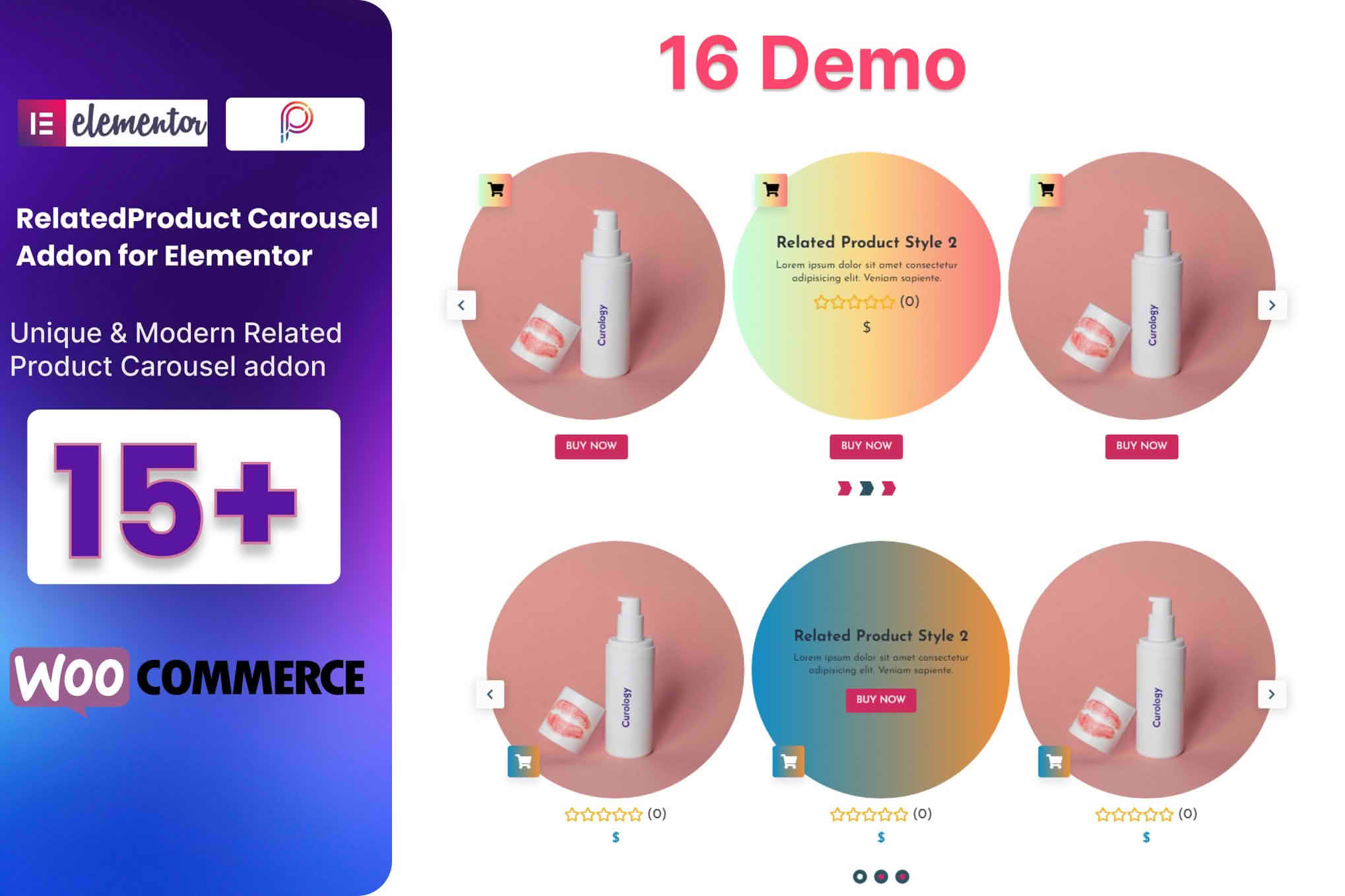
Transform your WooCommerce store’s product pages into high-converting sales engines with the WooCommerce Related Product Addon for Elementor. If you are tired of the generic, rigid related product layouts provided by default WooCommerce themes, this plugin is your solution. It empowers you to design, customize, and place related product sections anywhere on your product pages using the intuitive Elementor drag-and-drop interface, helping you increase average order value and keep customers engaged longer.
Key Features
- Full Elementor Integration: Design your related product sections directly within the Elementor editor, giving you complete control over the layout, typography, spacing, and styling without writing a single line of code.
- Flexible Query Controls: Move beyond default WooCommerce logic. Easily customize which products are displayed as “related” by selecting specific categories, tags, or manually picking products to ensure your cross-selling strategy is highly relevant.
- Advanced Layout Options: Choose between grid or carousel layouts to showcase products. Adjust column counts, image sizes, and alignment to match your brand’s aesthetic perfectly.
- Customizable Product Elements: Toggle individual elements on or off, including product titles, prices, ratings, “Add to Cart” buttons, and sale badges, to create a clean, clutter-free shopping experience.
- Responsive Design Controls: Ensure your related products look stunning on every device. Configure different settings for desktop, tablet, and mobile views to maintain optimal readability and conversion rates across the board.
- Dynamic Styling Options: Access a comprehensive suite of styling tools to adjust colors, borders, shadows, and hover effects, ensuring your related product section seamlessly blends with your existing site design.
Use Cases / Who It’s For
This plugin is essential for WooCommerce store owners, designers, and developers who prioritize user experience and conversion optimization. If you run a fashion boutique, you can use it to display matching accessories below a primary item. If you manage an electronics store, you can use it to suggest essential cables or protective cases alongside the main product. It is perfect for anyone who wants to break free from the “one-size-fits-all” product page layout and create tailored shopping journeys that encourage customers to explore more of your catalog.
Setup / How It Works
- Install and Activate: Install the plugin via your WordPress dashboard and activate it alongside WooCommerce and Elementor.
- Open Elementor Editor: Navigate to your WooCommerce product template within the Elementor editor.
- Drag and Drop Widget: Locate the “Related Products” widget in your Elementor panel and drag it into your desired position on the page template.
- Configure Settings: Use the Content tab to define your product query, set the number of products to display, and choose your preferred layout (grid or carousel).
- Style to Perfection: Switch to the Style tab to adjust colors, fonts, image styling, and button appearances to match your brand identity.
- Publish: Save your changes and preview your product page to see your new, customized related products section in action.
Similar Plugins
If you are exploring alternatives, you may also consider plugins such as “WooCommerce Related Products for Elementor” by various third-party developers, “JetWooBuilder for Elementor,” or “Elementor Pro’s built-in WooCommerce widgets,” which offer varying degrees of customization for product page templates.