
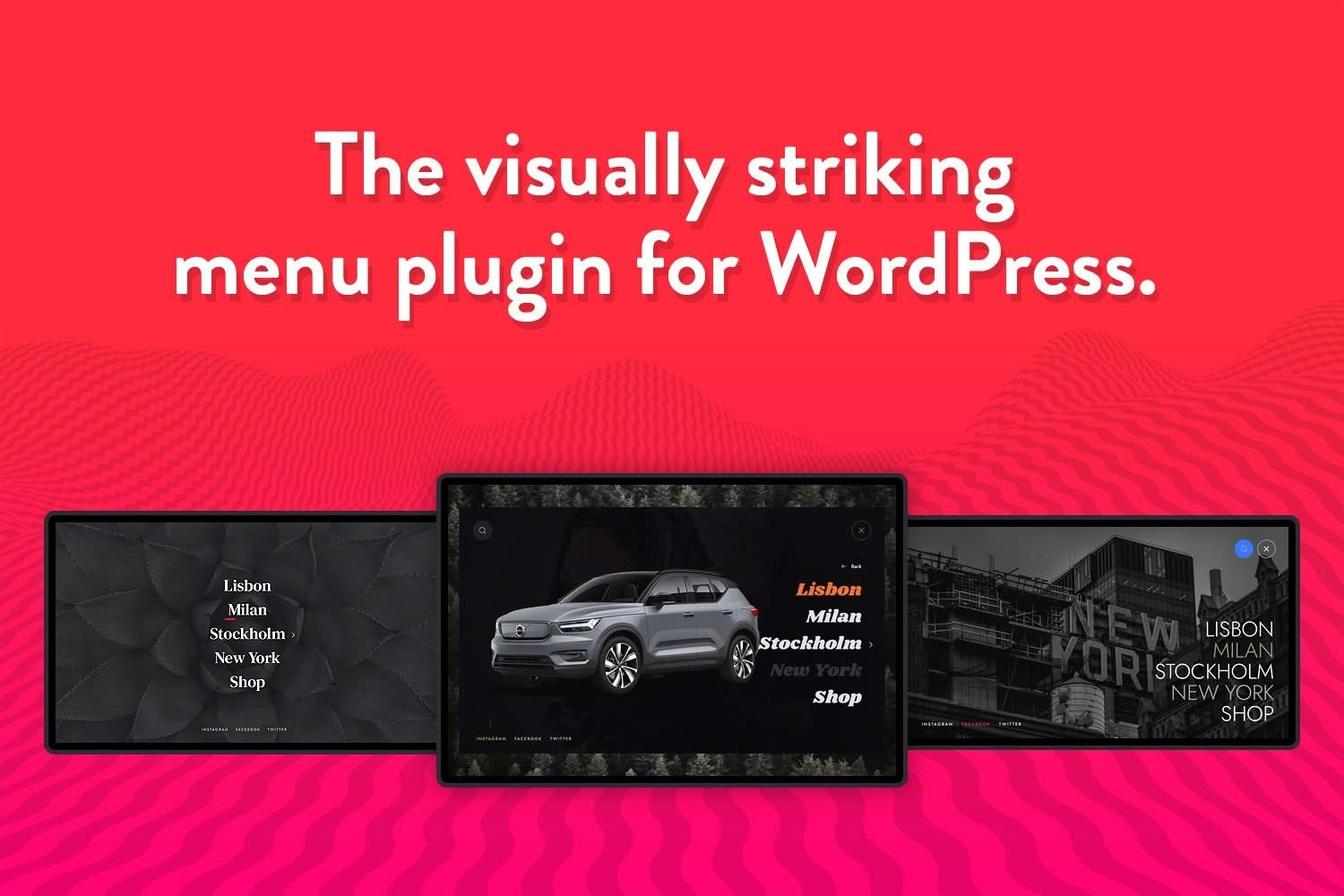
Transform your website navigation into an immersive, modern experience with Wauki: Fullscreen WordPress Menu. Designed to replace traditional, cluttered navigation bars, this plugin provides a sleek, high-impact fullscreen menu that captures visitor attention immediately. Whether you are building a creative portfolio, a high-end e-commerce store, or a professional agency site, Wauki ensures your navigation is not just functional, but a memorable part of your brand’s user interface.
Key Features
- Immersive Fullscreen Overlay: Replace standard dropdowns with a stunning, full-page navigation layout that keeps users focused on your content.
- Customizable Design: Take full control over the visual appearance, including background colors, typography settings, and menu item spacing to perfectly match your brand identity.
- Responsive Architecture: Ensure a seamless experience across all devices; the menu automatically adapts to provide a touch-friendly, intuitive interface for mobile, tablet, and desktop users.
- Smooth Animations: Enhance user engagement with fluid, professional transition effects that make opening and closing your menu feel polished and premium.
- Easy Integration: Designed to work harmoniously with popular page builders and themes, allowing you to implement a modern navigation system without complex coding.
- Icon Support: Easily incorporate icons alongside your menu labels to improve visual hierarchy and navigation clarity for your visitors.
Use Cases / Who It’s For
Wauki is the ideal solution for website owners who prioritize aesthetics and user experience. It is particularly effective for creative professionals, such as photographers, designers, and artists, who need a minimalist layout that keeps the focus on their visual work rather than a cluttered header. By tucking the navigation away into a fullscreen overlay, you create a cleaner, more sophisticated look that emphasizes your content.
Furthermore, Wauki is a powerful tool for modern brands and agencies looking to differentiate themselves from competitors using standard, outdated navigation bars. If your goal is to provide a premium, app-like feel to your website that encourages exploration, Wauki provides the structural foundation to achieve that vision effortlessly.
Setup / How It Works
- Installation: Upload the plugin zip file through your WordPress dashboard under the Plugins section and activate it.
- Menu Configuration: Navigate to the standard WordPress Appearance > Menus area to define the links and structure you want to appear in your fullscreen overlay.
- Customization: Access the dedicated Wauki settings panel to adjust visual styling, such as background colors, text alignment, and animation speed, ensuring the menu aligns with your site’s aesthetic.
- Deployment: Once configured, the plugin automatically replaces your theme’s default navigation with the Wauki fullscreen experience, or allows you to map it to a specific toggle button depending on your theme’s capabilities.
Similar Plugins
If you are exploring alternatives for fullscreen navigation, you may also consider plugins such as Max Mega Menu, which offers extensive mega-menu capabilities, or Responsive Menu, which provides a wide range of mobile-focused navigation customization options. Additionally, QuadMenu is often used by developers who require advanced layout configurations and deep integration with various page builders.