
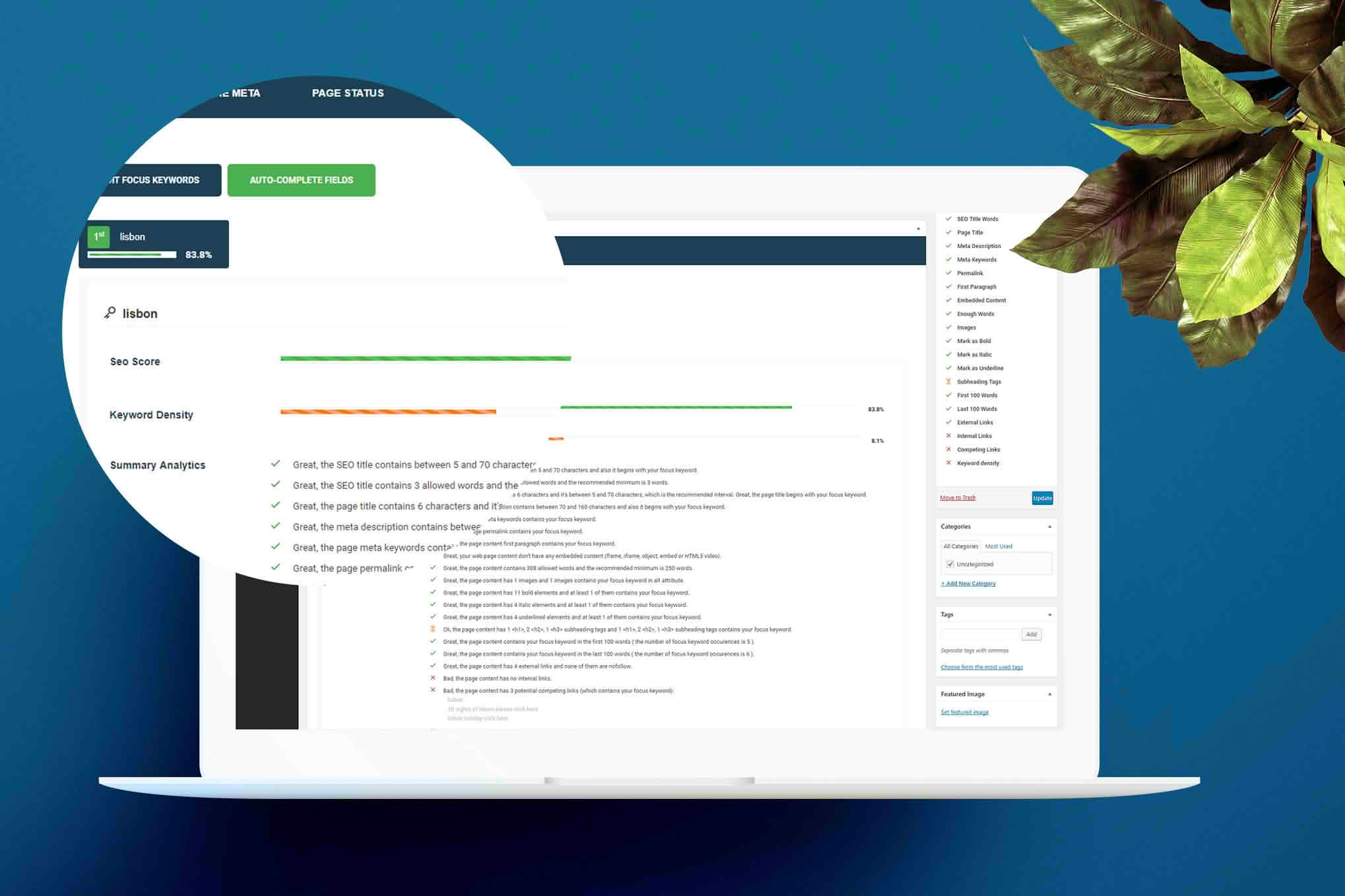
The Smart SEO WordPress plugin is a streamlined, efficient tool designed to help website owners improve their search engine visibility without the complexity often associated with heavy SEO suites. By automating essential on-page optimization tasks, it helps bloggers, small business owners, and content creators ensure their WordPress site is better understood by search engines like Google, ultimately helping you focus more on creating great content and less on technical configuration.
Key Features
- Automated Meta Descriptions: Save time by automatically generating meta descriptions using your post excerpts, ensuring every page has relevant summary text for search results.
- Streamlined Optimization: Focuses on core SEO fundamentals, providing a lightweight solution that avoids bloating your website with unnecessary code or complex settings.
- Search Engine Friendly: Designed to help your content get properly indexed and ranked by major search engines by ensuring essential metadata is correctly implemented.
- User-Friendly Implementation: Designed for simplicity, allowing you to enhance your site’s SEO posture with minimal effort and no advanced technical knowledge required.
Use Cases / Who It’s For
Smart SEO is ideal for WordPress users who want to improve their search engine performance but do not require the extensive, often overwhelming feature sets found in enterprise-level SEO plugins. It is particularly well-suited for:
- Small Business Owners: If you are managing your own website and need a “set it and forget it” solution to ensure your pages are properly optimized for search.
- Bloggers and Content Creators: Perfect for those who want to ensure their posts are search-engine ready without spending hours manually configuring metadata for every single entry.
- Performance-Focused Users: If you prefer a minimalist, lightweight plugin that does not slow down your site or add excessive dashboard clutter.
Setup / How It Works
Getting started with Smart SEO is designed to be straightforward, allowing you to begin optimizing your site in just a few minutes:
- Installation: Navigate to the Plugins menu in your WordPress dashboard, select “Add New,” and search for “Smart SEO.”
- Activation: Click “Install Now” and then “Activate” to enable the plugin’s functionality immediately.
- Automated Optimization: Once activated, the plugin begins working in the background to help optimize your posts and pages, specifically by utilizing your existing post excerpts for meta descriptions.
Similar Plugins
If you are exploring different approaches to SEO for your WordPress site, you may also consider other well-known solutions depending on your specific needs:
- The SEO Framework: A popular choice for users who prioritize performance, automation, and a clean, minimalist interface.
- Slim SEO: Another lightweight, “no-configuration” style plugin that automatically handles essential SEO tasks like schema, sitemaps, and meta tags.
- All in One SEO (AIOSEO): A comprehensive suite suitable for users who need advanced features like local SEO, redirection managers, and deep content analysis.