
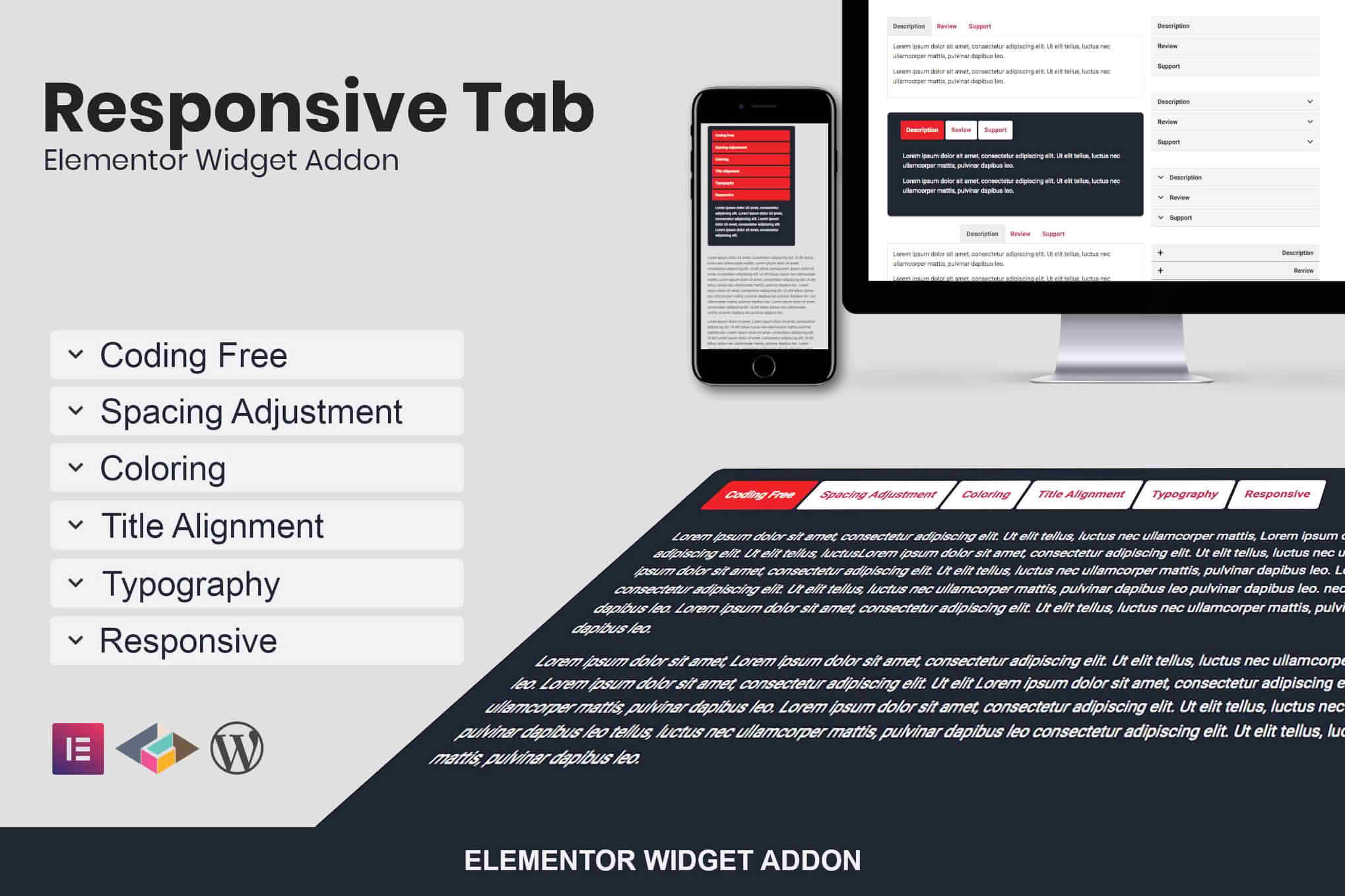
Transform your website’s user experience by organizing complex information into clean, interactive, and space-saving layouts. The Responsive Tab Elementor Addon Plugin empowers you to create professional-grade tabbed content directly within the Elementor page builder, ensuring your visitors can navigate your site effortlessly on any device. Whether you are showcasing product specifications, detailed service descriptions, or FAQ sections, this plugin provides the flexibility and design control needed to keep your content organized and your users engaged without writing a single line of code.
Key Features
- Fully Responsive Design: Tabs automatically adapt to different screen sizes, ensuring a seamless viewing experience on desktop, tablet, and mobile devices.
- Drag-and-Drop Integration: Built specifically for Elementor, allowing you to add and customize tabs using the familiar interface you already know and love.
- Extensive Customization Options: Take full control over typography, colors, borders, padding, and spacing to perfectly match your website’s branding.
- Content Flexibility: Easily embed images, icons, shortcodes, or even other Elementor templates inside your tab content areas for limitless design possibilities.
- Multiple Layout Styles: Choose between horizontal and vertical tab orientations to best fit your page layout and content structure.
- Smooth Transitions: Enhance the user experience with built-in animation effects that make switching between tabs feel fluid and modern.
- Performance Optimized: Engineered to be lightweight, ensuring that your site remains fast and responsive even with multiple tab elements on a single page.
Use Cases / Who It’s For
This plugin is an essential tool for web designers, developers, and business owners who prioritize user experience and clean design. If you find your pages becoming cluttered with long lists of text or massive blocks of information, this plugin provides the perfect solution to tidy up your layout.
E-commerce store owners can use this plugin to display detailed product descriptions, shipping information, and customer reviews in separate tabs, keeping the product page clean while providing all necessary details. Service-based businesses can utilize tabs to break down complex service packages or highlight different stages of their workflow. Furthermore, content creators and bloggers can use tabs to organize long-form articles, tutorials, or frequently asked questions, significantly reducing the amount of scrolling required by the reader.
Setup / How It Works
- Install and Activate: Upload the plugin zip file to your WordPress dashboard via the Plugins menu and click activate.
- Open Elementor: Navigate to the page or post where you want to add tabs and open it with the Elementor editor.
- Drag the Widget: Locate the new tab widget in the Elementor sidebar and drag it onto your canvas.
- Add Content: Use the Content tab in the widget settings to add, remove, or reorder your tabs, and input your desired text, images, or shortcodes.
- Style Your Tabs: Switch to the Style tab to adjust colors, typography, and spacing to align with your site’s design language.
- Publish: Once you are satisfied with the look and functionality, update or publish your page to make the changes live.
Similar Plugins
If you are exploring options for tab functionality within the WordPress ecosystem, there are other notable solutions available. Plugins such as Essential Addons for Elementor, Premium Addons for Elementor, and PowerPack Addons for Elementor also include comprehensive tab widgets as part of their larger suites of Elementor extensions. These alternatives offer varying levels of complexity and design presets, allowing you to choose the tool that best fits your specific project requirements.