
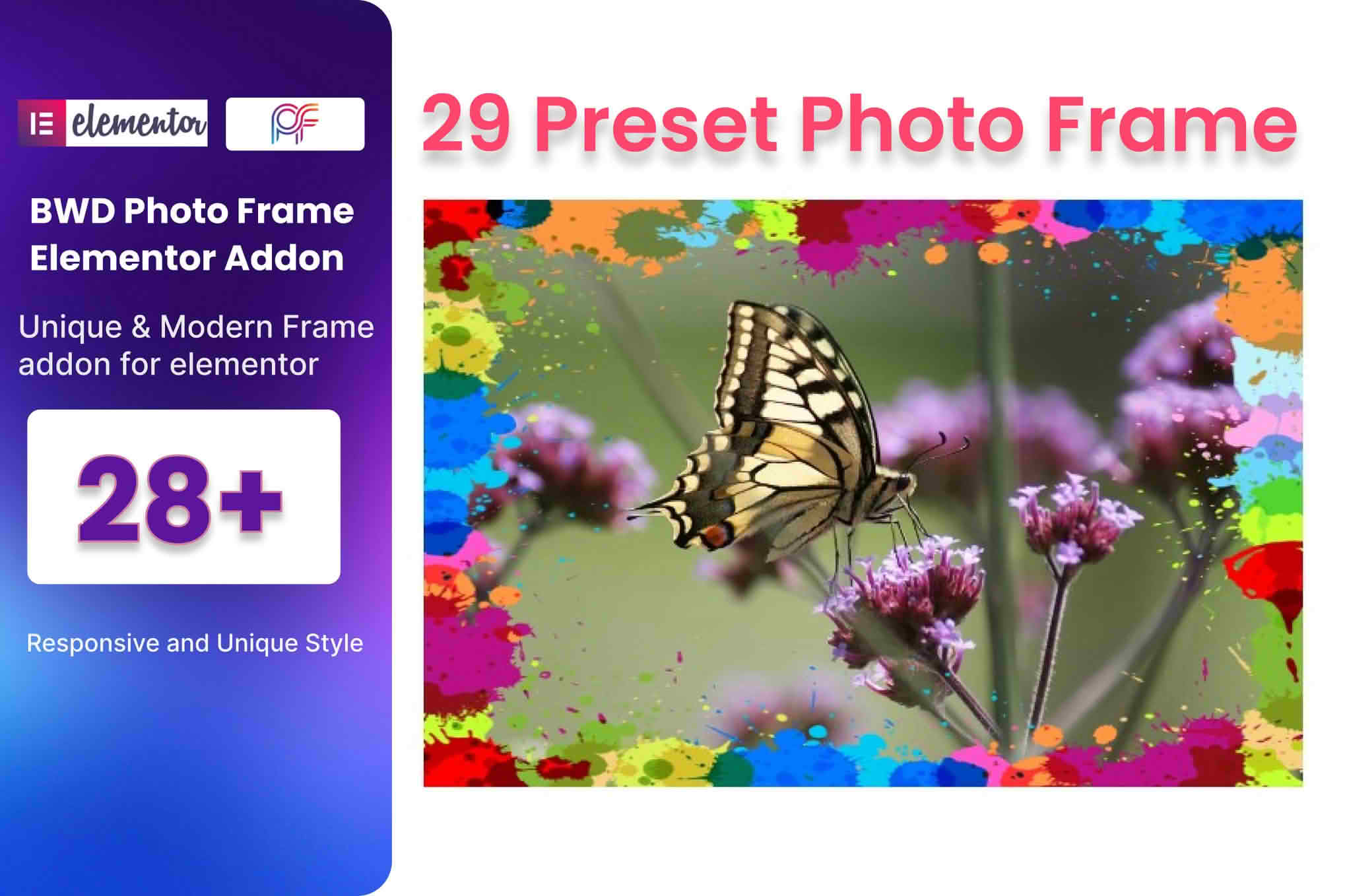
Transform your standard website images into captivating visual experiences with the Photo Frame Addon for Elementor. Whether you are a professional photographer showcasing a portfolio, an e-commerce store owner highlighting product details, or a creative agency building high-end client sites, this plugin provides the essential tools to add depth, style, and professional polish to your media. By integrating seamlessly into the Elementor page builder, it allows you to apply elegant, customizable frames to any image without touching a single line of code, ensuring your visual content stands out in a crowded digital landscape.
Key Features
- Intuitive Elementor Integration: Drag and drop the Photo Frame widget directly into your Elementor canvas, allowing for a smooth and familiar workflow.
- Extensive Frame Customization: Take full control over your image aesthetics with adjustable border width, color, style, and radius settings to match your brand identity perfectly.
- Advanced Shadow Effects: Add depth and dimension to your photos with easy-to-configure drop shadows, including customizable blur, spread, and offset options.
- Responsive Design Controls: Ensure your framed images look stunning on every device with granular control over frame settings for desktop, tablet, and mobile breakpoints.
- Hover Animation Effects: Engage your visitors by adding subtle, professional hover effects to your framed images, drawing attention exactly where you want it.
- Padding and Spacing Options: Fine-tune the internal spacing between your image and the frame to achieve the perfect artistic balance and composition.
- Lightweight Performance: Engineered for speed, the plugin is optimized to ensure that your site remains fast and responsive, regardless of how many framed images you use.
Use Cases and Who It’s For
The Photo Frame Addon for Elementor is designed for anyone who prioritizes high-quality visual presentation. For photographers and artists, it provides a digital gallery experience that mimics the elegance of physical prints, helping to elevate the perceived value of your work. E-commerce entrepreneurs can use the plugin to create a cohesive look across product galleries, making items appear more premium and trustworthy to potential buyers.
Web designers and agencies will find this tool indispensable for quickly building client websites that require a sophisticated, custom-designed feel without the overhead of heavy custom CSS. If you are building a personal blog, a corporate landing page, or a creative portfolio, this plugin bridges the gap between a standard image upload and a professionally curated visual display.
Setup and How It Works
Getting started with the Photo Frame Addon is designed to be straightforward, allowing you to enhance your images in minutes:
- Install and Activate: Upload the plugin zip file to your WordPress dashboard, activate it, and ensure you have the Elementor page builder installed.
- Open Elementor: Navigate to the page or post where you want to add an image and open it with the Elementor editor.
- Drag the Widget: Locate the “Photo Frame” widget in the Elementor sidebar and drag it into your desired column or section.
- Select Your Image: Choose the image you wish to frame from your WordPress Media Library.
- Style Your Frame: Use the dedicated “Style” and “Advanced” tabs in the Elementor panel to adjust the frame thickness, color, shadows, and spacing until you achieve your desired look.
- Publish: Once you are satisfied with the preview, save your changes and publish your page to display your professionally framed content to the world.
Similar Plugins
If you are exploring other ways to enhance your media presentation within the Elementor ecosystem, you may also consider exploring general-purpose image effect plugins such as Image Hover Effects Addon for Elementor or various Elementor-compatible gallery plugins like Essential Addons for Elementor or Premium Addons for Elementor, which often include image styling widgets as part of their broader toolkits.