
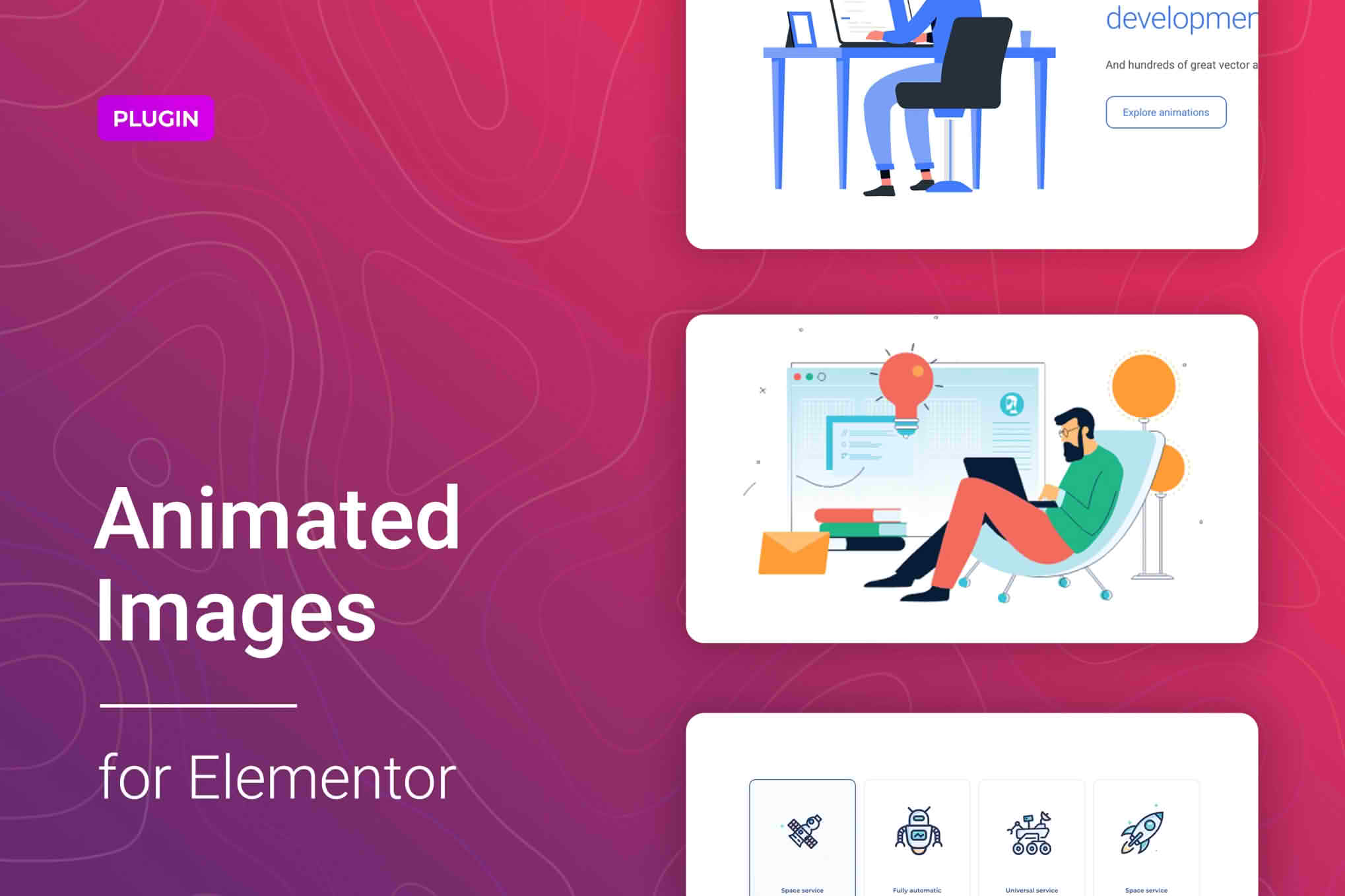
Bring your website to life and captivate your visitors instantly with the Lottie Animation for Elementor plugin. Lottie animations are lightweight, scalable, and interactive, allowing you to add professional-grade motion graphics to your WordPress site without the heavy performance cost of traditional GIFs or video files. This plugin seamlessly integrates with the Elementor page builder, giving you the power to create high-converting, engaging experiences with simple drag-and-drop functionality.
Key Features
- Seamless Elementor Integration: Designed specifically for the Elementor ecosystem, this plugin adds a dedicated Lottie widget directly to your editor panel, ensuring a smooth and familiar workflow.
- Lightweight Performance: Unlike heavy video files or high-resolution GIFs, Lottie files are JSON-based. They remain crisp at any resolution while keeping your page load times fast and your SEO rankings healthy.
- Full Interaction Control: Define how your animations behave. Choose to play on page load, trigger on hover, scroll into view, or loop continuously to grab user attention exactly when you want it.
- Customizable Playback Settings: Easily adjust the animation speed, direction, and frame range. You can tailor the animation to match the pace and tone of your brand perfectly.
- Responsive Design Ready: Animations automatically scale to fit any screen size, ensuring your site looks professional and polished on desktops, tablets, and mobile devices.
- External URL or Local File Support: Flexibility is key. You can upload your own Lottie JSON files directly to your WordPress media library or embed them via external URLs from platforms like LottieFiles.
Use Cases: Who It’s For
This plugin is an essential tool for web designers, digital marketers, and business owners who want to elevate their online presence without needing advanced coding skills. If you are building a landing page, you can use subtle Lottie animations to guide a user’s eye toward your call-to-action buttons, significantly increasing conversion rates.
For creative agencies, Lottie animations provide a way to showcase high-end design work that feels modern and interactive. E-commerce store owners can use these animations to create engaging product highlights or to add delightful micro-interactions during the checkout process, making the shopping experience feel more premium and responsive. Whether you are a freelancer managing multiple client sites or a brand owner looking to stand out from the competition, this plugin provides the tools to transform static pages into immersive digital experiences.
Setup: How It Works
- Install and Activate: Download and install the plugin through your WordPress dashboard just like any other plugin.
- Locate the Widget: Open any page or template in Elementor. Search for the “Lottie” widget in the left-hand sidebar.
- Drag and Drop: Drag the Lottie widget onto your page canvas where you want the animation to appear.
- Upload or Link: In the widget settings panel, upload your JSON file from your computer or paste the URL of your chosen Lottie animation.
- Configure and Style: Adjust the playback settings, triggers, and dimensions to suit your design. Preview your changes in real-time, then publish your page to see your animations in action.
Similar Plugins
If you are exploring options for adding motion to your Elementor-based site, you may also encounter alternatives such as the “Essential Addons for Elementor” or “Premium Addons for Elementor.” These broader suites often include a Lottie animation widget as part of a larger collection of design elements. While those plugins offer a wider variety of widgets, a dedicated Lottie plugin is often preferred by users who want a lightweight, focused solution specifically optimized for animation performance without the overhead of additional, unused features.