
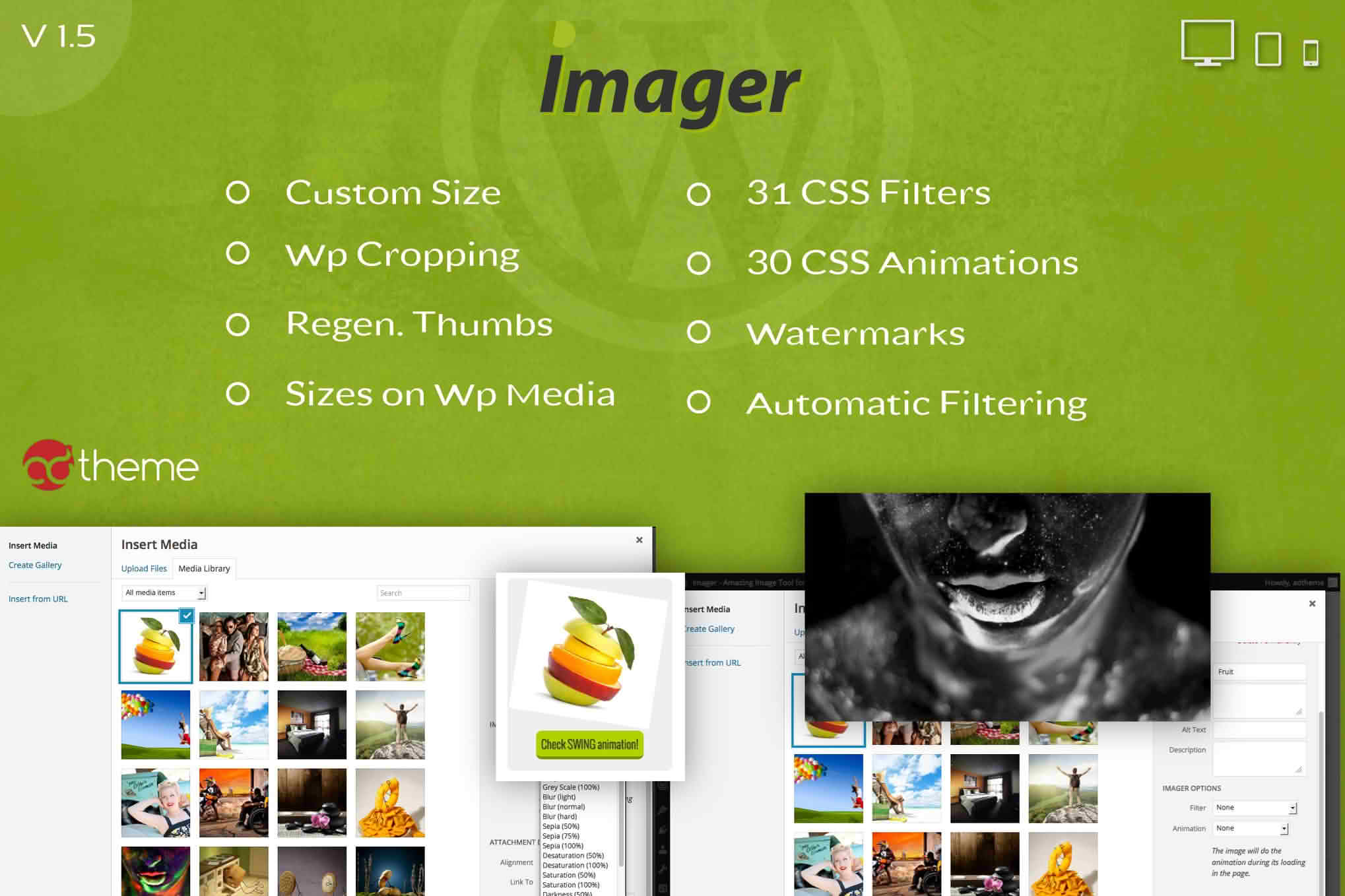
Managing high-quality images on a WordPress site often feels like a balancing act between visual appeal and website performance. Imager – Amazing Image Tool for WordPress is designed to bridge that gap, providing a comprehensive suite of tools that allows site owners, bloggers, and developers to optimize, edit, and manage their media library without ever leaving the WordPress dashboard. By streamlining your image workflow, Imager ensures your site remains fast, responsive, and visually stunning, helping you improve user experience and search engine rankings simultaneously.
Key Features
- Advanced Image Compression: Significantly reduce file sizes without sacrificing visual quality, ensuring your pages load faster and consume less bandwidth.
- Automated Resizing: Automatically resize uploaded images to fit your site’s specific layout requirements, preventing unnecessarily large files from slowing down your site.
- Bulk Optimization: Save hours of manual work by optimizing your existing media library in just a few clicks.
- Format Conversion: Easily convert images to modern, efficient formats like WebP to take advantage of superior compression technology.
- Smart Cropping and Editing: Perform essential image edits, such as cropping, rotating, and resizing, directly within the WordPress media interface.
- SEO-Friendly Metadata: Automatically generate or update image alt text and titles to improve your site’s accessibility and search engine visibility.
- Performance Monitoring: Keep track of your image performance with built-in insights that show you exactly how much space you have saved.
Use Cases / Who It’s For
Imager is built for anyone who relies on visual content to engage their audience. If you run a photography portfolio, a product-heavy e-commerce store, or a content-rich blog, you know that images are the lifeblood of your site—but they are also the primary culprit behind slow page load times. This plugin is perfect for store owners who need to keep product pages snappy to prevent cart abandonment, bloggers who want to maintain high-resolution visuals without bloating their server storage, and agencies managing multiple client sites who need a reliable, set-it-and-forget-it solution for media management.
Setup / How It Works
Getting started with Imager is designed to be intuitive, requiring no technical coding knowledge to achieve professional results.
- Install and Activate: Upload the plugin to your WordPress dashboard and activate it through the Plugins menu.
- Configure Settings: Navigate to the Imager settings page to define your preferred compression levels, target image formats, and automatic resizing dimensions.
- Run Initial Scan: Use the bulk optimization tool to analyze your existing library and apply your chosen settings to all previously uploaded images.
- Automate Future Uploads: Once configured, Imager works in the background. Every time you upload a new image, the plugin automatically processes it according to your predefined rules, ensuring your site stays optimized without any extra effort on your part.
Similar Plugins
If you are exploring your options for image management in the WordPress ecosystem, other notable solutions include Smush, ShortPixel Image Optimizer, and Imagify. While these tools share the goal of image optimization, Imager distinguishes itself by combining compression capabilities with convenient, in-dashboard editing tools, offering a more holistic approach to media management for users who want to handle both optimization and basic image manipulation in one place.