
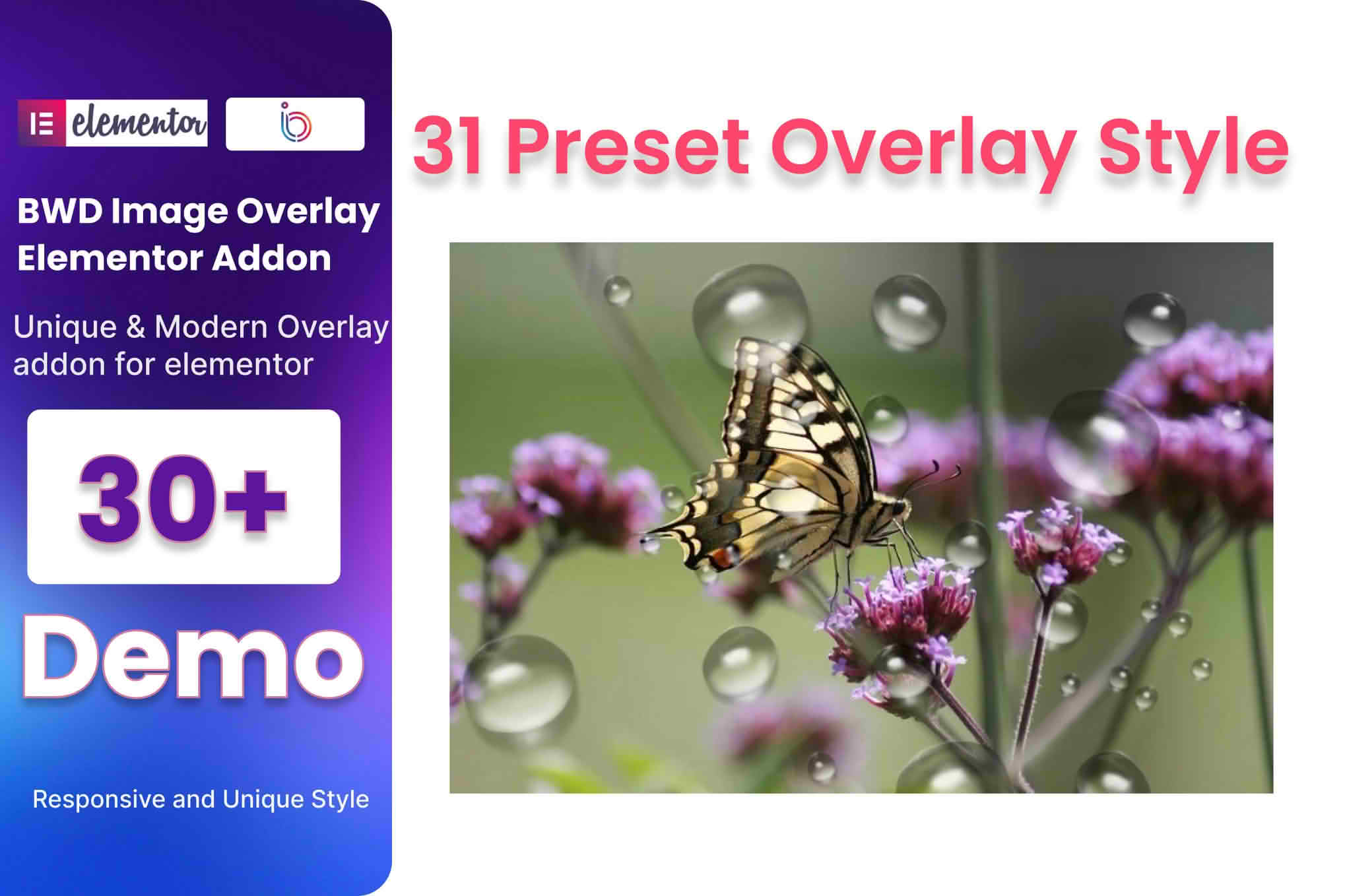
Transform your static images into engaging, interactive visual experiences with the Image Overlay Addon for Elementor. Designed specifically for users who want to add depth, information, and sophistication to their websites without writing a single line of code, this plugin bridges the gap between simple image displays and professional, high-conversion design elements. Whether you are a creative professional, a small business owner, or a web developer, this addon empowers you to provide context and interactivity to your media, ensuring your visitors stay longer and interact more deeply with your content.
Key Features
- Dynamic Overlay Effects: Choose from a wide variety of hover and click-triggered animations that reveal text, icons, or buttons over your images.
- Customizable Content Layers: Easily add titles, descriptions, call-to-action buttons, and social media icons directly onto your images to guide user behavior.
- Responsive Design Controls: Ensure your overlays look perfect on every device with granular control over padding, alignment, and visibility settings for desktop, tablet, and mobile views.
- Advanced Styling Options: Take full control of the visual aesthetic with settings for overlay background colors, opacity, border radius, and typography, allowing you to match your brand identity perfectly.
- Seamless Elementor Integration: Designed as a native Elementor widget, this addon fits perfectly into your existing workflow, appearing right in your Elementor editor sidebar alongside your other favorite tools.
- Icon and Media Support: Enhance your overlays by incorporating Font Awesome icons or custom SVGs to provide visual cues that draw the user’s eye exactly where you want it.
- Performance Optimized: Built with clean, lightweight code to ensure that your site remains fast and responsive, regardless of how many overlays you implement.
Use Cases / Who It’s For
The Image Overlay Addon is an essential tool for anyone looking to elevate their visual storytelling. For e-commerce store owners, it is a powerful way to showcase product details or “Quick View” options without cluttering the page layout. By allowing users to hover over a product image to see a “Buy Now” button or a brief description, you reduce friction in the purchasing journey.
Creative professionals, such as photographers and graphic designers, can use the plugin to create elegant portfolio galleries. Instead of standard, boring images, you can display project titles, client names, or categories only when a visitor hovers over the work, maintaining a clean, minimalist design while still providing necessary context.
For marketing agencies and bloggers, the addon is perfect for creating interactive infographics or highlighted content sections. It allows you to turn static images into interactive guides, making your educational content more engaging and easier to digest. Whether you are building a corporate landing page or a personal blog, this plugin helps you communicate more effectively through your visuals.
Setup / How It Works
- Installation: Install and activate the plugin through your WordPress dashboard just like any other plugin.
- Drag and Drop: Open the Elementor editor on your desired page, locate the Image Overlay widget in the element sidebar, and drag it into your layout.
- Select Your Image: Choose the base image you wish to use from your media library.
- Configure the Overlay: Use the Content tab to input the text, links, and icons you want to appear over the image.
- Style to Perfection: Navigate to the Style tab to adjust colors, typography, hover animations, and spacing until the design matches your vision.
- Publish: Save your changes and preview your page to see the interactive overlay in action.
Similar Plugins
If you are exploring your options for image-based enhancements within Elementor, there are several other popular solutions available. Many users also consider the Essential Addons for Elementor, which includes an Image Overlay widget as part of a larger suite of tools. Additionally, Premium Addons for Elementor and JetElements are widely recognized alternatives that offer similar functionality, often bundled with a broader collection of widgets to help you build more complex page layouts.