
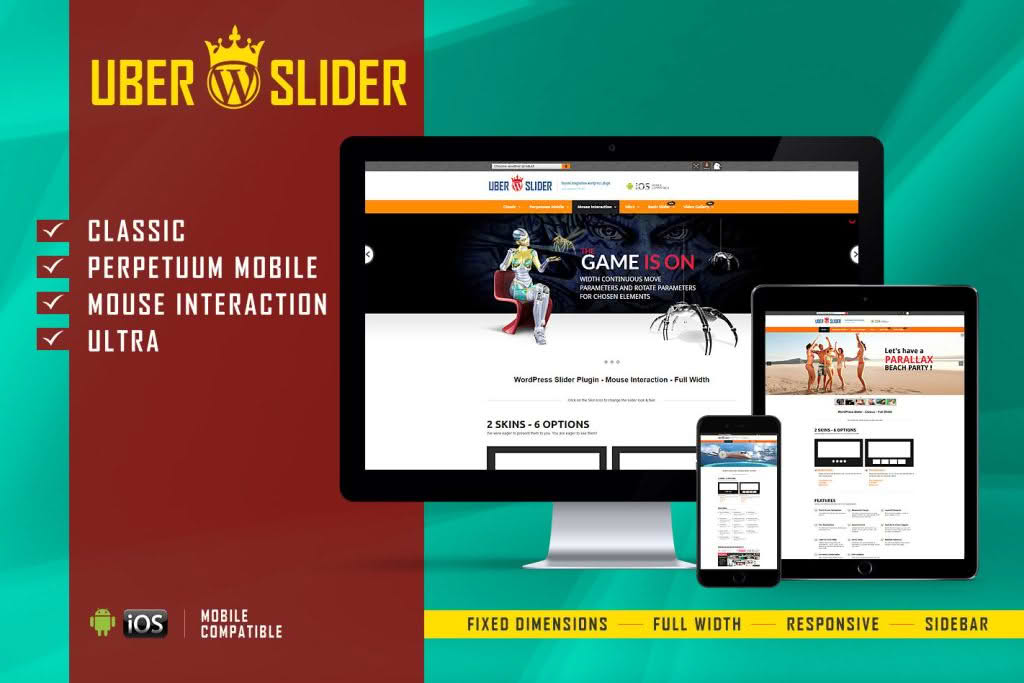
UberSlider is a powerful, versatile layer slider plugin designed for WordPress users who want to create professional, high-impact visual content without writing a single line of code. Whether you are looking to showcase your latest products, highlight featured blog posts, or create stunning hero sections that grab your visitors’ attention, UberSlider provides the tools to build dynamic, multi-layered animations that look perfect on any device. By combining an intuitive drag-and-drop interface with advanced customization options, it empowers store owners, designers, and marketers to elevate their website’s aesthetic and improve user engagement.
Key Features
- Drag-and-Drop Builder: Create complex, multi-layered slides effortlessly using a visual interface that lets you see exactly how your slider will look in real-time.
- Responsive Design: Ensure your content looks flawless on desktops, tablets, and smartphones with built-in responsive controls that automatically adjust layout and text sizes.
- Layer Animation Engine: Bring your slides to life with a wide variety of entrance, exit, and loop animations for text, images, and buttons.
- Pre-built Templates: Get a head start on your design with a library of professionally crafted slider templates that can be customized to match your brand identity.
- Media Support: Easily incorporate high-resolution images, videos, and custom HTML content to create rich, interactive experiences.
- Touch-Swipe Support: Provide a smooth, native browsing experience for mobile users with optimized touch-swipe navigation.
- Performance Optimized: Built with clean, efficient code to ensure that your sliders load quickly and do not negatively impact your website’s overall performance or SEO.
- Global Settings: Manage your slider behavior, such as autoplay, navigation arrows, and pagination dots, from a centralized settings panel.
Use Cases / Who It’s For
UberSlider is an essential tool for anyone looking to improve the visual storytelling of their WordPress site. For e-commerce store owners, it is the perfect solution for creating eye-catching product carousels that highlight seasonal sales, new arrivals, or featured collections, directly influencing conversion rates by placing key offers at the top of the page. Marketing professionals and agencies can utilize the plugin to build high-converting landing pages with impactful hero sections that clearly communicate value propositions to new visitors.
Furthermore, bloggers and content creators can use UberSlider to create engaging post sliders that encourage readers to explore more content, effectively increasing page views and time spent on the site. Because the plugin is designed to be user-friendly, you do not need to be a developer or a designer to achieve professional results. It is ideal for small business owners who want to maintain a high-end website appearance while managing the content themselves, as well as web developers who need a reliable, flexible slider solution to deploy quickly across multiple client projects.
Setup / How It Works
Getting started with UberSlider is designed to be a straightforward process that integrates seamlessly into your existing WordPress dashboard:
- Install and Activate: Upload the plugin file to your WordPress site and activate it through the Plugins menu.
- Create a New Slider: Navigate to the UberSlider dashboard and click to create a new slider project. You can start from scratch or select one of the provided templates.
- Build Your Layers: Use the drag-and-drop editor to add images, text, and buttons to your slides. You can arrange layers, set animation timings, and define entrance effects using the visual timeline.
- Configure Settings: Adjust global slider settings, such as transition speed, autoplay intervals, and navigation styles, to match your site’s specific needs.
- Publish: Once your slider is ready, copy the provided shortcode or use the dedicated block in the WordPress editor to place your slider anywhere on your pages or posts.
Similar Plugins
If you are exploring the ecosystem of WordPress slider solutions, you may also encounter alternatives such as Slider Revolution, LayerSlider, and MetaSlider. Each of these plugins offers varying degrees of complexity, animation capabilities, and interface styles, allowing you to choose the tool that best aligns with your specific design workflow and technical requirements.