
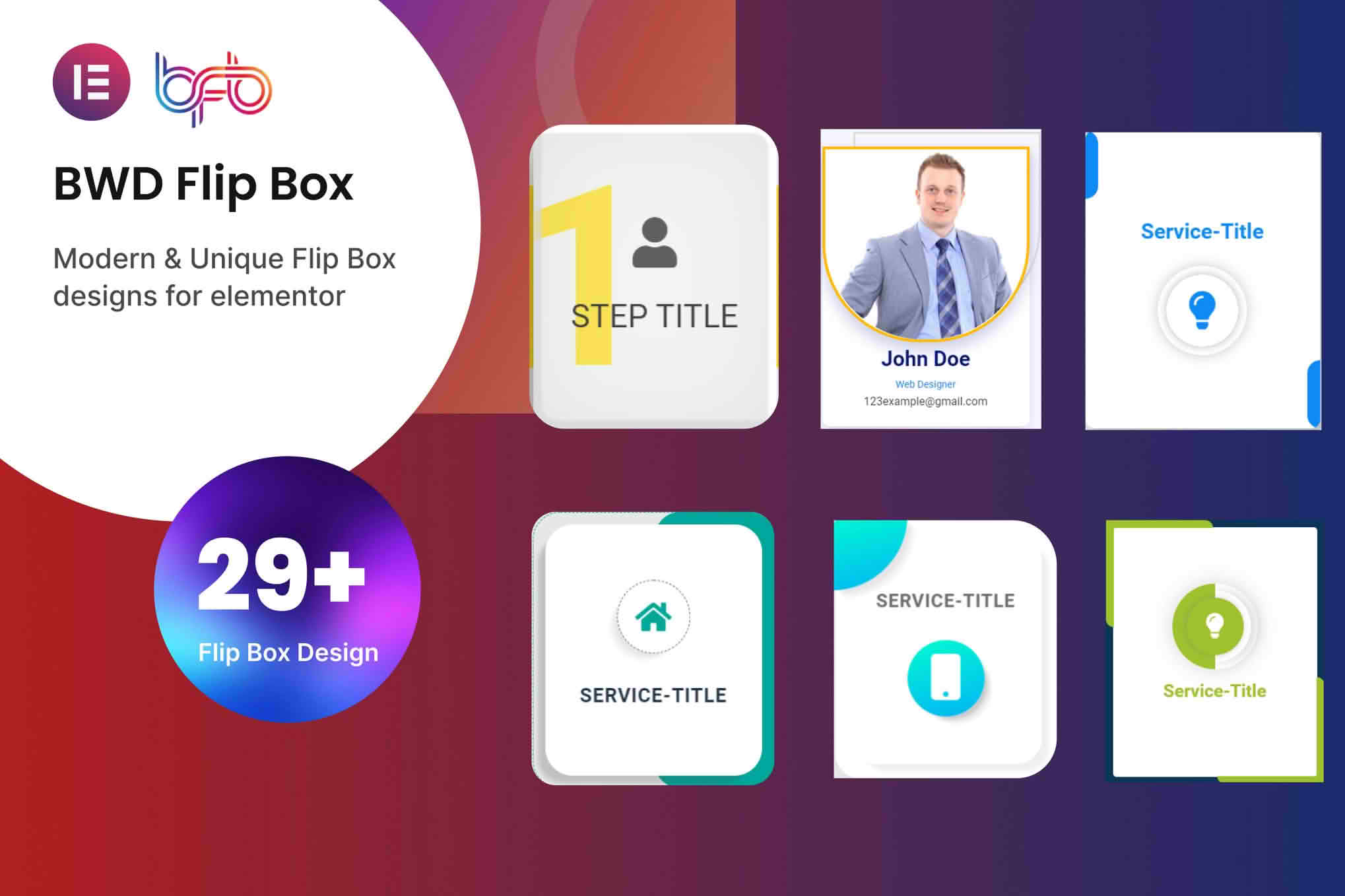
Transform static, boring content into engaging, interactive experiences with the Flip Box addon for Elementor. This powerful extension allows you to create eye-catching, two-sided cards that flip on hover or click, helping you capture visitor attention, save valuable screen space, and guide users toward your most important calls to action. Whether you are a web designer looking to elevate your portfolio or a business owner wanting to showcase services in a modern, interactive way, this addon provides the design flexibility you need to make your website stand out.
Key Features
- Interactive Flip Animations: Choose from a variety of smooth, professional transition effects, including horizontal flips, vertical flips, fades, and zooms, to create a dynamic user experience.
- Dual-Sided Content Control: Easily manage content for both the front and back of the box. Add icons, images, headings, text, and buttons to either side independently using the intuitive Elementor interface.
- Full Design Customization: Take complete control over the look and feel of your flip boxes. Customize background colors, gradients, images, border radius, box shadows, and typography to perfectly match your brand identity.
- Responsive Design Settings: Ensure your content looks perfect on every device. Adjust alignment, spacing, and font sizes specifically for desktop, tablet, and mobile views.
- Click or Hover Triggers: Decide how your users interact with your content. Set the flip action to trigger automatically on mouse hover or require a deliberate user click for better mobile accessibility.
- Elementor Integration: Built specifically for Elementor, this addon works seamlessly within the page builder. Simply drag and drop the widget onto your page and start editing immediately without writing a single line of code.
Use Cases / Who It’s For
The Flip Box addon is designed for anyone who wants to maximize engagement without cluttering their website layout. It is an ideal solution for service-based businesses, creative agencies, and e-commerce store owners alike.
Service Providers: Use flip boxes to display a simple icon and service title on the front, while revealing detailed service descriptions, pricing highlights, or a “Book Now” button on the back. It keeps your service page clean while providing all necessary information.
Creative Professionals: Showcase your team members or portfolio pieces in a sleek, interactive format. Display a headshot and name on the front, and reveal professional bios, skills, or social media links on the back.
E-commerce Stores: Highlight product features or unique selling points. Use the front to show a product image and on the back, provide key specifications or a direct link to the product page, reducing the need for long, text-heavy descriptions.
Educational Sites: Create interactive quizzes or flashcard-style learning modules where students can hover to reveal answers or additional context, making the learning process more engaging.
Setup / How It Works
Getting started with the Flip Box addon is straightforward and designed to fit into your existing Elementor workflow.
- Install and Activate: Install the plugin via your WordPress dashboard just like any other plugin and ensure Elementor is active.
- Drag and Drop: Open any page or template in the Elementor editor. Search for the “Flip Box” widget in the left-hand panel and drag it into your desired column or section.
- Configure Content: Click on the widget to open the settings panel. Under the “Front” and “Back” content tabs, add your text, images, icons, and buttons.
- Style to Perfection: Switch to the “Style” tab to adjust colors, typography, border properties, and animation speeds. You can preview the flip effect in real-time as you make changes.
- Publish: Once you are satisfied with the look and behavior, save your page and publish your changes to see the interactive flip boxes live on your site.
Similar Plugins
If you are exploring other ways to add interactive elements to your Elementor site, you may also encounter plugins such as Essential Addons for Elementor, Premium Addons for Elementor, or ElementsKit, all of which include flip box widgets as part of larger collections of Elementor extensions.