
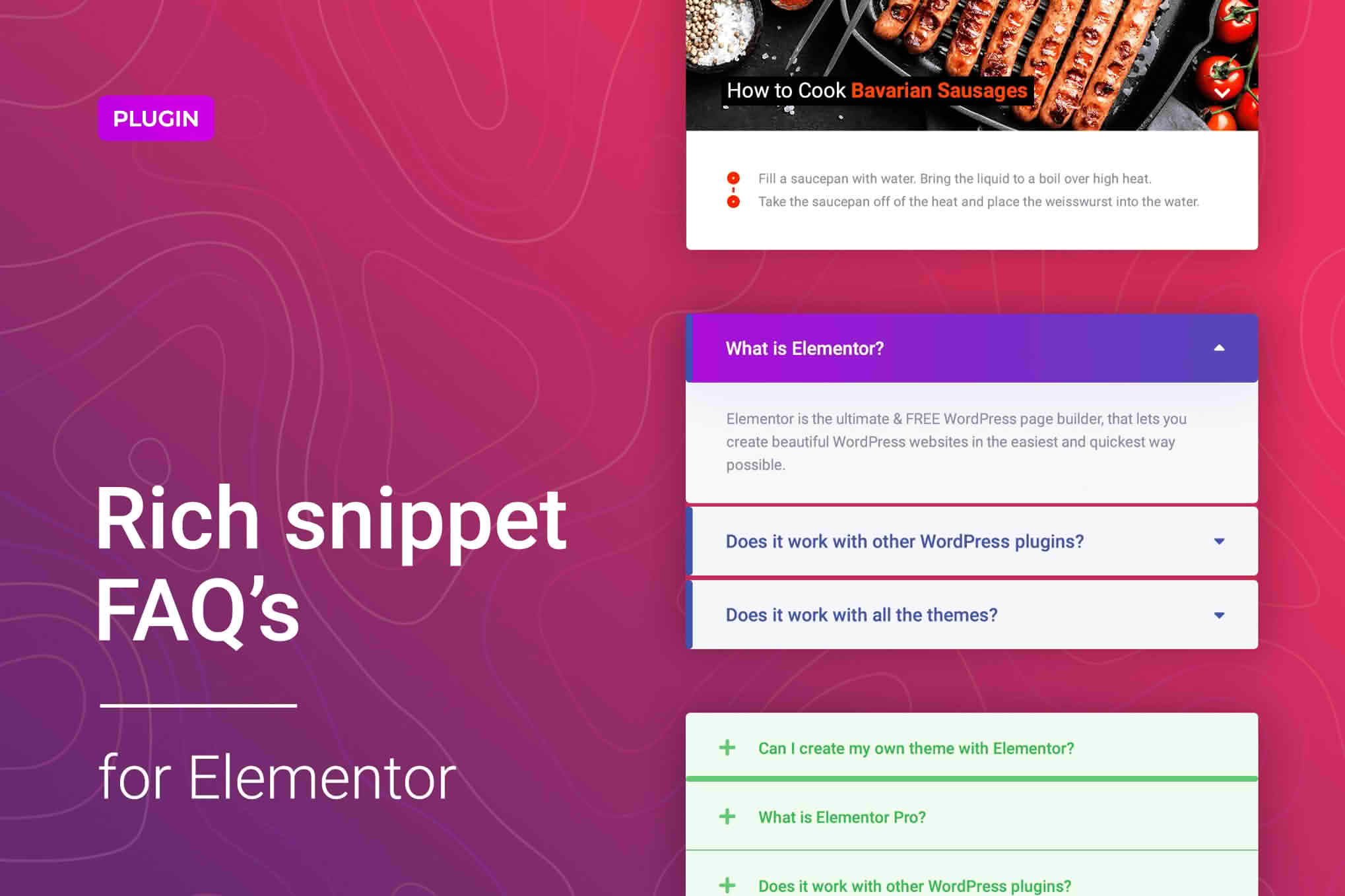
FAQ Accordions for Elementor is the ultimate solution for website owners looking to declutter their pages while providing essential information to their visitors. By transforming lengthy blocks of text into sleek, interactive, and space-saving accordion layouts, this plugin helps you improve user experience, boost readability, and keep your site visitors engaged. Designed specifically for the Elementor page builder, it allows you to create professional-grade FAQ sections without touching a single line of code, ensuring your site remains fast, clean, and highly functional.
Key Features
- Seamless Elementor Integration: Drag and drop the FAQ widget directly into your Elementor editor. It works natively with your existing workflow, ensuring perfect compatibility with your site’s design.
- Fully Customizable Styling: Take complete control over your accordion appearance. Adjust colors, typography, border styles, spacing, and icons to perfectly match your brand identity.
- Responsive Design: Your FAQs will look great on every device. The plugin is built to be mobile-responsive, ensuring that your content is easy to read and interact with on smartphones, tablets, and desktops.
- Performance Optimized: Built with clean code to ensure your website remains fast. You get powerful functionality without sacrificing page load speeds or SEO performance.
- Icon Control: Choose from a variety of icon sets for your expand and collapse indicators, or upload your own to create a unique look that fits your site’s aesthetic.
- Flexible Content Support: Beyond simple text, you can include images, links, and shortcodes within your accordion items, allowing for rich and informative content delivery.
- Multiple Layout Options: Choose between different behavior modes, such as allowing multiple items to be open at once or enabling the “accordion effect” where closing one item automatically opens another.
Use Cases: Who It’s For
This plugin is an essential tool for any WordPress user who needs to manage large amounts of information efficiently. If you run an e-commerce store, you can use the plugin to create a dedicated “Shipping and Returns” or “Product Sizing” section that doesn’t overwhelm the product page. Service providers, such as consultants or agencies, can use it to answer common client questions, helping to build trust and reduce repetitive support emails.
It is also perfect for bloggers and content creators who want to provide deep-dive information without cluttering the page layout. By hiding secondary information behind an interactive toggle, you keep your primary content front and center while still making the details easily accessible to those who need them. Whether you are building a landing page, a corporate site, or a personal portfolio, FAQ Accordions for Elementor helps you maintain a clean, professional aesthetic while providing the answers your visitors are looking for.
Setup: How It Works
- Install and Activate: Upload the plugin zip file to your WordPress dashboard via the Plugins menu and activate it.
- Open Elementor: Navigate to the page or post where you want to add your FAQ section and open it with the Elementor editor.
- Drag and Drop: Locate the “FAQ Accordion” widget in the Elementor sidebar and drag it onto your canvas.
- Add Content: Use the content tab to add your questions and answers. You can add as many items as you need with a simple click.
- Style Your Accordion: Switch to the Style tab to adjust colors, fonts, and spacing to match your brand.
- Publish: Once you are satisfied with the look and feel, update or publish your page to make the FAQ section live for your visitors.
Similar Plugins
If you are exploring options for accordion functionality within the WordPress ecosystem, other notable plugins include Ultimate Addons for Elementor, Essential Addons for Elementor, and JetElements. These plugins offer broader suites of widgets that include accordion functionality among many other features, whereas FAQ Accordions for Elementor focuses specifically on providing a streamlined and lightweight experience for this particular task.