
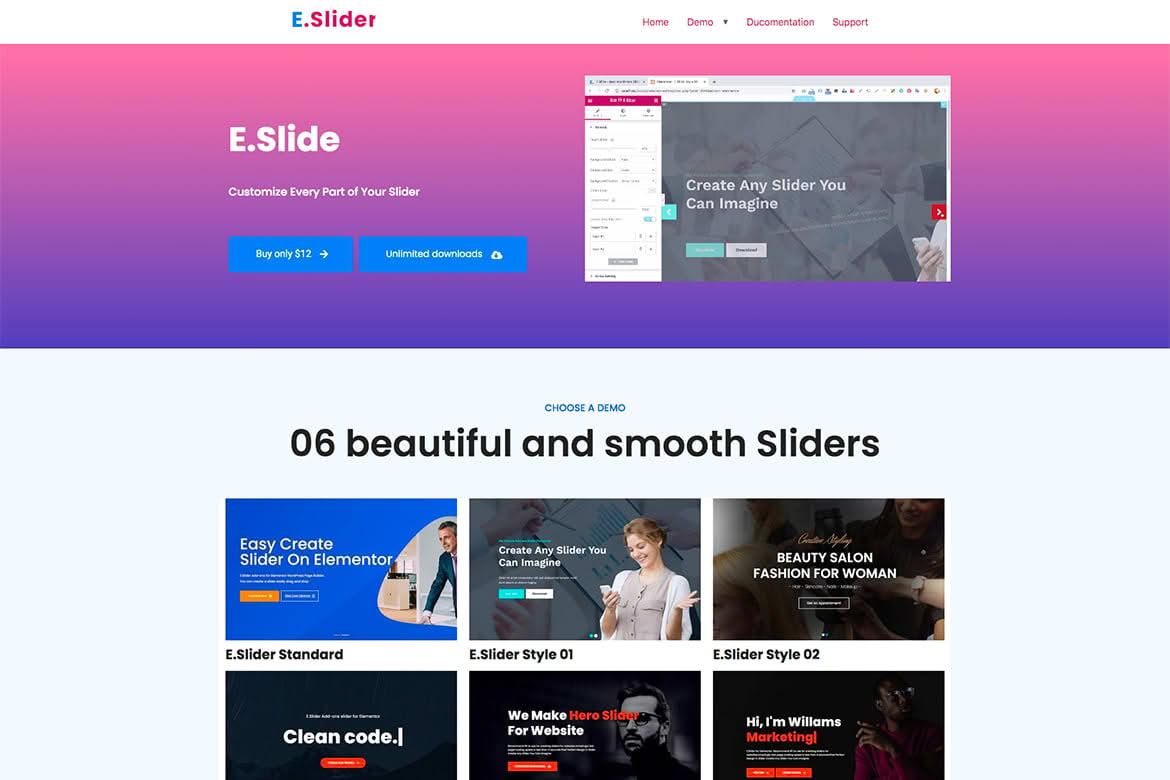
Elevate your website’s visual storytelling with the Elementor Slider Addons widget, a powerful tool designed to help you create stunning, high-performance sliders directly within the Elementor page builder. Whether you are looking to showcase your latest products, highlight featured blog posts, or create immersive hero sections, this plugin provides the flexibility and design control you need to capture your visitors’ attention without writing a single line of code.
Key Features
- Drag-and-Drop Interface: Seamlessly integrates with the Elementor editor, allowing you to build and customize your sliders using the familiar interface you already know and love.
- Responsive Design Controls: Ensure your sliders look perfect on every device. Configure specific settings for desktop, tablet, and mobile views to maintain a consistent user experience.
- Dynamic Content Support: Easily pull content from your WordPress posts, pages, or custom post types, keeping your sliders automatically updated as you add new content to your site.
- Advanced Navigation Options: Choose from a variety of navigation styles, including arrows, dots, and progress bars, to give your users intuitive control over their browsing experience.
- Customizable Animations: Select from a library of transition effects, such as fade, slide, or zoom, to add professional motion and depth to your website.
- Performance Focused: Built with clean, optimized code to ensure that your sliders load quickly and do not negatively impact your site’s search engine rankings or user experience.
- Interactive Elements: Add buttons, text overlays, and call-to-action elements directly onto your slides to drive user engagement and conversions.
Use Cases / Who It’s For
The Elementor Slider Addons widget is an essential tool for a wide range of website owners and developers. If you are an e-commerce store owner, you can use it to create eye-catching product carousels that showcase your best-sellers or seasonal collections. For agencies and freelancers, this plugin serves as a reliable solution for building high-end client websites that require sophisticated visual components without the overhead of complex custom development.
Bloggers and content creators will find it invaluable for highlighting featured articles, creating image galleries, or displaying testimonials in a clean, organized format. By providing a balance of ease-of-use and advanced customization, this plugin is perfect for anyone who wants to enhance their site’s aesthetic appeal while maintaining a professional and functional design.
Setup / How It Works
- Install and Activate: Upload the plugin zip file to your WordPress dashboard via the Plugins menu, then activate it to enable the new widget.
- Open Elementor: Navigate to the page or template where you wish to add your slider and open it with the Elementor editor.
- Drag the Widget: Locate the “Slider Addons” widget in the Elementor sidebar and drag it onto your canvas.
- Configure Content: Use the Content tab to add your images, videos, or dynamic content sources. You can easily reorder slides and adjust individual slide settings here.
- Style Your Slider: Switch to the Style tab to customize typography, colors, spacing, navigation arrow appearance, and transition speeds to match your brand identity.
- Publish: Once you are satisfied with the look and feel, update or publish your page to make your new slider live for your visitors.
Similar Plugins
While Elementor offers native slider capabilities, users seeking more specialized functionality often consider alternatives such as Smart Slider 3, Slider Revolution, or the Master Slider plugin. These options also provide extensive integration with Elementor and offer advanced features for those requiring complex animation timelines or unique slider layouts.