
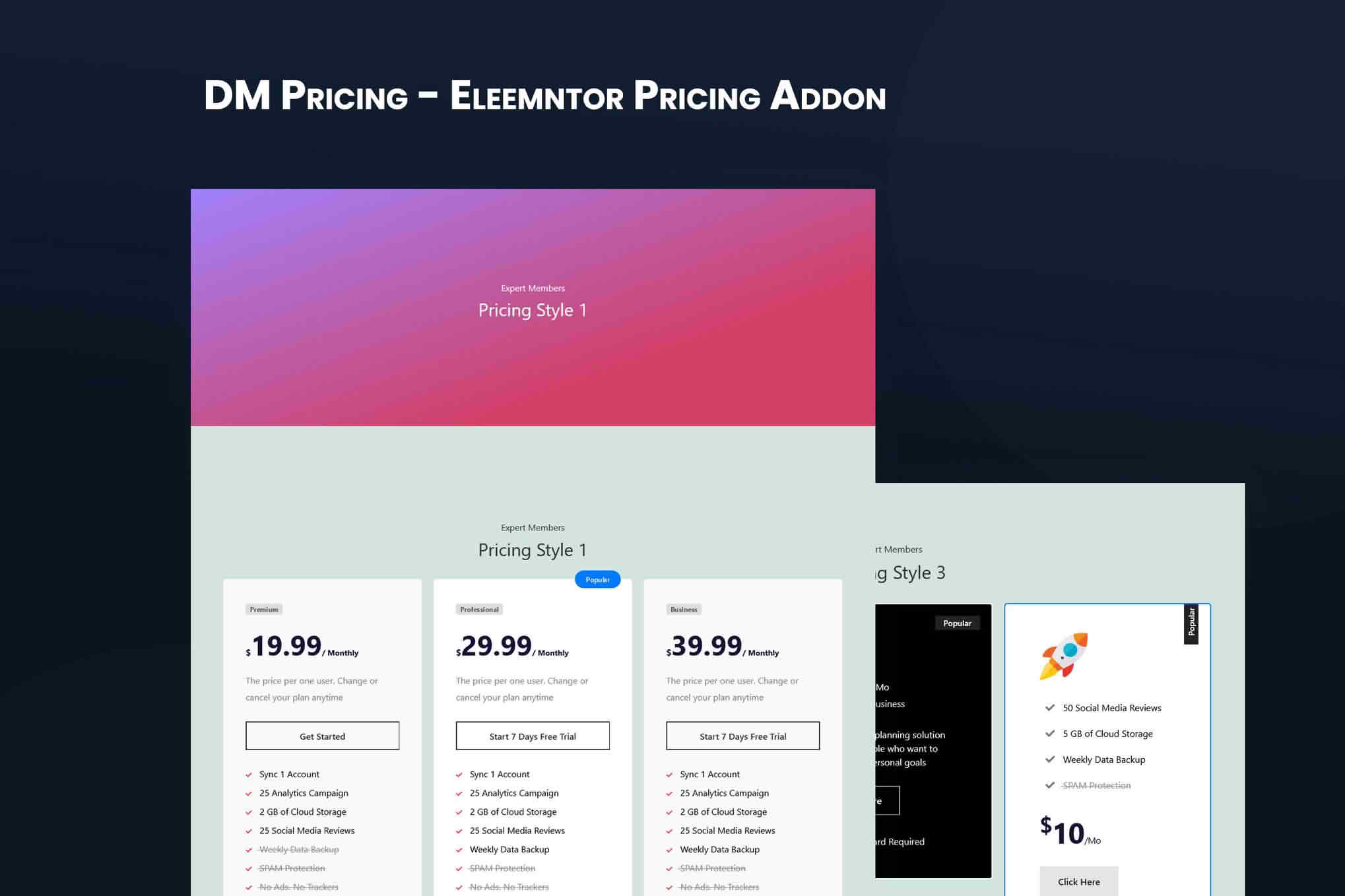
DM Pricing empowers WordPress site owners to create professional, high-converting pricing tables and comparison charts without writing a single line of code. Whether you are selling digital products, offering subscription services, or showcasing different tiers of professional consulting, this plugin provides the visual structure necessary to guide your visitors toward the right decision. By presenting your offerings in a clean, organized, and responsive layout, you can effectively highlight the value of your premium plans and increase your conversion rates.
Key Features
- Responsive Design: Tables automatically adjust to look perfect on desktops, tablets, and mobile devices, ensuring a seamless user experience for every visitor.
- Drag-and-Drop Builder: Easily rearrange columns, modify plan details, and update pricing information using an intuitive interface that simplifies content management.
- Customizable Styling: Tailor the look of your pricing tables to match your brand identity by adjusting colors, fonts, button styles, and border designs.
- Highlight Popular Plans: Effortlessly draw attention to your most recommended or best-selling packages with built-in featured column options, such as ribbons or scale effects.
- Flexible Content Blocks: Add text, icons, checkmarks, or custom HTML inside each pricing cell to provide comprehensive details about what is included in every tier.
- Shortcode Integration: Quickly embed your completed pricing tables into any page, post, or widget area using simple, generated shortcodes.
Use Cases and Who It’s For
DM Pricing is designed for anyone who needs to present multiple service options or product tiers in a clear, comparative format. It is an essential tool for SaaS companies looking to display tiered software subscription models, where clearly outlining the differences between “Basic,” “Pro,” and “Enterprise” plans is critical for driving sign-ups.
Freelancers and agencies also benefit significantly from this plugin. If you offer tiered packages for web design, SEO services, or consulting, using a professional pricing table helps potential clients quickly understand the scope of work and the value proposition of your higher-tier offerings. Additionally, bloggers and affiliate marketers use DM Pricing to create side-by-side comparisons of products, helping their audience make informed purchasing decisions while boosting their own affiliate revenue through clear call-to-action buttons.
Setup and How It Works
- Install and Activate: Upload the plugin to your WordPress dashboard via the Plugins menu and activate it to begin building.
- Create a New Table: Navigate to the DM Pricing menu in your dashboard and click to create a new pricing table.
- Configure Columns: Define your plan names, prices, and feature lists. Use the editor to add descriptions and set your “featured” plan to stand out.
- Style Your Table: Use the settings panel to select your preferred color scheme, button styles, and layout preferences to ensure the table aligns with your website’s aesthetic.
- Publish with Shortcode: Once satisfied with the design, copy the provided shortcode and paste it into any WordPress page or post where you want the pricing table to appear.
Similar Plugins
If you are exploring different ways to display pricing, you may also consider alternatives such as Pricing Table by PickPlugins, Easy Pricing Tables, or Go Pricing. These plugins offer similar functionality for creating comparison charts and tiered pricing structures within the WordPress ecosystem.