
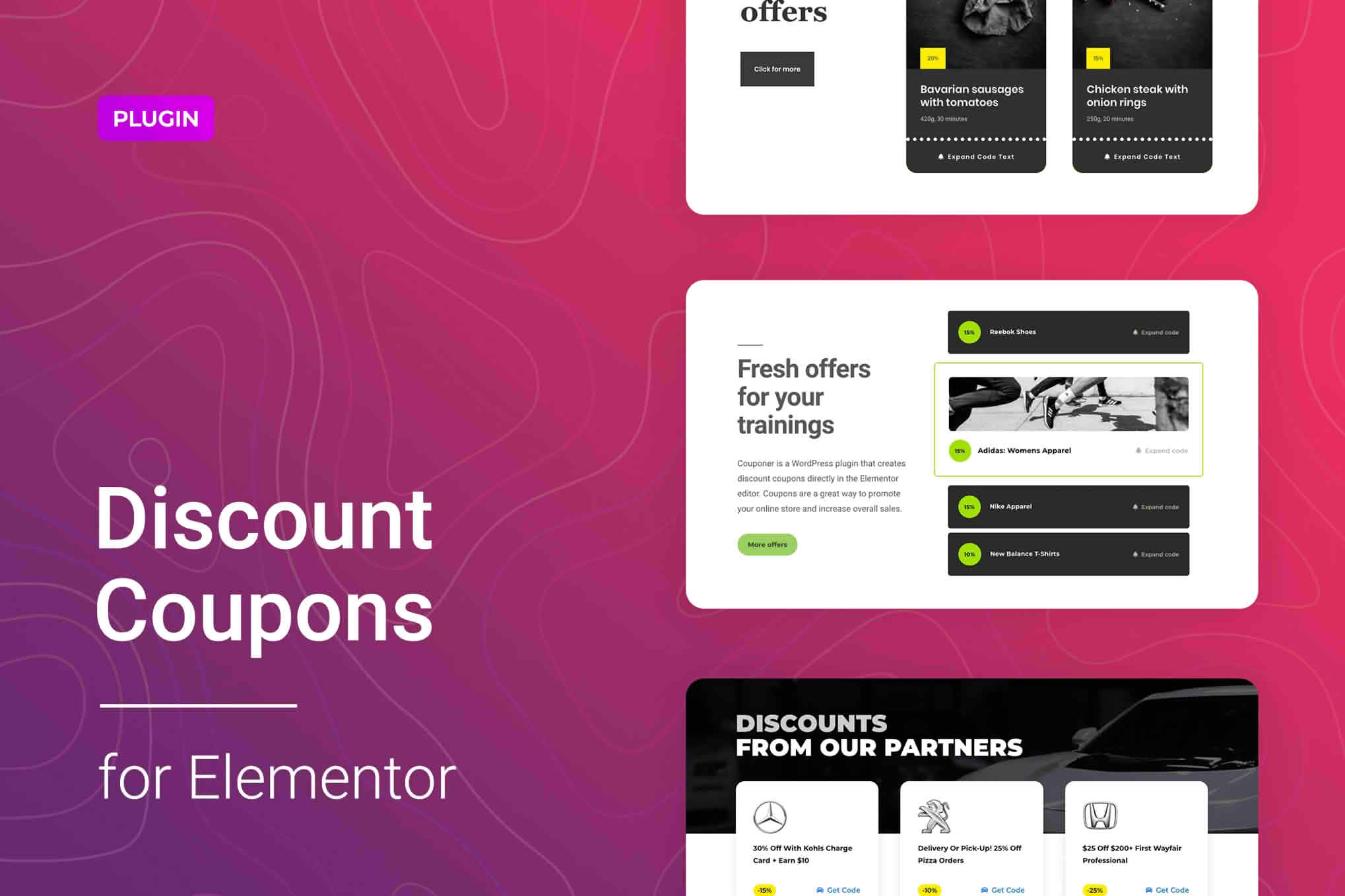
Unlock the full potential of your WooCommerce store by creating high-converting, visually stunning coupon displays directly within your Elementor-built pages. Discount Coupons for Elementor bridges the gap between complex backend coupon settings and your frontend design, allowing you to showcase promotions, flash sales, and exclusive offers exactly where your customers are most likely to convert. Whether you are looking to increase average order value or recover abandoned carts, this plugin provides the design flexibility you need to make your discounts impossible to ignore.
Key Features
- Seamless Elementor Integration: Drag and drop your coupon elements directly into any page, post, or template using the familiar Elementor interface.
- Customizable Coupon Widgets: Style your coupon boxes to match your brand identity perfectly, adjusting colors, typography, borders, and spacing without writing a single line of code.
- Dynamic Coupon Display: Showcase specific coupons or automatically pull in active promotions to keep your site content fresh and relevant to ongoing sales campaigns.
- Enhanced User Experience: Enable one-click coupon application, allowing customers to redeem discounts instantly without having to manually type or copy-paste complicated codes.
- Responsive Design Controls: Ensure your promotional offers look flawless on every device, with granular control over how coupons appear on desktop, tablet, and mobile screens.
- Targeted Visibility Options: Control where and when your coupons appear, ensuring that the right offers reach the right audience at the right time in their shopping journey.
Use Cases and Who It’s For
This plugin is designed for WooCommerce store owners, digital marketers, and web designers who want to boost conversions without relying on generic, unstyled coupon fields. If you are running a seasonal promotion, a Black Friday event, or a loyalty program, this tool helps you communicate those offers effectively.
Store owners will find this particularly useful for reducing friction at checkout. By placing a “Click to Apply” coupon button on a product page or a landing page, you remove the barrier of customers having to remember or search for a discount code. Designers will appreciate the ability to keep the site’s aesthetic consistent, as the coupon elements are fully customizable to align with the rest of the website’s design system, avoiding the “clunky” look often associated with default WooCommerce checkout fields.
Setup and How It Works
Getting started with Discount Coupons for Elementor is designed to be straightforward for users of all skill levels:
- Install and Activate: Upload the plugin to your WordPress dashboard and activate it alongside Elementor and WooCommerce.
- Access the Library: Open any page or template in the Elementor editor. You will find the new coupon widgets added to your Elementor panel.
- Drag and Drop: Simply drag the desired coupon widget onto your page canvas.
- Configure Settings: Use the Elementor content tab to select the specific WooCommerce coupon you wish to display or configure the display logic.
- Style to Perfection: Switch to the Style tab to adjust fonts, background colors, button shapes, and hover effects to match your site’s branding.
- Publish: Once you are satisfied with the look and feel, update your page. Your customers can now interact with your coupons immediately.
Similar Plugins
If you are exploring your options, there are other solutions in the ecosystem that focus on coupon management and display. Plugins such as Advanced Coupons for WooCommerce offer extensive backend functionality for complex coupon rules, while YITH WooCommerce Coupon Email System focuses on the distribution of coupons. Additionally, many general-purpose Elementor Add-on bundles include basic coupon widgets that provide similar, though often less specialized, design capabilities.