
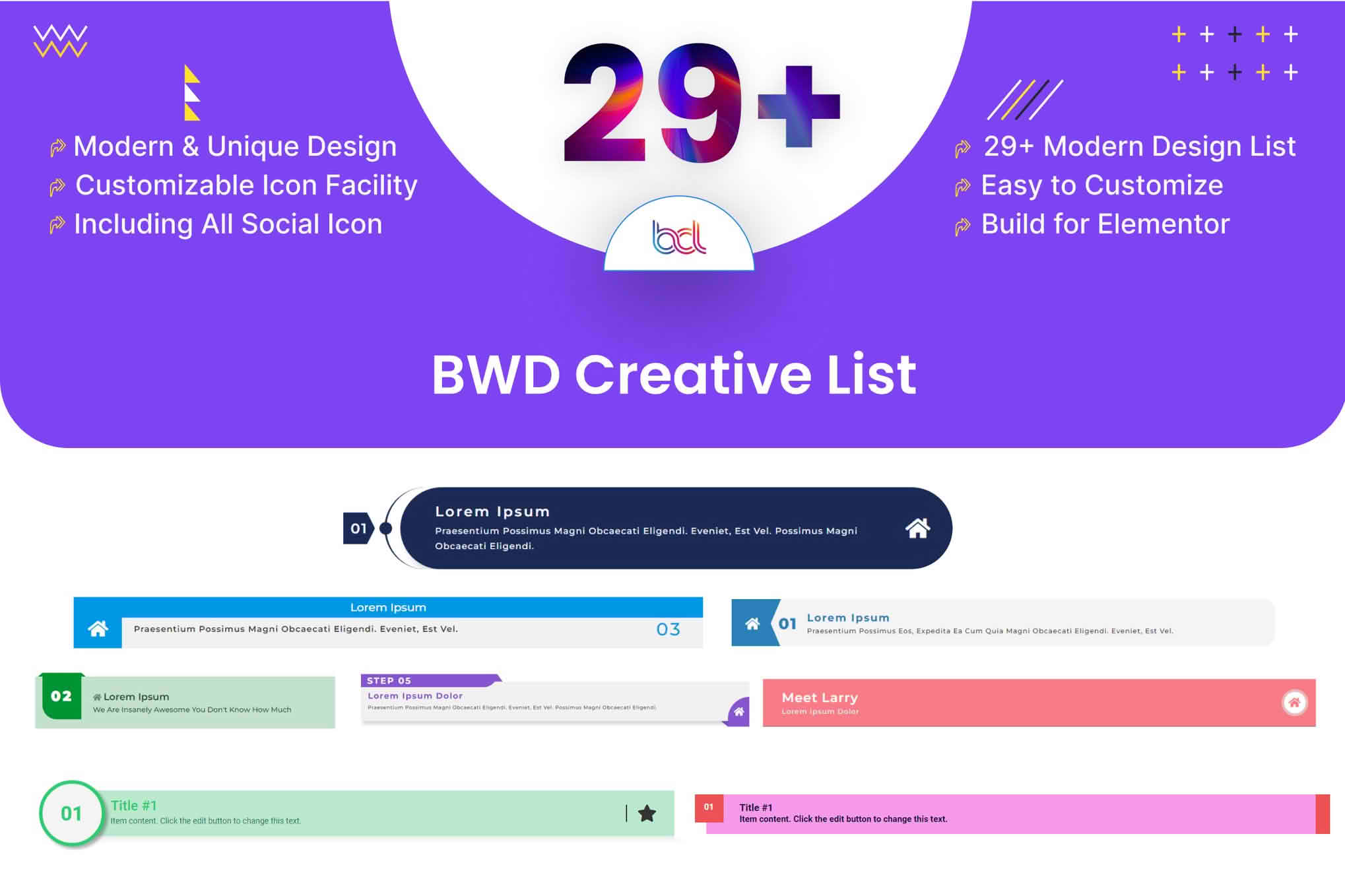
Transform your standard, boring bullet points into engaging, high-converting visual elements with the Creative List addon for Elementor. Designed specifically for web designers, marketers, and business owners who rely on Elementor, this plugin bridges the gap between basic text lists and professional-grade information displays. Whether you are showcasing service packages, highlighting key product benefits, or organizing complex data, this addon empowers you to create stunning, interactive lists that capture attention and keep visitors scrolling.
Key Features
- Advanced Customization Options: Take full control over your list design with extensive styling settings. Customize typography, colors, spacing, and borders to perfectly match your brand identity without touching a single line of code.
- Icon and Image Integration: Move beyond simple dots. Elevate your lists by incorporating custom icons, FontAwesome icons, or high-quality images to represent each list item, making your content more digestible and visually appealing.
- Interactive Hover Effects: Engage your users with smooth, professional hover animations. These micro-interactions provide immediate feedback, making your static content feel dynamic and modern.
- Responsive Layout Controls: Ensure your lists look perfect on every device. Configure how your lists stack or display on tablets and mobile phones to maintain a seamless user experience across all screen sizes.
- Flexible Content Layouts: Choose from various layout styles, including horizontal and vertical orientations, to fit the specific space available on your page design.
- Dynamic Content Support: Seamlessly integrate with Elementor’s dynamic tags to pull information directly from your WordPress database, allowing for automated and scalable list updates.
Use Cases / Who It’s For
The Creative List addon is an essential tool for anyone looking to improve the readability and aesthetic of their WordPress site. If you are a web designer managing multiple client projects, this plugin allows you to quickly implement sophisticated list styles that would otherwise require custom CSS development, significantly reducing your build time.
For business owners and marketers, this tool is perfect for creating high-impact pricing tables, feature comparison lists, or “how-it-works” sections on landing pages. By presenting information in a structured, visually stimulating way, you reduce cognitive load for your visitors, helping them understand your value proposition faster. It is also an excellent choice for bloggers and content creators who want to break up long-form text with clean, organized, and attractive bulleted sections that encourage readers to stay on the page longer.
Setup / How It Works
Getting started with the Creative List addon is designed to be intuitive for anyone already familiar with the Elementor page builder interface.
- Install and Activate: Once you have installed the plugin, ensure it is active on your WordPress dashboard.
- Access Elementor: Open any page or template using the Elementor editor.
- Drag and Drop: Locate the “Creative List” widget in the Elementor sidebar and drag it onto your desired section.
- Add Content: Use the Content tab to add your list items, assign icons or images, and manage the order of your list.
- Style and Customize: Switch to the Style tab to adjust colors, typography, spacing, and hover effects to align with your design system.
- Publish: Once you are satisfied with the look and feel, update or publish your page to see your new lists in action.
Similar Plugins
If you are exploring options for enhancing your Elementor site, you may also encounter other popular addon suites that include similar list-building functionality, such as Essential Addons for Elementor, Premium Addons for Elementor, and PowerPack for Elementor. These suites often provide a broad range of widgets, whereas the Creative List addon focuses specifically on optimizing and stylizing list-based content.