
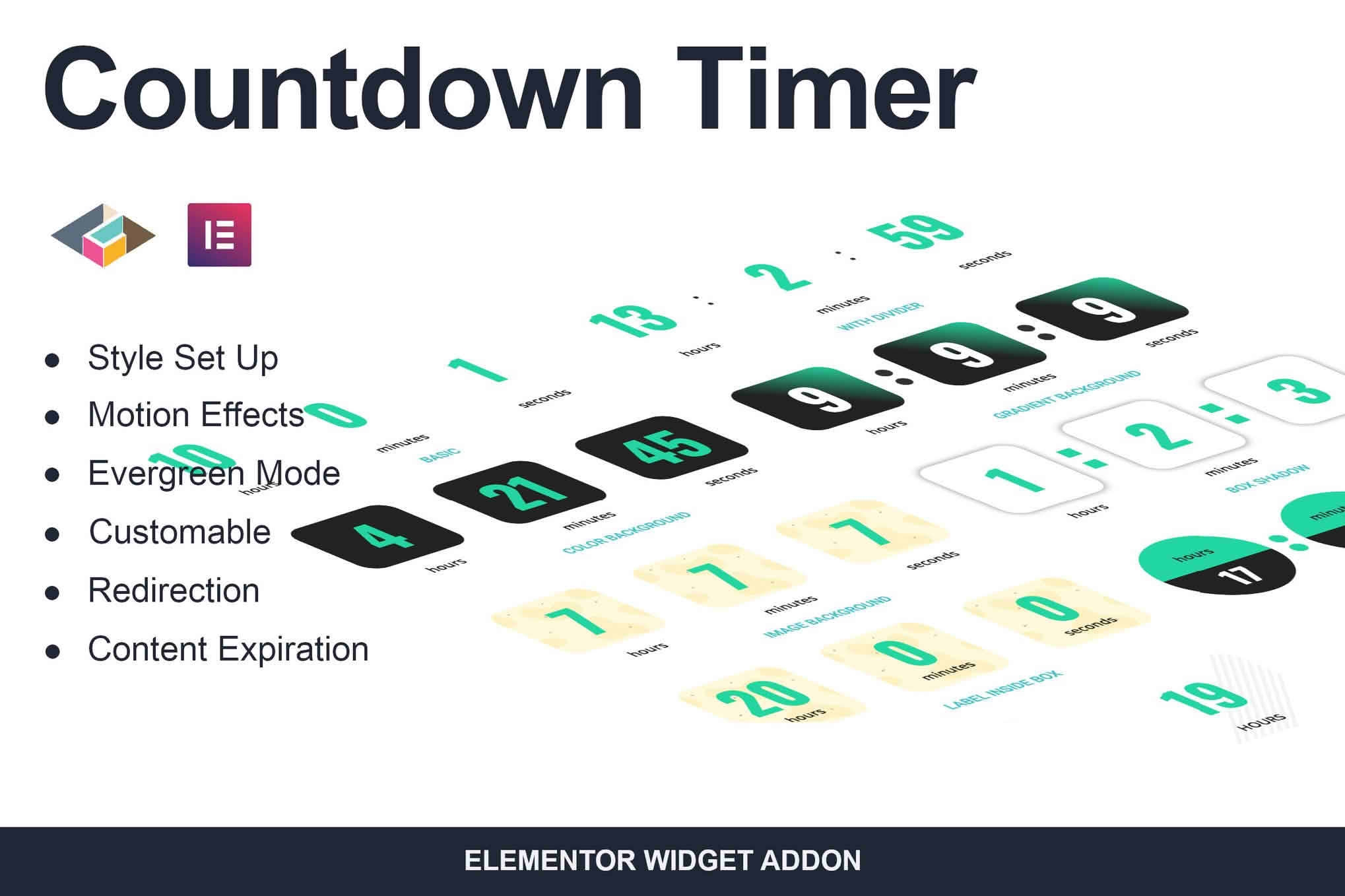
Drive urgency, boost conversions, and captivate your visitors with the Countdown Timer Elementor Page Builder Addon. Designed specifically for the world’s most popular page builder, this plugin empowers you to create stunning, high-converting countdown timers in minutes without writing a single line of code. Whether you are launching a new product, running a flash sale, or building anticipation for an upcoming event, this tool provides the psychological edge needed to turn casual browsers into paying customers.
Key Features
- Drag-and-Drop Integration: Fully native Elementor support allows you to simply drag the countdown widget into any section, column, or page layout you have created.
- Multiple Timer Styles: Choose from various countdown formats, including evergreen timers, fixed-date timers, and recurring timers to suit your specific marketing campaign.
- Complete Design Customization: Take full control over the look and feel. Adjust fonts, colors, background styles, border radius, and spacing to perfectly match your brand identity.
- Responsive Design: Ensure your timers look flawless on every device. Configure different settings for mobile, tablet, and desktop to maintain a perfect user experience.
- Action After Expiry: Automate your post-countdown workflow. Choose to hide the timer, display a custom message, or redirect users to a different URL once the clock hits zero.
- Evergreen Timer Functionality: Create personalized urgency for every visitor by setting timers that start the moment a user lands on your page, perfect for limited-time offers and sales funnels.
- Performance Optimized: Built with clean, lightweight code to ensure your website remains fast and responsive, keeping your SEO rankings high while you boost your sales.
Use Cases / Who It’s For
This plugin is an essential tool for digital marketers, e-commerce store owners, and web designers looking to improve their conversion rates. If you operate an online store, a countdown timer is the most effective way to highlight a “Sale Ending Soon” banner, encouraging shoppers to complete their purchase before the discount disappears. Course creators and webinar hosts can use the plugin to build anticipation for enrollment windows or live sessions, ensuring their audience knows exactly when the opportunity closes.
Freelancers and agencies will also find this addon invaluable for client projects. It allows you to quickly add professional-grade marketing elements to client sites without requiring complex custom development or third-party integrations that slow down the site. By leveraging the power of scarcity, you can help your clients achieve their revenue goals more effectively.
Setup / How It Works
- Install and Activate: Upload the plugin zip file to your WordPress dashboard, activate it, and ensure the Elementor Page Builder is already installed and active.
- Open Elementor Editor: Navigate to the page or post where you want to add the timer and open the Elementor editor.
- Drag the Widget: Locate the Countdown Timer widget in the Elementor sidebar and drag it onto your canvas.
- Configure Settings: Use the content tab to set the countdown type (fixed date or evergreen) and the expiry date or duration.
- Style Your Timer: Switch to the Style tab to customize the typography, colors, and layout to align with your website’s design language.
- Publish: Save your changes and publish your page to start driving conversions immediately.
Similar Plugins
If you are exploring your options within the Elementor ecosystem, there are other tools that offer countdown functionality. These include the Essential Addons for Elementor, Premium Addons for Elementor, and Ultimate Addons for Elementor. While these are part of larger widget bundles, the Countdown Timer Elementor Page Builder Addon is specifically optimized for those who want a focused, lightweight solution without the bloat of dozens of unused widgets.