
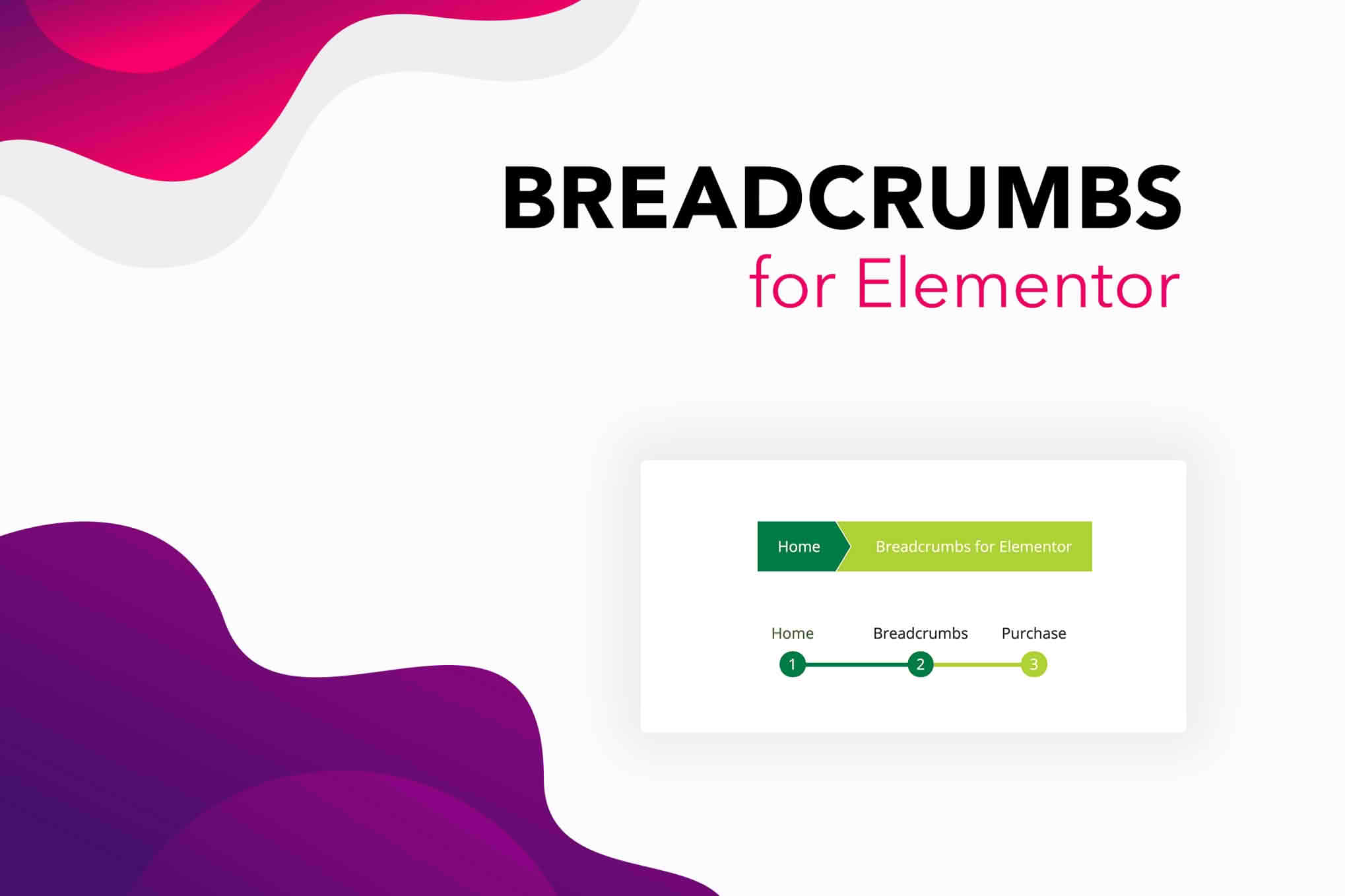
Enhance your website navigation and boost your SEO efforts with Breadcrumbs for Elementor. This specialized plugin seamlessly integrates custom, fully styled breadcrumb navigation trails directly into your Elementor-built pages, posts, and archives. By providing a clear path for visitors to follow and helping search engines better understand your site architecture, this tool transforms the user experience while improving your site’s discoverability.
Key Features
- Native Elementor Integration: Drag and drop your breadcrumbs anywhere on your page using a dedicated Elementor widget, ensuring a perfect fit with your existing layouts.
- Full Design Control: Customize every aspect of your breadcrumb trail, including typography, colors, spacing, and separator icons, directly within the Elementor editor interface.
- SEO Optimization: Automatically generates structured data (Schema.org markup) to help search engines index your site hierarchy, potentially improving your appearance in search results.
- Dynamic Path Generation: Automatically detects your post types, categories, and page hierarchies to display accurate navigation paths without manual configuration.
- Customizable Home Link: Easily rename or replace the default home link text and icon to match your brand identity.
- Responsive Design: Breadcrumbs are built to be fully responsive, ensuring they look great and function perfectly on mobile devices, tablets, and desktops.
- Performance Focused: Lightweight code ensures that your site speed remains unaffected, keeping your page load times fast for both users and search engines.
Use Cases and Who It’s For
Breadcrumbs for Elementor is an essential tool for any website owner, designer, or developer aiming to improve site usability and search engine performance. If you operate a content-heavy website, such as a blog, news portal, or educational site, breadcrumbs provide a vital map for users to navigate back through categories and archives without getting lost. For e-commerce store owners, these navigation trails are critical for guiding customers back to parent product categories, which can significantly reduce bounce rates and encourage further exploration of your catalog.
This plugin is perfect for web designers who frequently use Elementor to build client sites. It eliminates the need for complex custom coding or relying on theme-specific breadcrumb functions that may be difficult to style. Whether you are building a simple portfolio or a complex multi-level corporate website, this plugin provides a consistent, professional, and user-friendly navigation solution that enhances the overall quality of your web projects.
Setup and How It Works
Getting started with Breadcrumbs for Elementor is designed to be straightforward and intuitive, allowing you to have professional navigation trails live in minutes.
- Install and Activate: Upload the plugin zip file to your WordPress dashboard, install it, and activate it just like any other standard plugin.
- Locate the Widget: Open any page or template in the Elementor editor. Search for the “Breadcrumbs” widget in the Elementor panel.
- Drag and Drop: Simply drag the widget onto your desired section, column, or inner section.
- Configure Settings: Use the Content tab to adjust the path settings and the Style tab to customize the look, feel, and typography to match your brand design.
- Save and Publish: Once you are satisfied with the appearance, save your changes, and the breadcrumbs will immediately appear on the front end of your site.
Similar Plugins
While Breadcrumbs for Elementor is optimized specifically for the Elementor page builder, other solutions exist for adding breadcrumb functionality to WordPress. Popular alternatives include Yoast SEO and Rank Math, both of which offer built-in breadcrumb features that can be inserted via shortcodes or theme functions. Additionally, the Breadcrumb NavXT plugin is a widely used, standalone solution for sites that require highly complex or custom navigation hierarchies outside of the Elementor environment.