
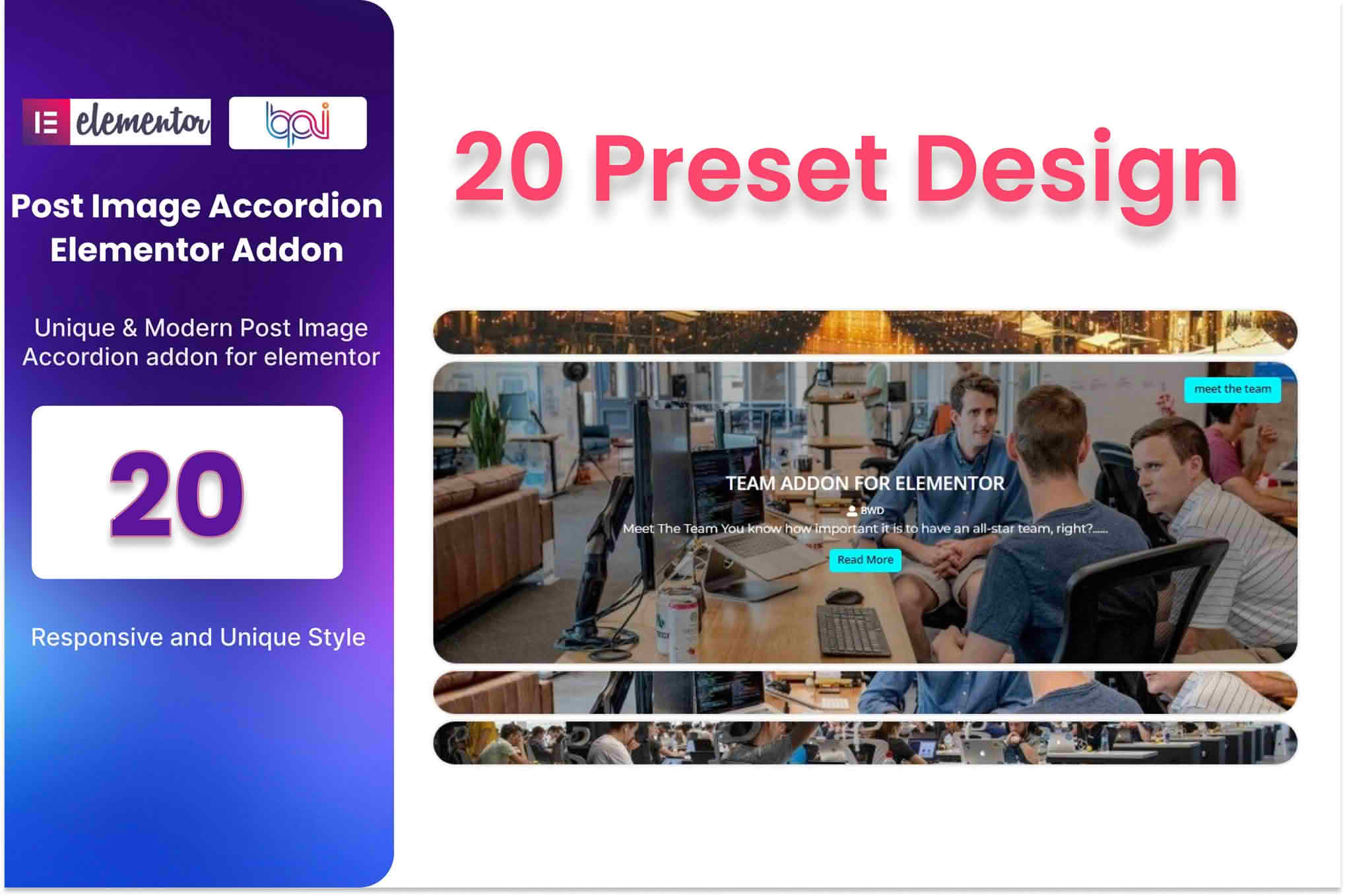
Transform your static blog feeds into engaging, interactive visual experiences with the Blog Post Image Accordion Addon for Elementor. Designed specifically for content-heavy websites, this plugin allows you to showcase your latest articles through a sleek, space-saving accordion layout. By replacing traditional grid or list views with an expandable image-based interface, you can capture visitor attention, encourage more clicks, and keep users exploring your content longer without cluttering your page design.
Key Features
- Interactive Accordion Layout: Display your blog posts in a dynamic accordion format where images expand on hover or click, providing a modern and sophisticated look for your archives or featured post sections.
- Seamless Elementor Integration: Built as a native Elementor addon, it offers a drag-and-drop interface. You can customize every aspect of the accordion directly within the Elementor editor without touching a single line of code.
- Dynamic Content Loading: Automatically pull your latest blog posts, including featured images, titles, excerpts, and meta-data, ensuring your accordion is always up-to-date with your newest content.
- Extensive Styling Options: Take full control over the visual presentation. Adjust typography, image overlays, border radius, transition speeds, and hover effects to perfectly match your website’s existing branding.
- Responsive Design: Ensure your blog content looks perfect on every device. The accordion is fully responsive, automatically adjusting its layout for tablets and mobile phones to provide a smooth user experience.
- Customizable Query Controls: Filter your posts by category, tag, or author, and limit the number of posts displayed to curate exactly what your visitors see in the accordion.
Use Cases / Who It’s For
This plugin is the ideal solution for content creators, bloggers, and digital agencies looking to elevate their site’s user interface. If you run a high-traffic blog, an online magazine, or a portfolio site, you understand the challenge of displaying a large volume of articles without overwhelming the reader. The Blog Post Image Accordion helps solve this by condensing information into a compact, visually appealing format.
It is particularly effective for news sites that want to highlight top stories, travel blogs showcasing destination photography, or business websites that use a blog to establish thought leadership. By utilizing an accordion style, you reduce the vertical footprint of your page, allowing you to fit more featured content “above the fold” while maintaining a clean, minimalist aesthetic that keeps visitors focused on your imagery and headlines.
Setup / How It Works
- Install and Activate: Upload the plugin zip file to your WordPress dashboard via the Plugins menu and activate it to unlock the new widget in Elementor.
- Drag and Drop: Open any page or template using the Elementor editor. Search for the “Blog Post Image Accordion” widget in the sidebar and drag it onto your desired section.
- Configure the Query: Use the Content tab to select your source. You can choose to display the latest posts, filter by specific categories, or order them by date or popularity.
- Customize the Style: Navigate to the Style tab to adjust the accordion height, image overlay colors, typography for titles, and the transition effects for when a user interacts with an item.
- Publish: Once you are satisfied with the layout and design, click “Update” or “Publish” to display your interactive blog accordion to your site visitors.
Similar Plugins
If you are exploring other ways to display dynamic content within Elementor, you may also consider generic post grid plugins like Essential Addons for Elementor, Premium Addons for Elementor, or JetEngine by Crocoblock. While these plugins offer broader suites of widgets—including grids, carousels, and masonry layouts—the Blog Post Image Accordion Addon remains the most specialized choice if your primary goal is to implement a specific, high-impact accordion-style interaction for your blog posts.