
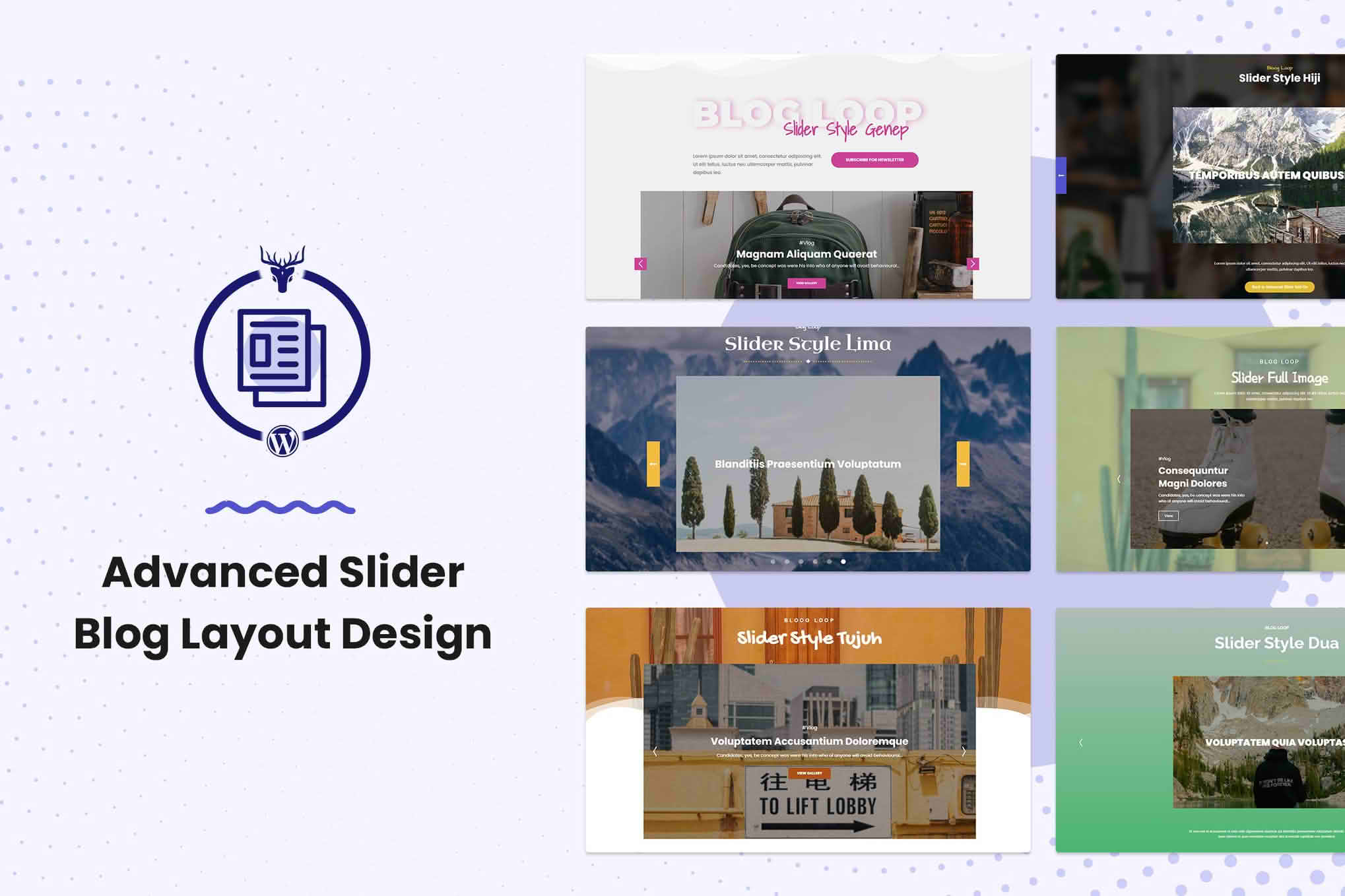
Transform your standard WordPress blog into a visually captivating experience that keeps visitors engaged and clicking. The Advanced Slider Blog Layout Design plugin empowers content creators, bloggers, and business owners to break free from the limitations of default theme layouts by introducing high-performance, responsive, and fully customizable slider modules directly into their blog feeds. Whether you want to highlight featured posts, showcase trending content, or create a dynamic magazine-style homepage, this plugin provides the tools to turn static text into an interactive storytelling journey.
Key Features
- Dynamic Post Sliders: Instantly convert your latest blog posts, specific categories, or tagged content into sleek, touch-friendly sliders that look great on any device.
- Customizable Layout Controls: Take full command of your design with adjustable slide counts, transition speeds, navigation arrows, and pagination dots to match your brand identity.
- Performance Optimized: Built with clean, lightweight code to ensure your sliders load rapidly without negatively impacting your site’s SEO or user experience.
- Flexible Display Options: Choose exactly where your sliders appear using simple shortcodes or integrated widget support, giving you total control over your page architecture.
- Responsive Design: Every slider is engineered to be fully responsive, ensuring that your content remains perfectly readable and interactive on mobile phones, tablets, and desktop computers.
- Content Filtering: Easily curate which posts appear in your sliders by selecting specific categories, authors, or date ranges, ensuring your audience always sees the most relevant content.
- Custom Styling Options: Modify typography, overlay colors, and button styles directly from the settings panel to ensure your sliders blend seamlessly with your existing theme.
Use Cases and Who It’s For
This plugin is designed for anyone who relies on content to drive traffic and engagement. If you are a professional blogger, the Advanced Slider Blog Layout Design plugin helps you keep your “evergreen” content visible, ensuring that your best work doesn’t get buried under newer posts. For digital publishers and news sites, it provides the professional, magazine-style aesthetic required to highlight breaking news or featured editorial pieces effectively.
Business owners can utilize these sliders to draw attention to case studies, company news, or promotional blog content, effectively turning their blog into a high-conversion marketing asset. Because no coding knowledge is required, it is the ideal solution for site administrators who want to achieve a high-end, custom-designed look without the expense and complexity of hiring a web developer.
Setup and How It Works
Getting started with the plugin is designed to be straightforward, allowing you to launch your new layout in minutes:
- Installation: Upload and activate the plugin through your WordPress dashboard just like any other standard plugin.
- Configuration: Navigate to the plugin settings page to define your default slider behavior, such as transition effects, auto-play settings, and navigation preferences.
- Content Selection: Use the intuitive interface to select which posts should populate your slider. You can filter by category, tag, or post ID.
- Deployment: Once configured, copy the generated shortcode and paste it into any page, post, or widget area where you want the slider to appear.
- Preview: Save your changes and visit your site to see your new, engaging blog layout in action.
Similar Plugins
If you are exploring different ways to manage your blog layouts and sliders, you may also encounter tools like MetaSlider, Smart Slider 3, or Soliloquy. While these plugins offer general-purpose slider functionality, the Advanced Slider Blog Layout Design plugin is specifically engineered to integrate directly with WordPress blog post loops, making it a more streamlined choice for users focused specifically on enhancing their blog and editorial layouts.