
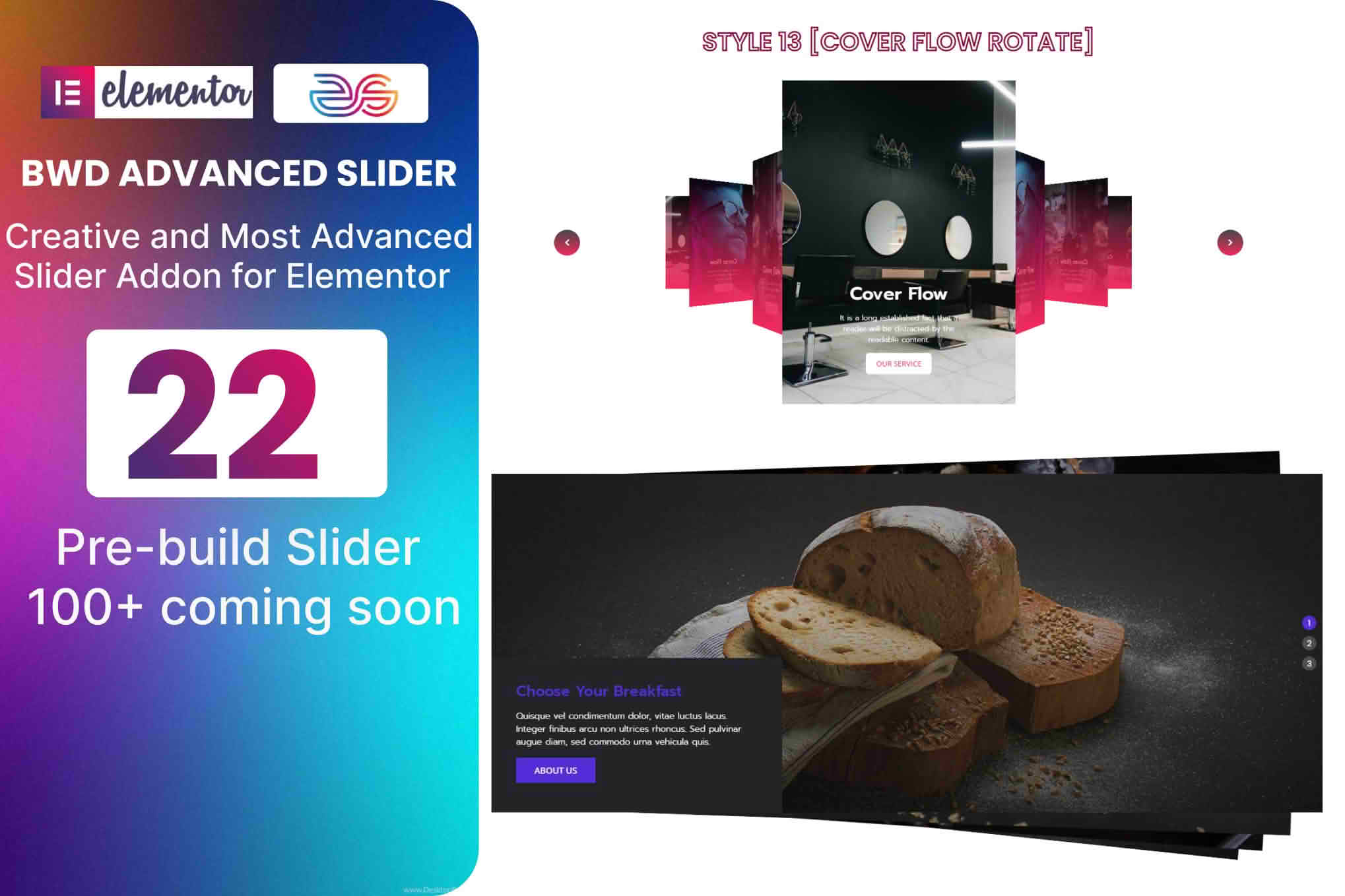
Elevate your website’s visual storytelling with the Advanced Slider Addon for Elementor, a powerful tool designed to help you create stunning, high-converting sliders without writing a single line of code. Whether you are looking to showcase featured products, highlight client testimonials, or display captivating hero imagery, this addon integrates seamlessly into your existing Elementor workflow, allowing you to build professional-grade carousels and sliders that capture visitor attention instantly.
Key Features
- Drag-and-Drop Interface: Fully compatible with the Elementor page builder, enabling you to design and customize your sliders using the familiar interface you already know and love.
- Responsive Design Controls: Ensure your content looks perfect on every device. Configure specific breakpoints to adjust slider height, font sizes, and navigation styles for mobile, tablet, and desktop views.
- Dynamic Content Support: Easily pull content from your WordPress posts, custom post types, or WooCommerce products to create automated sliders that update automatically as you add new items to your site.
- Extensive Customization Options: Take full control over the look and feel with granular settings for navigation arrows, pagination dots, slide transition effects, animation speeds, and autoplay functionality.
- Multimedia Integration: Go beyond simple images by embedding videos, icons, buttons, and custom HTML content directly into your slides to create interactive experiences.
- Performance Optimized: Built with clean, lightweight code to ensure your sliders load quickly, helping you maintain fast page speeds and improve your search engine rankings.
- Touch-Swipe Support: Provide a smooth, intuitive browsing experience for mobile users with native touch-swipe gestures for all slider layouts.
Use Cases / Who It’s For
The Advanced Slider Addon for Elementor is an essential toolkit for web designers, digital marketers, and business owners who prioritize visual impact. If you are an e-commerce store owner, you can use the addon to create eye-catching product showcases on your homepage, effectively drawing attention to new arrivals or seasonal sales. Freelancers and agency developers will find it indispensable for building high-end client websites that require custom, branded hero sections or portfolio carousels that stand out from the competition.
Additionally, content creators and bloggers can utilize the plugin to organize featured articles or display image galleries in a compact, space-saving format. By providing a clean way to present large amounts of visual information, the plugin helps keep your site layout organized while ensuring that your most important content remains at the forefront of the user experience.
Setup / How It Works
- Installation: Install and activate the plugin through your WordPress dashboard just like any other Elementor addon.
- Access the Widget: Open any page or template in the Elementor editor. You will find the new slider widgets located in your Elementor sidebar under the addon’s dedicated category.
- Drag and Drop: Simply drag the desired slider widget onto your page canvas.
- Configure Content: Use the content tab to add your images, videos, or dynamic content sources. You can easily reorder slides using the intuitive interface.
- Style and Animate: Switch to the Style tab to adjust colors, typography, spacing, and border settings. Use the Advanced tab to fine-tune transition animations and autoplay settings.
- Publish: Once you are satisfied with the design, click update to publish your slider live to your website.
Similar Plugins
If you are exploring your options, other popular slider solutions for the Elementor ecosystem include Smart Slider 3, Slider Revolution, and the various slider widgets included in comprehensive addon packs like Essential Addons for Elementor or Premium Addons for Elementor. Each of these tools offers unique design philosophies, so we recommend reviewing your specific project requirements to ensure you choose the solution that best fits your design workflow.