
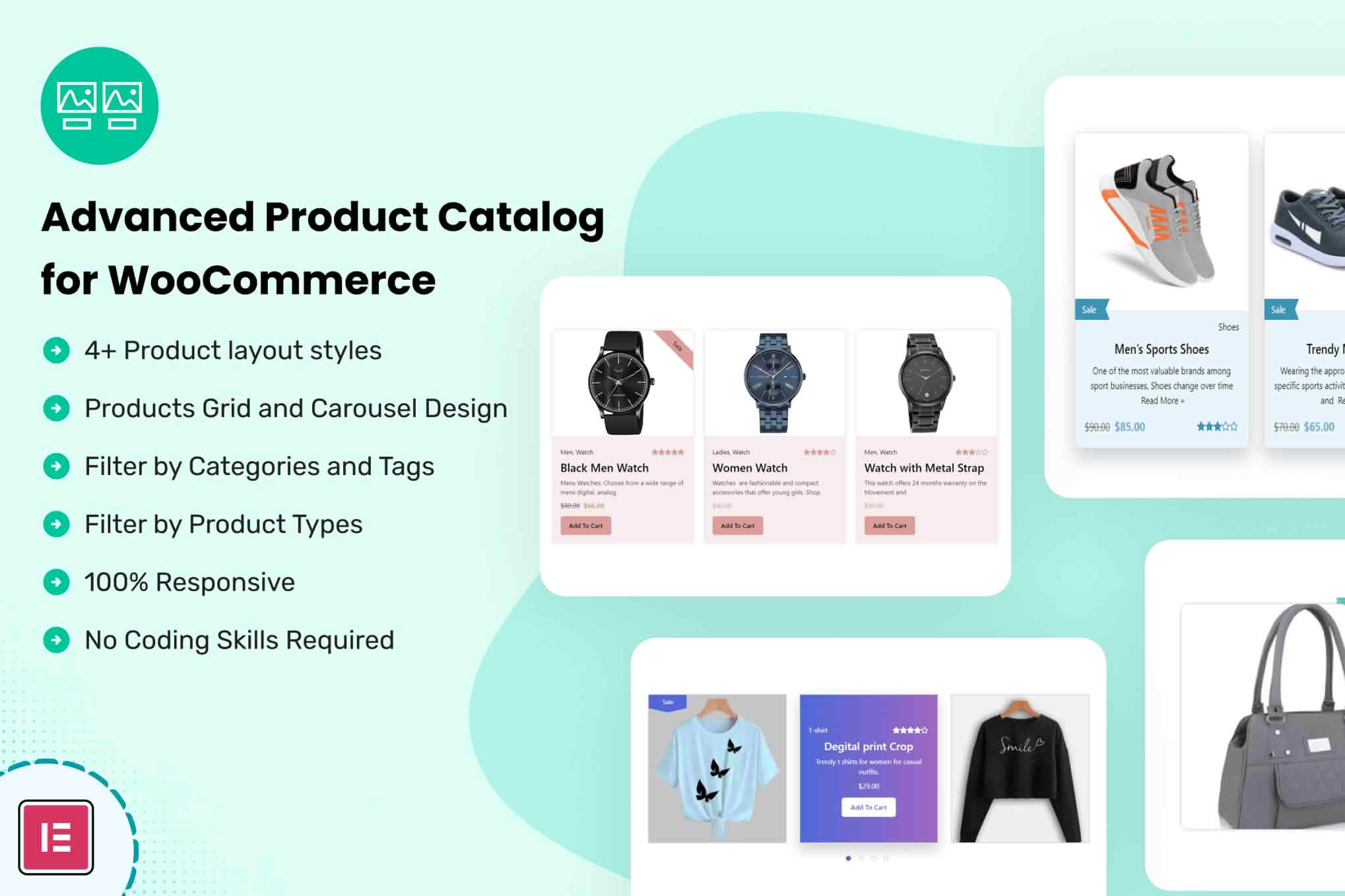
Transform your WooCommerce store from a standard checkout-focused shop into a powerful, flexible product showcase with the Advanced Product Catalog for WooCommerce plugin. Designed for store owners who need more control over how their inventory is presented, this tool allows you to seamlessly toggle between a fully functional e-commerce store and a sophisticated product catalog. Whether you are B2B, a wholesaler, or a brand that needs to showcase items without immediate price tags, this plugin provides the professional interface required to manage customer expectations and drive inquiries effectively.
Key Features
- Catalog Mode Toggle: Easily switch your entire store or specific categories into catalog mode, hiding the “Add to Cart” button and checkout functionality globally or selectively.
- Customizable Call-to-Action Buttons: Replace standard “Add to Cart” buttons with custom labels like “Request a Quote,” “Contact for Pricing,” or “View Details” to better align with your sales process.
- Price Visibility Control: Choose exactly who sees your pricing. Hide prices from guest users, logged-out visitors, or specific user roles to keep your wholesale pricing private.
- Inquiry Form Integration: Automatically display a contact or inquiry form on product pages when the cart is disabled, making it effortless for potential customers to reach out about specific items.
- Role-Based Restrictions: Set unique display rules based on WordPress user roles, allowing you to show different catalog experiences to retail customers versus registered wholesale partners.
- Selective Product Exclusion: Apply catalog settings to specific products or entire categories, giving you the granular control needed to manage a mixed inventory of retail and wholesale goods.
- Clean, Responsive Design: Ensures that your catalog interface looks professional and functions perfectly on all devices, from desktop computers to mobile phones.
Use Cases: Who It’s For
This plugin is the ideal solution for businesses that operate outside the traditional “add-to-cart-and-pay” model. If you run a B2B wholesale business, you likely need to hide pricing from the general public while providing a portal for registered partners to view your catalog. It is also perfect for manufacturers who want to showcase their full product range online but require a consultation or custom quote process before a sale can be finalized.
Additionally, it serves high-end retailers or custom service providers who want to display their portfolio or inventory in a professional gallery format without the pressure of an immediate transaction. By removing the checkout process, you can focus on lead generation, building relationships, and providing personalized service to your clients.
Setup: How It Works
- Installation: Upload and activate the plugin through your WordPress dashboard just like any other standard WooCommerce extension.
- Global Configuration: Navigate to the plugin settings panel to enable catalog mode globally if you wish to disable purchasing across the entire site immediately.
- Customization: Define your custom button text and choose which elements‚Äîsuch as prices or the “Add to Cart” button‚Äîshould be hidden or replaced.
- Role and Category Targeting: Use the settings interface to define specific rules for user roles or product categories, ensuring that your catalog behavior matches your specific business logic.
- Save and Preview: Once your settings are saved, your store will automatically update to reflect your chosen catalog structure, providing a seamless experience for your visitors.
Similar Plugins
If you are exploring alternatives to manage your WooCommerce catalog, you may also consider plugins such as “YITH WooCommerce Catalog Mode” or “WooCommerce Catalog Mode by XAdapter.” These tools offer similar functionality regarding the removal of checkout buttons and the implementation of inquiry forms, allowing you to choose the solution that best fits your specific administrative preferences and workflow requirements.