
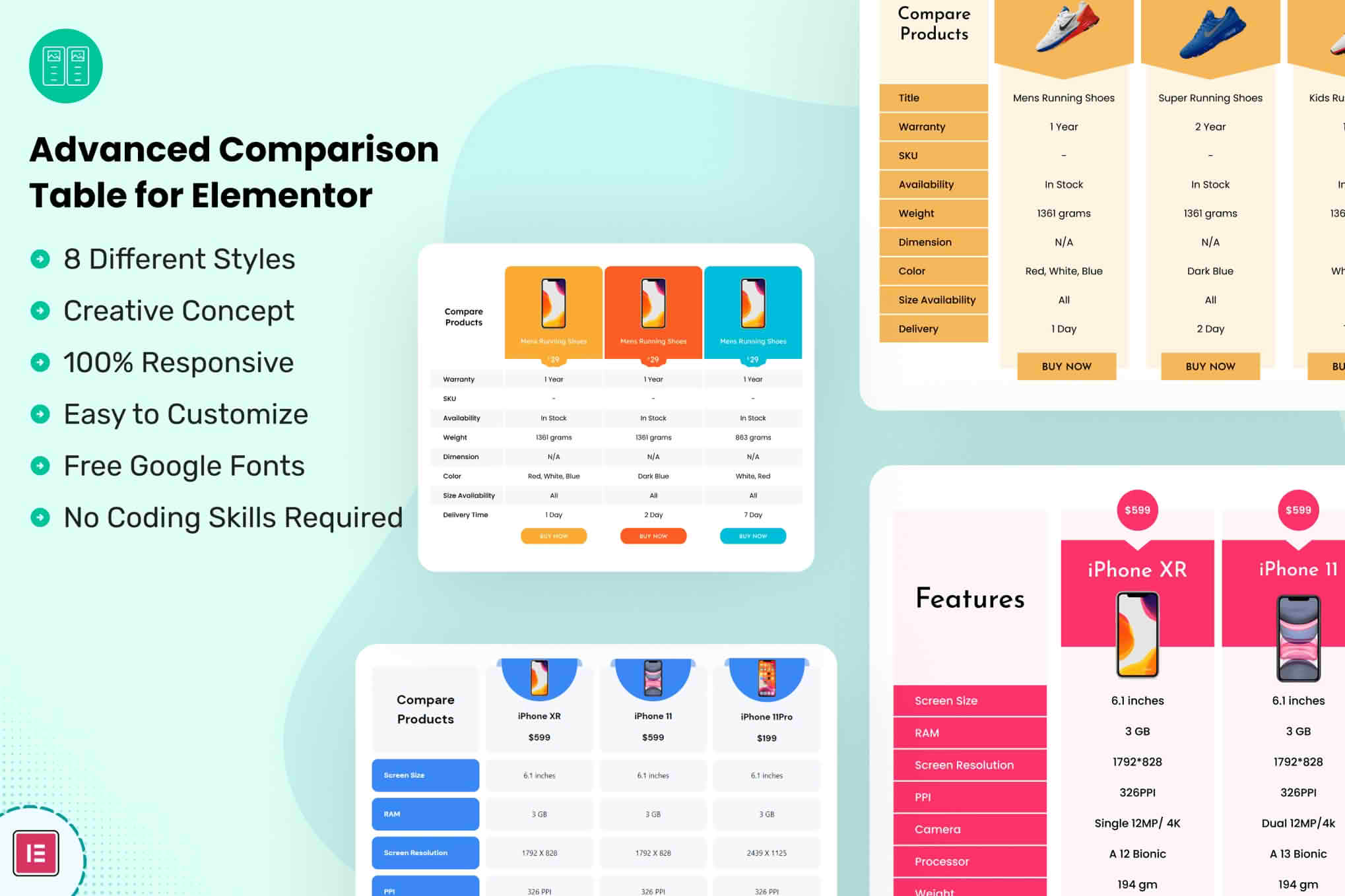
Transform your product pages into high-converting decision hubs with the Advanced Comparison Table for Elementor. Designed specifically for users of the popular Elementor page builder, this plugin allows you to create sleek, responsive, and highly customizable comparison tables that help your visitors make informed purchasing decisions quickly. By presenting complex product data in a clear, side-by-side format, you reduce bounce rates, build trust, and guide your customers directly to the “Add to Cart” button.
Key Features
- Native Elementor Integration: Seamlessly drag and drop comparison tables directly into your Elementor layouts without writing a single line of code.
- Fully Responsive Design: Ensure your tables look perfect on desktops, tablets, and mobile devices with intelligent stacking and scrolling options.
- Extensive Customization Options: Control every aspect of your table’s appearance, including colors, typography, border styles, and spacing to match your brand identity perfectly.
- Dynamic Data Support: Easily populate your tables with product attributes, specifications, and pricing, ensuring your information stays consistent with your store data.
- Interactive Elements: Enhance user engagement with features like hover effects, sticky table headers for easier navigation, and call-to-action buttons integrated directly into the table rows.
- Performance Optimized: Built with clean, lightweight code to ensure your site remains fast and search-engine friendly, even with complex data sets.
- Flexible Layouts: Choose between horizontal or vertical comparison styles to best fit the amount of data you need to display.
Use Cases / Who It’s For
This plugin is an essential tool for any WordPress site owner who needs to present multiple options to their audience in a structured, easy-to-read format. It is particularly effective for e-commerce store owners running WooCommerce shops who want to help customers compare different versions of a product, such as electronics, software plans, or apparel.
Beyond traditional retail, the Advanced Comparison Table for Elementor is a perfect solution for affiliate marketers and bloggers. If you write product reviews or “best of” listicles, this plugin allows you to create professional-grade comparison charts that highlight the strengths of your recommended products, significantly increasing your click-through rates on affiliate links. Service providers, such as hosting companies or SaaS platforms, can also leverage these tables to clearly outline the differences between various subscription tiers, helping potential clients select the plan that best fits their needs.
Setup / How It Works
- Install and Activate: Upload the plugin to your WordPress dashboard via the Plugins menu and activate it.
- Access the Elementor Editor: Open any page or template using the Elementor editor.
- Drag the Widget: Locate the “Advanced Comparison Table” widget in the Elementor panel and drag it onto your canvas.
- Configure Content: Use the content tab to add your products, define your rows (specifications), and input the relevant data for each item.
- Style to Perfection: Switch to the style tab to adjust colors, fonts, and spacing to ensure the table aligns with your website’s design language.
- Publish: Once you are satisfied with the layout, publish your page to provide your visitors with a professional comparison experience.
Similar Plugins
If you are exploring your options, other alternatives in the WordPress ecosystem include TablePress, which is a versatile general-purpose table builder, and various dedicated WooCommerce-specific comparison plugins like YITH WooCommerce Compare, which focuses on user-triggered pop-up comparisons rather than static page-based tables.