
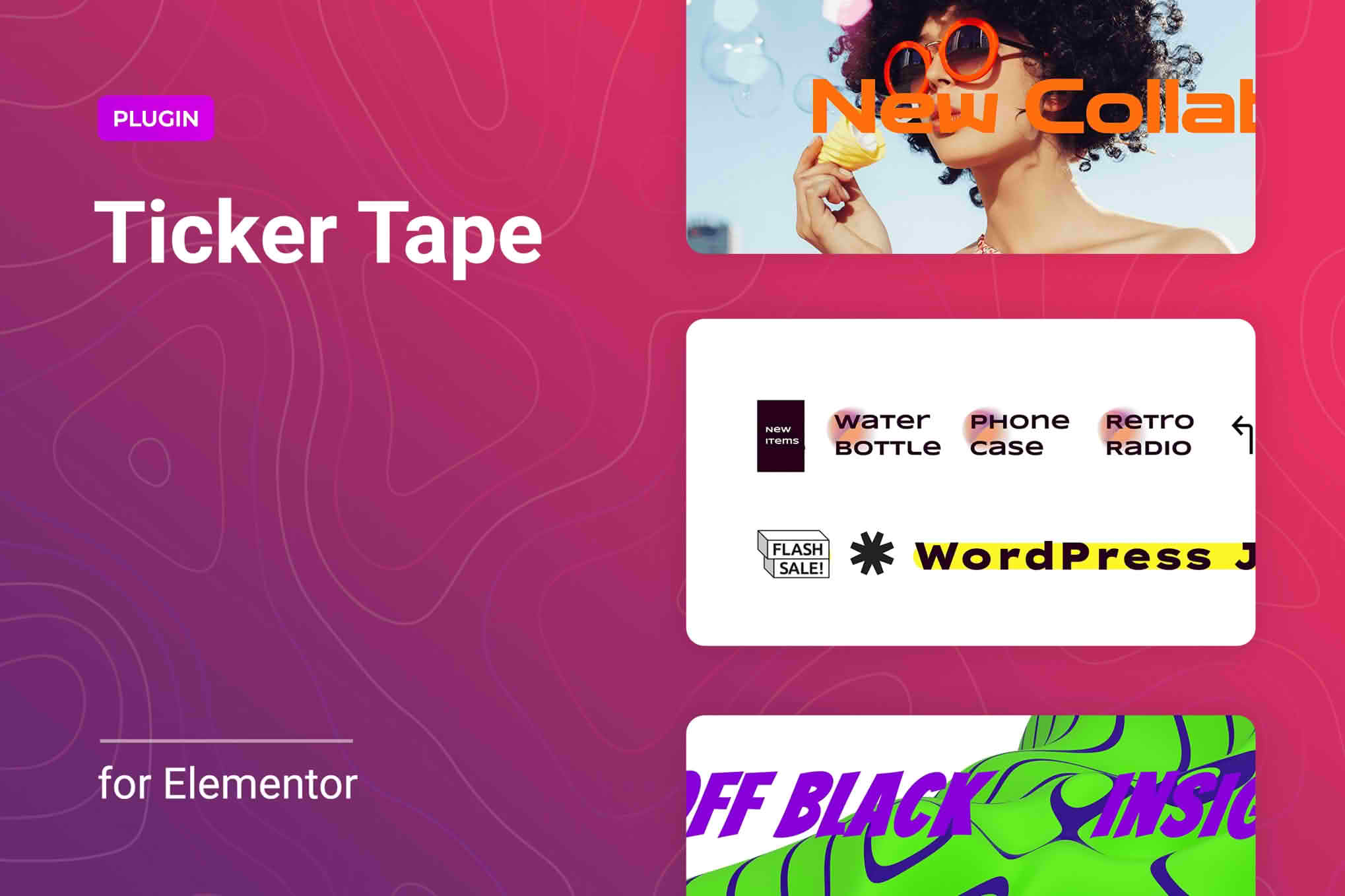
Crawler for Elementor is a lightweight, powerful WordPress plugin designed to help you capture visitor attention by adding dynamic news tickers and sliders to your website. Whether you need to highlight breaking news, promote special offers, or showcase your latest products, this tool provides a seamless way to keep your audience informed and engaged. Built specifically for the Elementor page builder, it offers a flexible, no-code solution that integrates perfectly into any layout, helping store owners and content creators improve site navigation and increase conversions through eye-catching, animated content displays.
Key Features
- Versatile Content Sources: Easily pull content from five different sources, including posts, pages, landing pages, WooCommerce products, or manually selected custom content.
- Flexible Display Options: Choose between a horizontal news ticker or a dynamic slider to best fit your design aesthetic and content needs.
- Advanced Content Filtering: Use built-in filtering tools to precisely control which information is displayed, ensuring your ticker shows exactly what matters most to your visitors.
- Full Design Control: Customize every aspect of your ticker, including speed, direction, typography, colors, backgrounds, borders, and spacing to match your brand identity.
- Interactive States: Apply unique styles for different item states, such as normal or hover, to create a professional and engaging user experience.
- Icon Integration: Enhance your tickers with Font Awesome icons or upload your own custom SVG icons to add visual interest.
- Responsive and SEO-Friendly: Designed to look great and function perfectly on all devices, from desktops to mobile phones, while maintaining clean, SEO-friendly code.
- Ready-to-Use Templates: Get started quickly with five unique, pre-styled templates that can be customized to suit your specific project requirements.
Use Cases / Who It’s For
Crawler for Elementor is an ideal solution for a variety of website owners who need to communicate important information without cluttering their page layout. E-commerce store owners can use it to display flash sale notifications, highlight new arrivals, or promote limited-time discount codes directly at the top of their shop pages. News sites, blogs, and digital agencies can utilize the plugin to showcase breaking headlines, recent case studies, or important service announcements in a non-intrusive, scrolling format. Because it is built for Elementor, it is perfect for web designers and developers looking for a fast, reliable way to add dynamic, attention-grabbing elements to client sites without writing custom code.
Setup / How It Works
Getting started with Crawler for Elementor is designed to be straightforward for any Elementor user:
- Install and Activate: Install the plugin via your WordPress dashboard and ensure Elementor is active.
- Drag and Drop: Open any page or template in the Elementor editor and locate the Crawler widget in your widget panel.
- Select Content: Drag the widget onto your page and choose your desired content source (e.g., Posts, Pages, or WooCommerce Products).
- Configure Settings: Use the intuitive settings panel to adjust the ticker speed, direction, and animation style.
- Style Your Ticker: Navigate to the Style tab to customize typography, colors, borders, and background settings to perfectly match your site’s design.
- Publish: Save your changes and preview your new, dynamic ticker live on your site.