
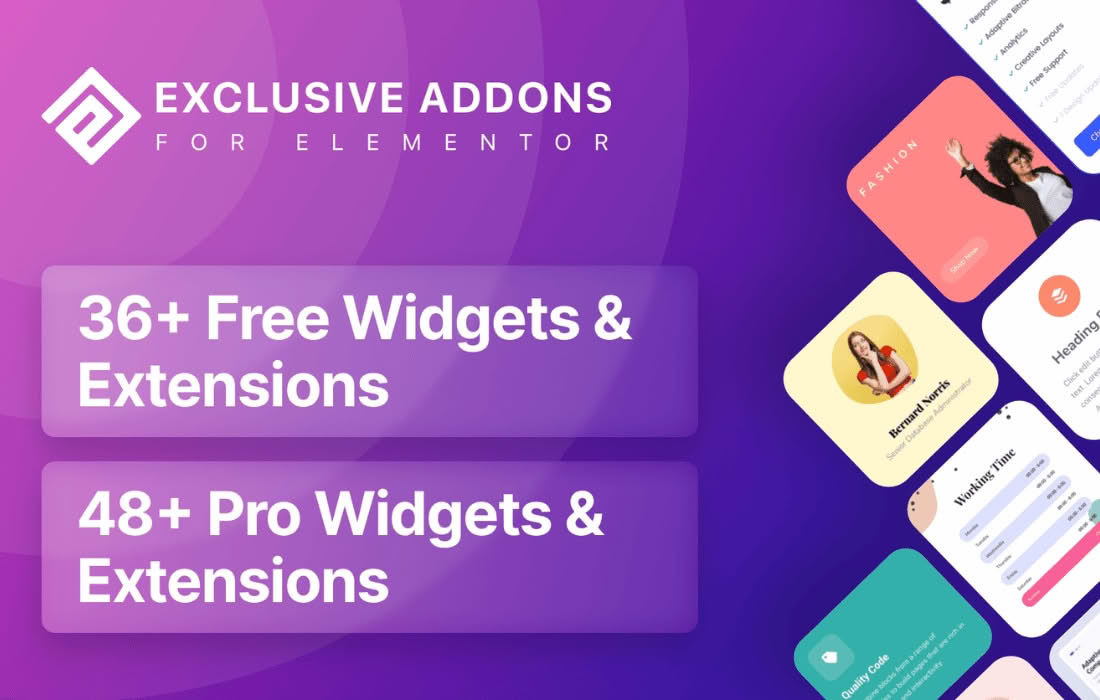
Exclusive Addons for Elementor is a comprehensive library of widgets and extensions designed to supercharge your page-building experience. Whether you are a professional web designer or a business owner looking to create a high-converting website, this plugin bridges the gap between basic Elementor functionality and advanced, professional-grade design. By adding a vast collection of creative elements and customization options, it enables you to build unique, interactive, and visually stunning layouts without writing a single line of code.
Key Features
- Extensive Widget Library: Access a massive collection of custom widgets designed to handle everything from simple buttons and icons to complex content sliders, post grids, and interactive team sections.
- Advanced Animation Effects: Elevate your site’s engagement with built-in Lottie animations, hover effects, and entrance animations that bring static pages to life.
- Global Customization Controls: Maintain design consistency across your entire site with global settings that allow you to manage colors, typography, and spacing for all Exclusive Addons widgets from one central location.
- Header and Footer Builder: Take full control over your site’s navigation and branding by creating custom headers and footers that perfectly match your site‚Äôs aesthetic.
- Dynamic Content Support: Seamlessly integrate dynamic data into your designs, allowing for personalized user experiences and efficient management of custom post types.
- Lightweight and Optimized: Built with performance in mind, the plugin allows you to enable or disable individual widgets, ensuring your site remains fast and your code remains clean.
- Exclusive Extensions: Unlock powerful capabilities like section particles, gradient overlays, and advanced background effects that go far beyond standard Elementor capabilities.
Use Cases / Who It’s For
Exclusive Addons is built for anyone who uses Elementor and wants to break free from standard design limitations. It is an ideal solution for freelance web designers and digital agencies who need to deliver high-end, custom websites for clients quickly and efficiently. By providing a wide array of pre-built, highly customizable elements, the plugin significantly reduces development time, allowing you to focus on creativity rather than technical troubleshooting.
For small business owners and entrepreneurs, this plugin provides the tools necessary to build a professional online presence that rivals larger competitors. If you want to showcase your products with beautiful grids, build trust through interactive testimonials, or increase conversions with compelling call-to-action sections, Exclusive Addons provides the components to make it happen. It is also a perfect fit for content creators and bloggers who need to display their posts or portfolios in visually engaging ways that keep readers on the page longer.
Setup / How It Works
- Installation: Install and activate the plugin through your WordPress dashboard just like any other standard plugin.
- Widget Management: Navigate to the Exclusive Addons settings panel to toggle on only the widgets you intend to use. This keeps your WordPress dashboard clean and your site performance optimized.
- Drag and Drop: Open any page or post using the Elementor editor. You will see a new category of Exclusive Addons widgets in your sidebar. Simply drag and drop them onto your canvas.
- Customization: Use the familiar Elementor “Content,” “Style,” and “Advanced” tabs to configure your widget. Each Exclusive Addon widget comes with deep customization options, allowing you to tweak every detail to fit your brand identity.
- Publish: Once you are satisfied with your design, save your changes and publish your page to see your new, enhanced elements in action.
Similar Plugins
If you are exploring your options for Elementor enhancements, there are several other popular widget libraries available in the ecosystem. These include Essential Addons for Elementor, Premium Addons for Elementor, and JetElements. Each of these plugins offers a unique set of widgets and design philosophies, so it is recommended to review their specific widget lists to see which set best aligns with your current design requirements and project goals.