
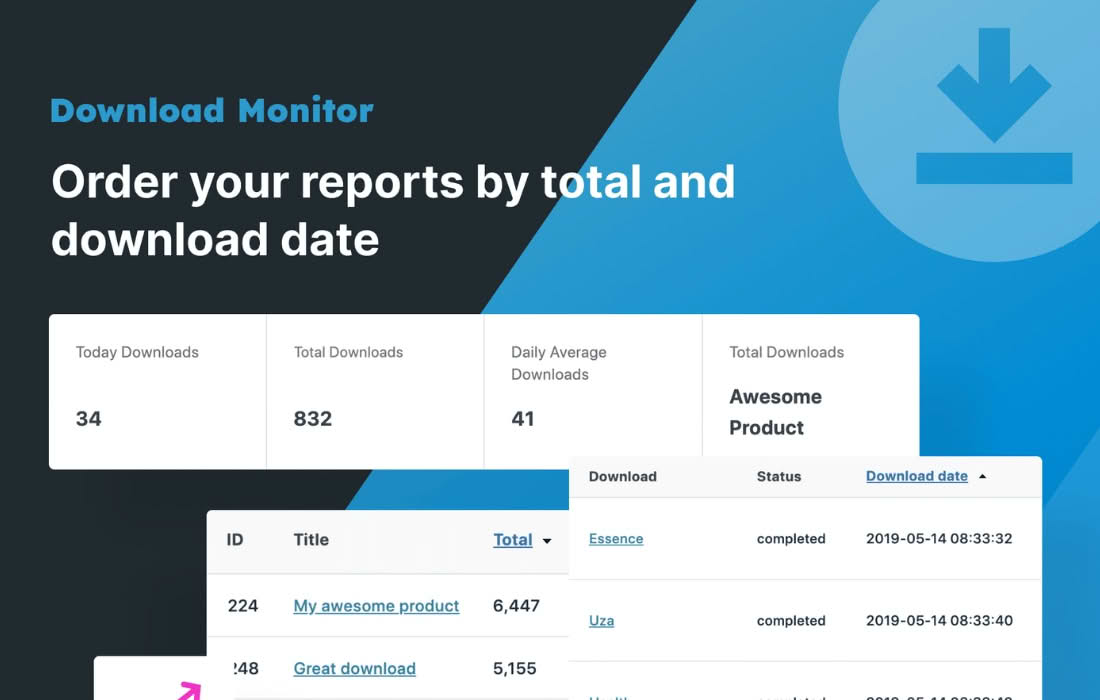
Transform your file downloads into powerful lead generation tools with the Download Monitor Gravity Forms Lock extension. This plugin bridges the gap between your valuable digital assets and your marketing database by requiring users to complete a Gravity Form before they can access your protected files. Whether you are distributing whitepapers, software, templates, or exclusive media, this solution ensures you capture essential contact information and qualify leads automatically every time someone clicks download.
Key Features
- Seamless Integration: Connect any Gravity Form directly to your Download Monitor files with just a few clicks, creating a frictionless user experience.
- Lead Capture Automation: Automatically collect names, email addresses, and custom data points from your users before granting them access to your content.
- Conditional Access: Use the power of Gravity Forms’ advanced field logic to ensure you only collect the specific information you need for different types of downloads.
- Secure File Delivery: Files remain protected behind the form, ensuring that only users who have successfully submitted the required information receive the download link.
- Download Tracking: Leverage the robust tracking capabilities of Download Monitor to see exactly how many times your locked files are accessed after a form submission.
- Customizable User Experience: Since you are using Gravity Forms, you have full control over the form design, validation rules, and confirmation messages to match your brand identity.
Use Cases / Who It’s For
This plugin is an essential tool for marketers, content creators, and business owners who rely on content marketing to grow their audience. If you are tired of giving away high-value content without getting anything in return, this is the solution you need.
Content Marketers and Bloggers: If you offer premium guides, e-books, or checklists, you can use this plugin to build your mailing list. Instead of a generic “subscribe” box, you provide immediate value in exchange for a newsletter signup.
Software Developers and SaaS Companies: Distribute trial versions of software, documentation, or API keys securely. By requiring a form submission, you can qualify leads by asking for company size, industry, or specific technical requirements before providing the download.
Agencies and Consultants: Share case studies, industry reports, or proprietary templates with prospective clients. The form allows you to gather project details or budget information, turning a simple file request into a warm sales inquiry.
Setup / How It Works
Getting started is straightforward, allowing you to turn any existing download into a lead magnet in minutes:
- Install and Activate: Ensure both the core Download Monitor plugin and the Gravity Forms plugin are active on your WordPress site, then install and activate the Download Monitor Gravity Forms Lock extension.
- Create Your Form: Build the desired form in Gravity Forms, including all the fields you require from your users.
- Configure the Download: Navigate to your Download Monitor dashboard and edit the specific file you wish to lock.
- Apply the Lock: Within the download settings, locate the Gravity Forms integration section and select the form you created from the dropdown menu.
- Publish: Save your changes. Now, when a user clicks the download link, they will be prompted to complete the form before the file download begins.
Similar Plugins
While the Download Monitor Gravity Forms Lock is a specialized solution for the Download Monitor ecosystem, there are other ways to gate content in WordPress. Alternatives include:
- Gravity Forms Email Downloads: Some users opt for plugins that email a file link after a form submission, rather than triggering an immediate browser download.
- Membership Plugins: Solutions like MemberPress or Paid Memberships Pro can gate files based on user roles or subscription levels rather than individual form submissions.
- Download Monitor Extensions: Download Monitor offers a suite of other extensions, such as the Email Lock extension, which provides a simpler, email-only gating method if you do not require the advanced form-building capabilities of Gravity Forms.