
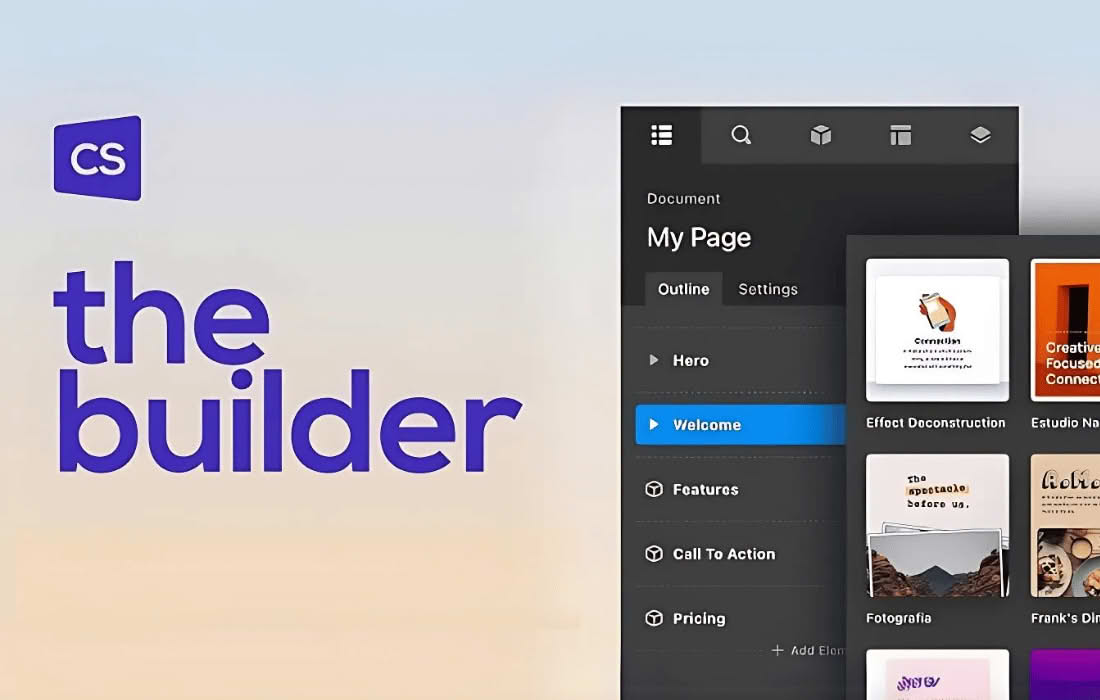
Cornerstone is a powerful, intuitive page builder designed to transform how you create and manage content within WordPress. By offering a seamless, front-end editing experience, it empowers website owners, designers, and developers to build professional-grade layouts without touching a single line of code. Whether you are crafting a simple landing page or a complex, multi-layered website, Cornerstone provides the visual tools necessary to bring your vision to life in real-time, ensuring that what you see in the editor is exactly what your visitors experience on the live site.
Key Features
- Visual Front-End Editing: Experience true “what you see is what you get” design. Edit text, adjust layouts, and style elements directly on the front end of your site to see changes instantly.
- Comprehensive Element Library: Access a vast collection of pre-built elements—from basic text and images to advanced sliders, maps, and dynamic content blocks—to build any section of your site quickly.
- Advanced Layout Controls: Utilize a flexible grid system, margin and padding adjustments, and responsive design settings to ensure your website looks flawless on desktops, tablets, and mobile devices.
- Global Design System: Maintain brand consistency across your entire site with global styling options. Set your typography, color palettes, and component styles once and apply them globally.
- Dynamic Content Integration: Leverage the power of WordPress custom fields and dynamic data to build complex, data-driven layouts that update automatically as your content changes.
- Developer-Friendly Architecture: While designed for ease of use, Cornerstone remains robust for developers. It offers clean code output and the ability to extend functionality through custom elements and hooks.
Use Cases / Who It’s For
Cornerstone is built for anyone who demands professional results without the technical overhead of traditional web development. For small business owners, it provides the autonomy to update landing pages, promotional banners, and service descriptions without needing to hire a developer. For freelance designers, it serves as a high-speed production tool, allowing for rapid prototyping and the delivery of highly customized, pixel-perfect client websites.
Marketing professionals will find Cornerstone invaluable for creating high-converting sales pages and A/B testing different layout structures. Because the interface is intuitive and requires no coding knowledge, it eliminates the bottleneck of waiting for IT support to make simple design changes, enabling teams to move faster and stay agile in a competitive digital landscape.
Setup / How It Works
- Installation: Install and activate the plugin through your WordPress dashboard to immediately unlock the Cornerstone editor within your pages and posts.
- Launch the Editor: Navigate to any page or post you wish to edit and click the Cornerstone button to enter the visual builder environment.
- Drag and Drop: Use the intuitive sidebar to drag elements onto your canvas. Arrange them exactly where you want them, and use the inspector panel to fine-tune styles, spacing, and responsive settings.
- Preview and Publish: Toggle between different device views to ensure your design is responsive, then save your changes to push them live to your audience.
Similar Plugins
If you are exploring the landscape of WordPress page builders, you may also encounter other popular solutions such as Elementor, Beaver Builder, and Divi. Each of these tools offers a visual interface for page construction, though they differ in their specific workflows, theme compatibility, and ecosystem of add-ons. Cornerstone distinguishes itself through its specific focus on a clean, integrated front-end experience and its robust handling of dynamic content within the WordPress environment.