
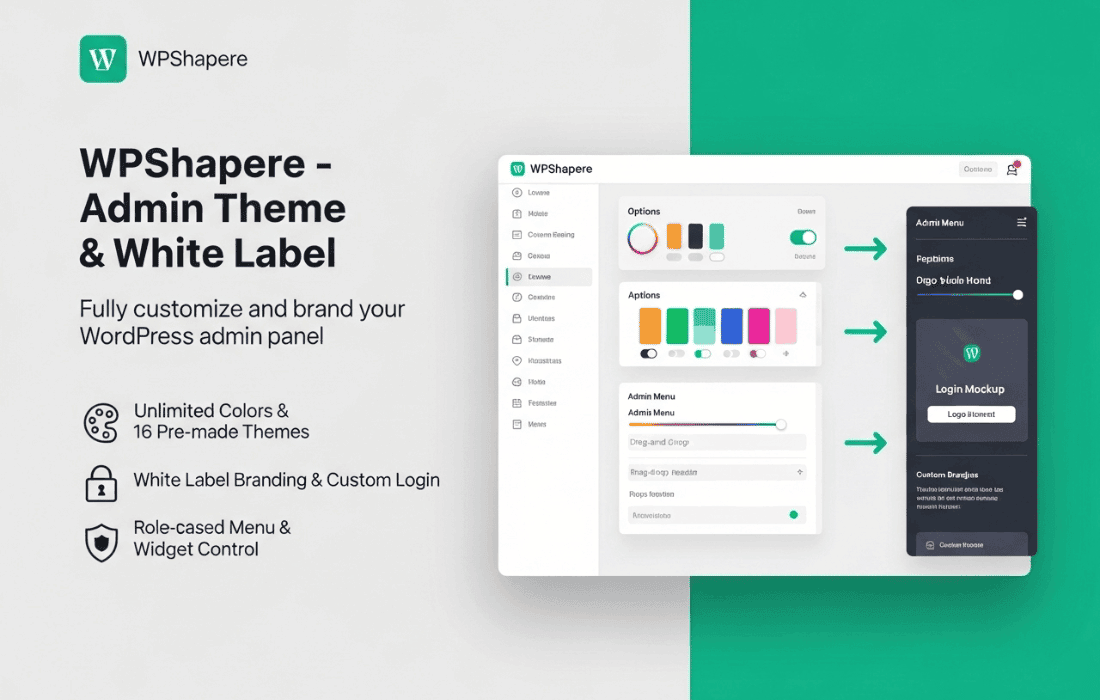
Transform your WordPress dashboard from a generic interface into a professional, branded workspace that reflects your unique identity or your client’s brand. WPShapere is a comprehensive WordPress admin theme plugin designed to streamline the backend experience, allowing you to customize the look, feel, and functionality of the admin area without touching a single line of code. Whether you are a freelancer managing multiple client sites or a business owner looking to simplify the dashboard for your team, WPShapere provides the tools to create a clean, intuitive, and fully white-labeled administrative environment.
Key Features
- Full White Labeling: Remove all traces of WordPress branding. Replace the WordPress logo, footer text, and admin bar branding with your own custom logo, colors, and links to ensure a professional, cohesive experience for your clients.
- Advanced Color Customization: Take complete control over your admin color scheme. Customize every element, including the sidebar, top bar, buttons, and active states, to match your brand identity perfectly.
- Custom Dashboard Widgets: Declutter the dashboard by hiding unnecessary default widgets and adding your own custom welcome messages, support links, or quick-start guides to help users navigate the site more efficiently.
- Admin Menu Management: Simplify the user experience by hiding or renaming specific menu items based on user roles. This ensures that your clients or team members only see the tools they actually need, reducing confusion and preventing accidental changes to site settings.
- Login Page Customizer: Extend your branding to the login screen. Easily upload your own logo, change background images, and adjust form colors to create a seamless transition from your brand’s public-facing site to the secure backend.
- Icon and Typography Control: Refine the visual aesthetic by choosing from various icon sets and adjusting typography settings to ensure the admin dashboard looks modern and readable on all devices.
- Import and Export Settings: Save time when managing multiple websites by exporting your custom theme settings from one site and importing them into another, ensuring consistent branding across your entire network.
Use Cases / Who It’s For
WPShapere is an essential tool for web design agencies, freelancers, and businesses that prioritize professionalism and user experience. If you are an agency owner, providing a white-labeled dashboard is a powerful way to add value to your services, making the site feel like a custom-built solution rather than a generic WordPress installation. By removing the “WordPress” branding, you establish your own brand as the primary point of contact and authority.
For businesses, WPShapere is perfect for simplifying the backend for non-technical staff. By hiding complex or irrelevant menu items and widgets, you can create a “distraction-free” environment that allows your team to focus on content creation and site management without the risk of breaking site configurations. It is the ideal solution for anyone who wants to turn the cluttered default WordPress admin into a streamlined, branded, and user-friendly interface.
Setup / How It Works
Getting started with WPShapere is designed to be straightforward, requiring no technical expertise or development knowledge. Follow these steps to transform your dashboard:
- Installation: Install and activate the WPShapere plugin via your WordPress dashboard just like any other plugin.
- Access Settings: Navigate to the WPShapere settings menu, which will appear in your admin sidebar after activation.
- Apply Branding: Use the intuitive interface to upload your logo, select your brand colors, and configure the login page settings.
- Configure Permissions: Use the menu and widget manager to hide or rename items based on specific user roles, tailoring the dashboard to the needs of each user.
- Save and Preview: Save your changes and instantly see your new, branded dashboard reflected across the entire admin area.
Similar Plugins
If you are exploring options for admin customization, you may also want to consider plugins such as White Label CMS, Admin Menu Editor Pro, or Ultimate Dashboard. Each of these tools offers varying levels of white labeling and dashboard customization, allowing you to choose the solution that best fits your specific workflow and project requirements.