
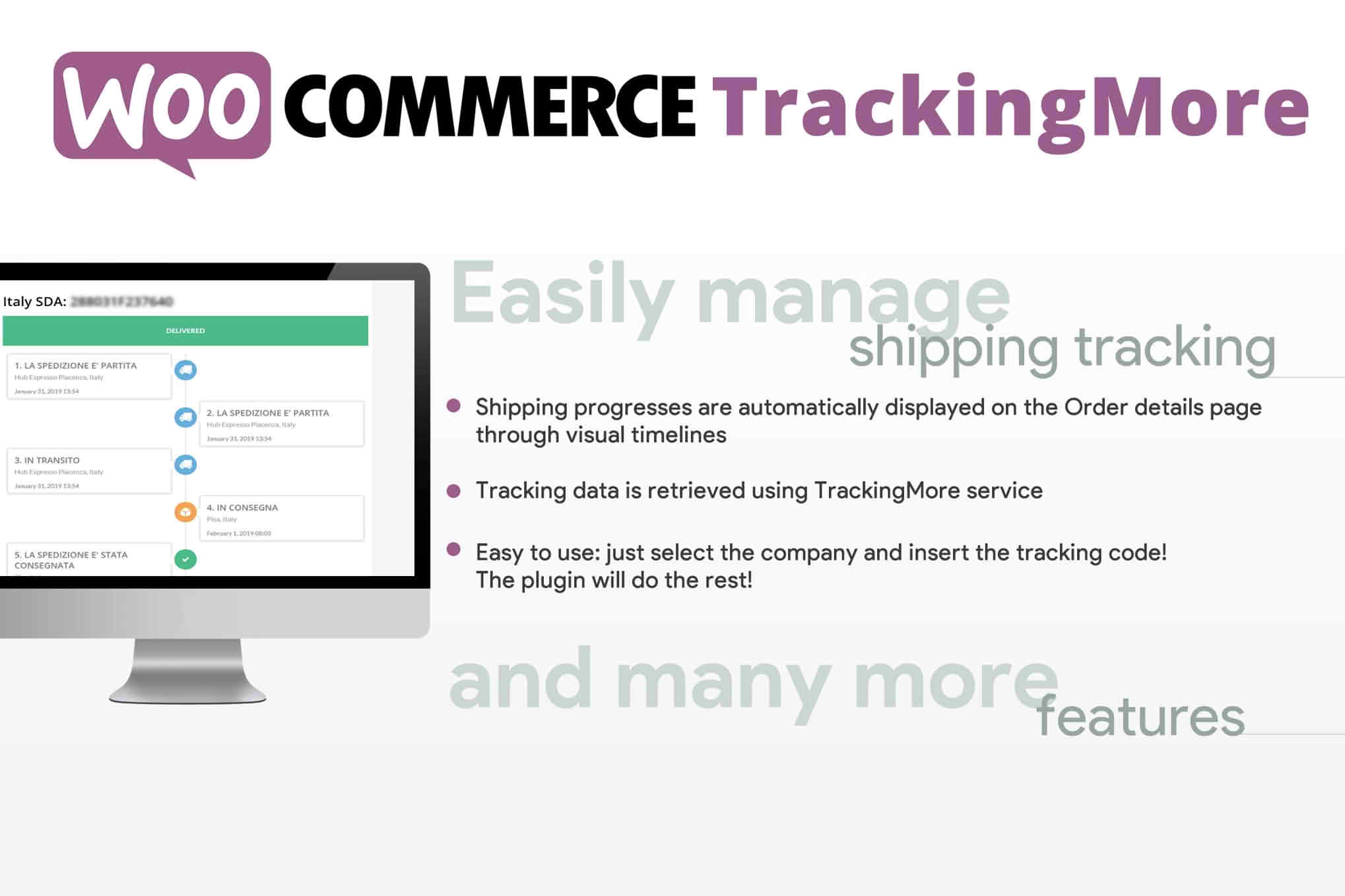
The WooCommerce TrackingMore plugin is an essential tool for store owners looking to transform their post-purchase experience by providing customers with transparent, real-time shipment visibility. By seamlessly integrating your WooCommerce store with the TrackingMore global logistics platform, you eliminate the “where is my order?” anxiety that leads to support ticket surges. Instead, you empower your customers to track their packages autonomously, fostering trust and increasing long-term brand loyalty.
Key Features
- Automated Shipment Tracking: Automatically syncs tracking numbers from your WooCommerce orders to the TrackingMore platform, ensuring data is always up to date without manual entry.
- Global Carrier Support: Access a massive network of over 1,200 global couriers, ensuring that no matter where you ship or which carrier you use, your packages are trackable.
- Branded Tracking Pages: Direct customers to a professional, branded tracking page on your own domain rather than sending them to third-party carrier websites, keeping them engaged with your brand.
- Proactive Email Notifications: Configure automated email alerts triggered by specific shipment milestones, such as “In Transit,” “Out for Delivery,” or “Delivered,” to keep customers informed throughout the journey.
- Centralized Dashboard: Monitor the status of all your shipments from a single, intuitive interface, allowing you to quickly identify and resolve delivery exceptions or delays.
- Multi-Language Support: Provide a localized experience for your international customers by offering tracking updates and notifications in their preferred language.
Use Cases / Who It’s For
This plugin is designed for WooCommerce store owners, e-commerce managers, and customer support teams who prioritize a high-quality post-purchase experience. If you are running a high-volume store, the time saved by reducing repetitive “where is my order” inquiries is invaluable, allowing your support team to focus on more complex customer needs.
It is particularly beneficial for cross-border e-commerce businesses that rely on multiple international carriers. Because TrackingMore standardizes tracking data from disparate logistics providers, you can offer a consistent, professional experience regardless of the shipping method chosen at checkout. Whether you are a dropshipper managing orders from various suppliers or a boutique brand shipping your own inventory, this integration provides the visibility required to maintain high customer satisfaction ratings.
Setup / How It Works
- Install and Activate: Install the WooCommerce TrackingMore plugin via your WordPress dashboard and activate it.
- Connect Your Account: Navigate to the plugin settings and enter your TrackingMore API key, which you can obtain from your TrackingMore account dashboard.
- Configure Sync Settings: Choose which order statuses should trigger a sync to TrackingMore and map your WooCommerce shipping methods to the corresponding carriers.
- Customize Notifications: Set up your preferred email notification templates to ensure your brand voice remains consistent when updating customers on their shipment status.
- Launch: Once configured, the plugin begins automatically tracking new orders, providing your customers with a seamless, branded tracking experience from the moment their order leaves your warehouse.
Similar Plugins
If you are exploring alternatives in the shipment tracking space, other notable plugins include AfterShip, TrackShip, and ParcelPanel. Each of these solutions offers varying degrees of integration with WooCommerce and global logistics networks, so it is recommended to evaluate them based on your specific carrier requirements and the level of customization you need for your branded tracking pages.