
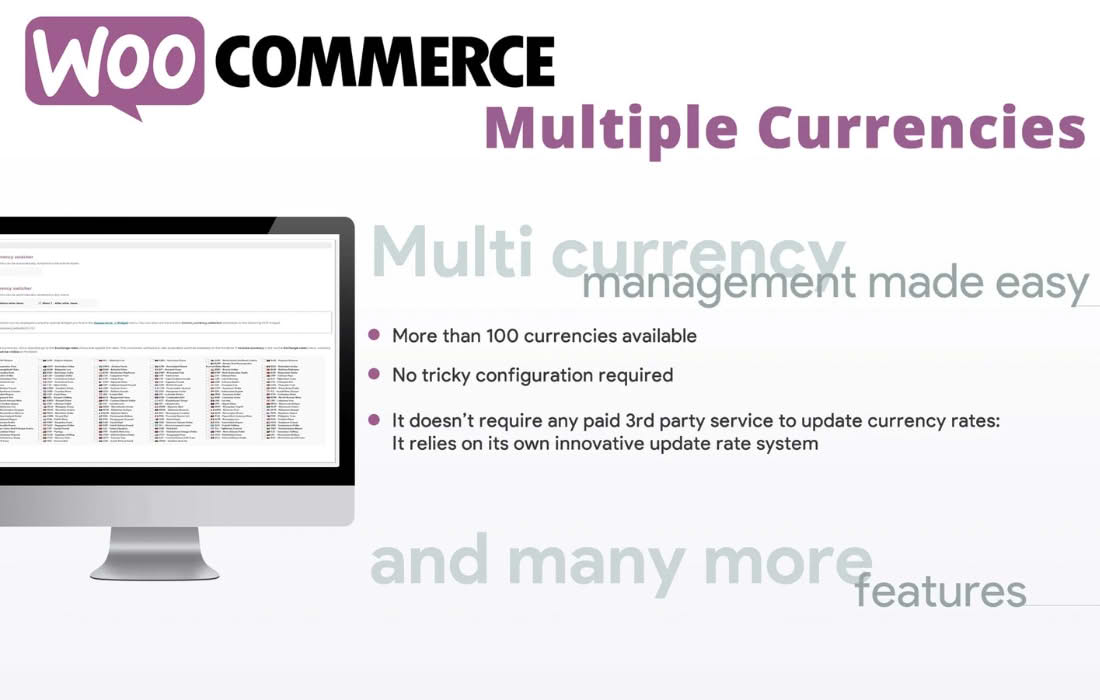
Expand your business horizons and cater to a global audience by allowing your customers to shop in their preferred local currency. The WooCommerce Multiple Currencies plugin removes the friction of international shopping, providing a seamless, localized experience that builds trust and increases conversion rates. By displaying prices in your customers’ native currencies, you eliminate the guesswork and mental math that often lead to cart abandonment, making your store truly borderless.
Key Features
- Automatic Currency Conversion: Effortlessly convert your base store prices into multiple currencies using real-time exchange rates, ensuring your pricing is always accurate and up-to-date.
- Geo-Location Detection: Automatically detect a visitor’s location and display prices in their local currency the moment they land on your site, providing a personalized shopping experience from the first click.
- Customizable Currency Switcher: Offer your customers the flexibility to manually select their preferred currency via a sleek, user-friendly widget or shortcode that fits seamlessly into your site’s design.
- Flexible Exchange Rate Management: Choose between automatic updates from reliable financial data providers or manually set your own fixed exchange rates to maintain full control over your pricing strategy.
- Checkout in Local Currency: Enable customers to complete their purchase in the currency they have been browsing in, reducing confusion and providing a transparent checkout process.
- Rounding and Formatting Rules: Maintain a professional appearance with customizable price formatting, including decimal precision, symbol placement, and intelligent rounding rules for cleaner pricing.
- Compatibility Focused: Designed to work harmoniously with most popular WooCommerce themes and plugins, ensuring a stable and reliable experience for your store.
Use Cases / Who It’s For
This plugin is an essential tool for any WooCommerce store owner looking to scale internationally. If you are currently shipping products to customers outside of your home country, you are likely losing sales simply because international visitors are hesitant to purchase when they cannot easily understand the cost in their own currency.
Online retailers, dropshippers, and digital product sellers who want to enter new markets will find this plugin indispensable. By removing the barrier of currency conversion, you make your brand appear more professional, accessible, and customer-centric. Whether you are a small boutique targeting a few neighboring countries or a growing brand with a global vision, offering multi-currency support is a proven strategy to boost international sales and improve customer satisfaction.
Setup / How It Works
- Installation: Install and activate the plugin through your WordPress dashboard.
- Currency Selection: Navigate to the plugin settings to select the additional currencies you wish to support on your storefront.
- Configure Rates: Choose your preferred method for exchange rate updates—either enable automatic synchronization with an external API or input your rates manually.
- Display Settings: Customize how the currency switcher appears to your users, choosing from various styles and placements to match your theme.
- Refine Formatting: Adjust the decimal settings and currency symbol positions to ensure your prices look consistent with local market expectations.
- Go Live: Once configured, your site will automatically handle the conversion logic, allowing your customers to browse and pay in their chosen currency without any further manual intervention.
Similar Plugins
If you are exploring options for multi-currency functionality, you may also encounter other solutions such as Currency Switcher for WooCommerce, WOOCS – WooCommerce Currency Switcher, and Multi-Currency for WooCommerce. Each of these plugins offers varying approaches to currency conversion, exchange rate management, and UI customization, allowing you to choose the tool that best aligns with your specific store requirements and technical preferences.