
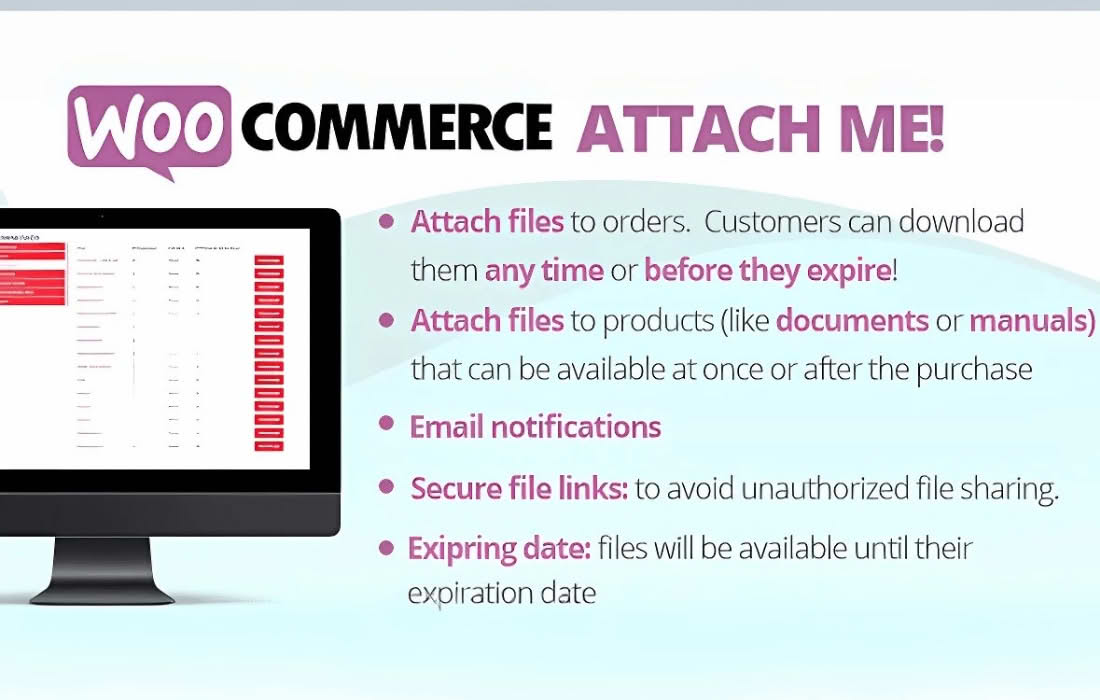
Streamline your post-purchase communication and enhance customer satisfaction with WooCommerce Attach Me!, the essential plugin designed to automate the delivery of important documents. Whether you need to send invoices, user manuals, warranty certificates, or personalized thank-you notes, this plugin ensures that your customers receive the right files directly in their order emails without you having to lift a finger.
Key Features
- Automated File Attachments: Automatically attach specific files to WooCommerce order emails based on the order status, ensuring customers receive documents exactly when they need them.
- Flexible Rule-Based System: Create custom rules to determine which files are attached. You can trigger attachments based on product categories, individual products, or specific order statuses.
- Support for Multiple File Types: Easily attach common document formats, including PDF, DOCX, JPG, and PNG, allowing you to share everything from instruction guides to digital product keys.
- Email Integration: Seamlessly integrates with standard WooCommerce order emails, including “New Order,” “Processing Order,” and “Completed Order” notifications.
- Personalized Attachments: Tailor the customer experience by ensuring that only relevant documents reach the right buyers, reducing clutter and improving the professionalism of your store.
- Easy Management Interface: Manage all your attachments from a centralized dashboard within your WordPress admin area, making it simple to add, remove, or update files as your business needs change.
Use Cases / Who It’s For
WooCommerce Attach Me! is designed for store owners who want to save time on manual administrative tasks while providing a premium, professional experience for their customers. If you sell physical products that require assembly, this plugin allows you to automatically send digital instruction manuals the moment an order is processed, reducing customer support inquiries.
It is also an indispensable tool for service-based businesses or digital sellers who need to provide contracts, warranty documents, or license keys immediately after a purchase. By automating these touchpoints, you build trust and ensure that your customers have all the necessary information at their fingertips, leading to higher satisfaction rates and a more efficient workflow for your team.
Setup / How It Works
Getting started with WooCommerce Attach Me! is designed to be intuitive, allowing you to set up your automated workflows in just a few minutes:
- Install and Activate: Upload the plugin to your WordPress site and activate it via the plugins dashboard.
- Upload Your Files: Navigate to the plugin settings and upload the documents you intend to send to your media library or designated plugin folder.
- Define Your Rules: Create a new attachment rule. Select the specific product or category that should trigger the attachment, and choose which email notification (e.g., “Order Completed”) should include the file.
- Save and Test: Save your rule. We recommend placing a test order to ensure the email is triggered correctly and the attachment is received as expected.
Similar Plugins
If you are exploring document management solutions for WooCommerce, you may also encounter alternative plugins such as WooCommerce PDF Invoices & Packing Slips, which focuses specifically on financial documentation, or YITH WooCommerce Email Attachments, which offers a broader suite of tools for managing file delivery within your email templates.