
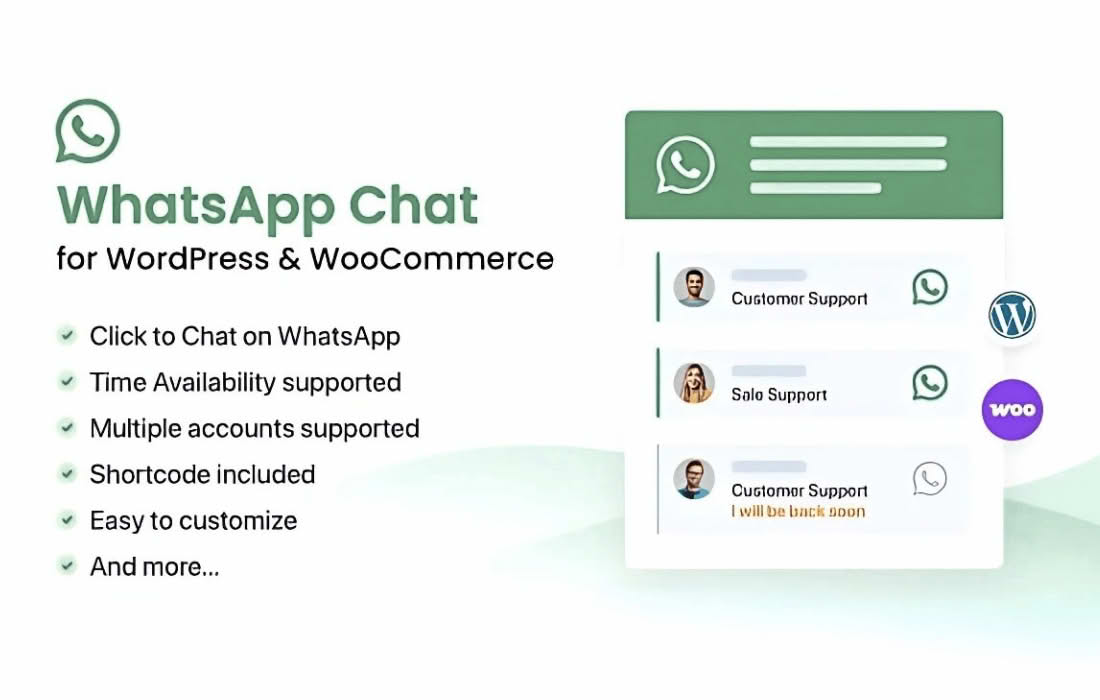
Turn your website visitors into loyal customers by opening a direct line of communication with the WhatsApp Chat WordPress plugin. In today’s fast-paced digital environment, customers expect instant answers. By integrating the world’s most popular messaging platform directly into your WordPress site, you remove friction, build trust, and provide a familiar, convenient way for potential clients to reach you in real-time. Whether you are running an e-commerce store, a service-based business, or a portfolio site, this plugin ensures you never miss an inquiry, helping you close more deals through personalized, one-on-one conversations.
Key Features
- Instant Connectivity: Open a direct WhatsApp chat window with a single click, allowing users to start conversations without the need to save your contact number first.
- Customizable Chat Widgets: Tailor the appearance of your chat button to match your brand identity, including custom colors, icons, and position settings on your screen.
- Pre-filled Message Templates: Streamline communication by setting up default messages that users can send with one tap, helping you immediately understand their intent or the page they are inquiring about.
- Multiple Agent Support: Manage inquiries efficiently by adding multiple team members or departments, allowing visitors to choose who they want to speak with based on their specific needs.
- Availability Scheduling: Control when your chat button is visible by setting specific business hours, ensuring customers know exactly when you are available to respond.
- Mobile-Optimized Experience: Provide a seamless transition from your website to the WhatsApp mobile app, ensuring a smooth user experience for visitors on smartphones and tablets.
- GDPR Compliance Tools: Utilize built-in options to manage user consent and privacy, ensuring your communication practices align with data protection regulations.
Use Cases and Who It’s For
WhatsApp Chat WordPress is an essential tool for any business owner looking to improve conversion rates and customer satisfaction. If you operate an online store, this plugin acts as a virtual sales assistant, allowing you to answer product questions, provide shipping updates, or assist with checkout issues before a customer abandons their cart.
For service providers, such as consultants, real estate agents, or local contractors, the plugin serves as a lead generation powerhouse. It lowers the barrier to entry for potential clients who prefer a quick text message over a formal email or a phone call. By meeting your customers on a platform they already use daily, you create a more approachable brand image that encourages engagement and fosters long-term relationships.
Setup and How It Works
Getting started with WhatsApp Chat WordPress is designed to be straightforward, requiring no coding knowledge to achieve a professional result:
- Install and Activate: Upload the plugin to your WordPress dashboard and activate it through the plugins menu.
- Configure Your Account: Navigate to the plugin settings page and enter your primary WhatsApp phone number.
- Customize the Widget: Adjust the design settings, including button placement, color schemes, and the greeting message that appears to greet your visitors.
- Set Your Availability: Define your business hours so the chat widget only appears when you are ready to engage with customers.
- Save and Launch: Save your settings to instantly display the WhatsApp chat button on your website, ready to start receiving messages from your visitors.
Similar Plugins
If you are exploring options for your WordPress site, other popular solutions in this category include Join.chat, Click to Chat, and WP Social Chat. Each of these plugins offers varying levels of customization and integration features, allowing you to compare functionality to find the best fit for your specific communication workflow.