
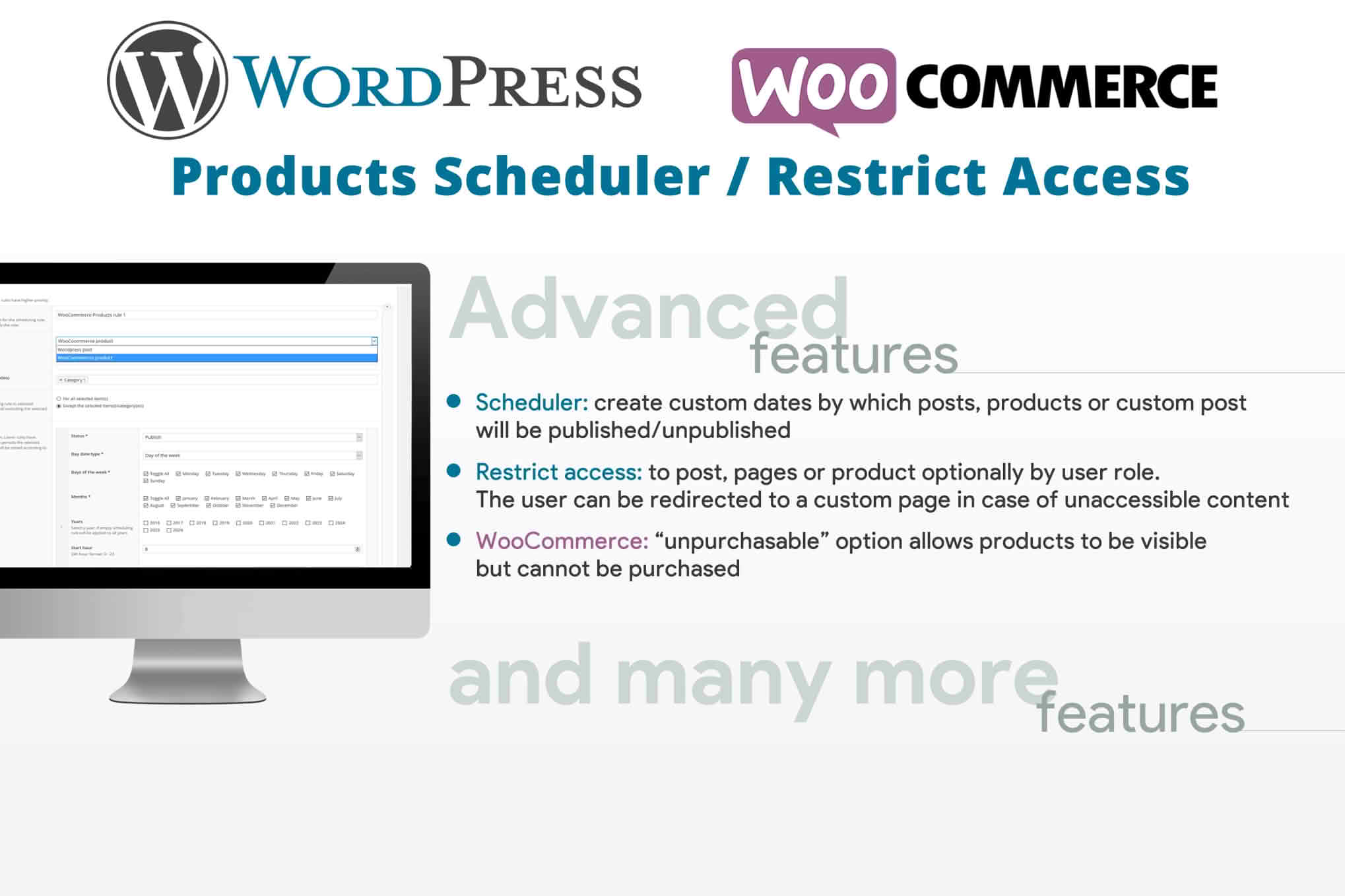
Take complete control over your WooCommerce store’s inventory and availability with the Products Scheduler / Restrict Access plugin. Whether you are running time-sensitive promotions, managing seasonal product launches, or creating exclusive content for specific member groups, this tool provides the precision you need to automate your store’s visibility. By eliminating the need for manual product updates at midnight or during off-hours, you can ensure your store remains dynamic, professional, and perfectly aligned with your marketing strategy.
Key Features
- Automated Scheduling: Set specific start and end dates and times for any product. The plugin automatically publishes or unpublishes products based on your defined schedule, ensuring your sales start and stop exactly when you intend.
- Role-Based Access Control: Restrict product visibility to specific user roles. You can easily create VIP-only products, wholesale-only items, or internal-only listings that remain invisible to the general public.
- Customizable “Access Denied” Messages: When a user attempts to view a restricted product, you can display a tailored message. Use this to encourage sign-ups, explain why a product is unavailable, or provide a link to your membership registration page.
- Bulk Scheduling Capabilities: Save time by applying scheduling rules to multiple products simultaneously, making it ideal for large-scale seasonal catalog updates.
- Countdown Timers: Drive urgency and conversions by displaying live countdown timers on product pages, showing customers exactly how long they have until a product becomes available or until a sale expires.
- Seamless WooCommerce Integration: The plugin works natively within your existing WooCommerce dashboard, requiring no complex configuration to begin managing your product visibility.
Use Cases / Who It’s For
This plugin is an essential asset for any WooCommerce store owner looking to streamline their operations and implement advanced marketing tactics. If you run a retail business, you can use scheduling to automate “Flash Sales” or manage product drops, ensuring that your inventory goes live at the exact moment your email campaign hits your customers’ inboxes.
For membership-based sites or subscription services, the access restriction features are invaluable. You can create tiers of products that are only visible to logged-in subscribers, effectively using your product catalog as a lead magnet to drive account creation. It is also perfect for wholesale businesses that need to maintain a public-facing catalog while keeping specific B2B pricing or inventory hidden from retail customers.
Furthermore, event organizers and digital creators can benefit from the ability to time-gate content. By scheduling the release of digital downloads or event tickets, you can build anticipation and manage demand without needing to be at your computer the moment the doors open.
Setup / How It Works
- Install and Activate: Upload the plugin to your WordPress site via the Plugins menu and activate it to unlock the new scheduling and restriction tabs within your WooCommerce product editor.
- Configure Product Settings: Navigate to any product in your WooCommerce dashboard. You will find a new section dedicated to scheduling and access control.
- Define Your Rules: Select your desired start and end dates for the product to be visible. If you wish to restrict access, select the user roles that are permitted to view the product from the provided list.
- Set Your Messaging: Customize the notification text that appears for users who do not meet the access requirements.
- Save and Automate: Click update on the product. The plugin will now handle the visibility logic automatically, hiding or showing the product as your schedule dictates.
Similar Plugins
If you are exploring alternatives, you may also consider plugins such as WooCommerce Product Scheduler, Restrict Content Pro (for broader site-wide access control), or YITH WooCommerce Role Based Prices, which offers overlapping functionality regarding user-role visibility.