
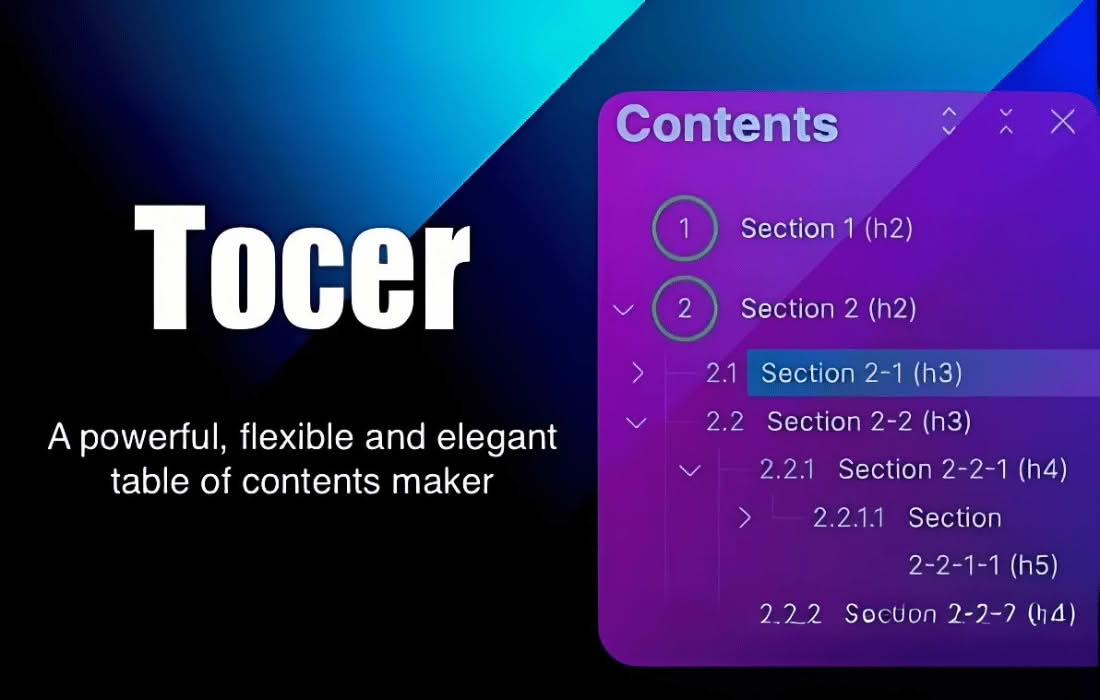
Tocer (Fixed TOC) is a powerful, lightweight WordPress plugin designed to automatically generate a functional, sticky table of contents for your long-form content. By analyzing your post and page headings, Tocer creates an organized navigation menu that stays visible as your readers scroll, significantly improving user experience, reducing bounce rates, and helping visitors find the information they need without endless scrolling.
Key Features
- Automatic Generation: The plugin intelligently scans your content for heading tags (H1–H6) and builds a hierarchical table of contents automatically, saving you from manual formatting.
- Sticky Navigation: Keep your navigation accessible at all times. The fixed position ensures that as users read through deep articles, they can jump to specific sections instantly.
- Customizable Design: Tailor the appearance of your table of contents to match your theme’s branding. You can adjust colors, border styles, and layout settings to ensure a seamless visual integration.
- Flexible Placement: Choose exactly where you want the table of contents to appear. Whether you prefer it at the top of the post, in the sidebar, or as a floating element, Tocer provides the configuration options to make it happen.
- Smooth Scrolling: Enhance the user journey with smooth transition effects when a user clicks a link in the table of contents, providing a polished and professional feel to your website.
- Exclusion Control: Easily hide the table of contents on specific pages or posts where it might not be necessary, giving you full control over your site layout.
- SEO Friendly: By providing clear internal linking structure and improving user engagement metrics, Tocer helps search engines better understand your content hierarchy.
Use Cases / Who It’s For
Tocer is an essential tool for any website owner who publishes long-form content. If you run a blog, a news site, or an educational portal, your readers are likely dealing with articles that require significant scrolling. Tocer is perfect for:
- Content Marketers: Enhance the readability of long-form guides, white papers, and industry reports to keep leads engaged longer.
- Bloggers: Improve the user experience for readers navigating tutorial-style posts, “how-to” articles, or detailed reviews.
- Documentation Managers: Organize complex technical documentation or knowledge base articles, making it easier for users to find specific troubleshooting steps.
- E-commerce Store Owners: Use it on product comparison pages or detailed buying guides to help customers quickly navigate to the features or specifications they care about most.
Setup / How It Works
Setting up Tocer is designed to be straightforward, allowing you to get your navigation up and running in minutes:
- Installation: Install and activate the Tocer plugin through your WordPress dashboard.
- Configuration: Navigate to the plugin settings page to define which heading levels (e.g., H2, H3) you want to include in your table of contents.
- Styling: Use the intuitive settings panel to select your preferred display style, colors, and the sticky behavior of the container.
- Automatic Display: Once configured, the plugin will automatically detect your headings and render the table of contents on your posts and pages based on your chosen settings.
Similar Plugins
If you are exploring options for managing table of contents on your WordPress site, you may also encounter other popular solutions such as LuckyWP Table of Contents, Easy Table of Contents, and Table of Contents Plus. Each of these plugins offers similar functionality regarding the automatic generation of navigation menus from heading tags, though they differ in their specific design customization options and interface layouts.