
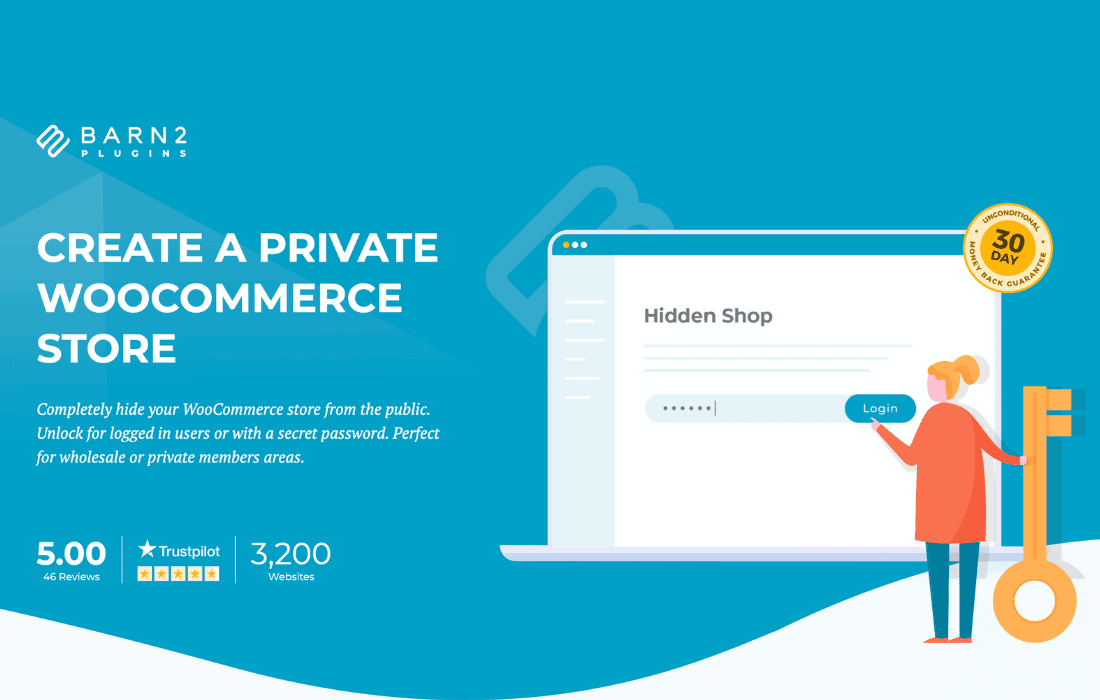
The WooCommerce Private Store plugin provides a seamless way to restrict access to your online shop, transforming your public store into an exclusive, members-only experience or a hidden B2B portal. Whether you need to protect wholesale pricing, manage client-specific catalogs, or create a gated community for your brand, this plugin gives you complete control over who can view your products and make purchases. By hiding your store behind a login screen or a password-protected gateway, you ensure that your content remains visible only to the audience you choose, helping you maintain brand exclusivity and secure sensitive pricing information.
Key Features
- Complete Store Lockdown: Effortlessly hide your entire shop, including products, categories, tags, and cart/checkout pages, from unauthorized visitors.
- Password Protection: Implement a simple, site-wide password gate that allows access to anyone with the correct key, perfect for quick, non-user-specific access.
- User Role Restriction: Automatically grant access to logged-in users based on their WordPress user roles, ensuring that only registered customers or specific groups (like wholesale partners) can browse your catalog.
- Customizable Login Page: Replace the default WordPress login screen with a branded, custom-styled login page that matches your store’s aesthetic, providing a professional experience for your users.
- Search Engine Visibility Control: Choose whether to allow search engines to index your store or hide it completely, protecting your SEO strategy while keeping your products private.
- Redirect Logic: Automatically redirect unauthorized visitors to a specific page, such as a registration form, a “contact us” page, or a custom landing page, to guide them on how to gain access.
- Seamless WooCommerce Integration: Built specifically for WooCommerce, the plugin ensures that your cart, checkout, and account pages remain protected, preventing bypass attempts via direct URL access.
Use Cases: Who It’s For
WooCommerce Private Store is an essential tool for business owners who need to segment their audience or protect their inventory from the general public. It is ideal for wholesale and B2B businesses that want to display different pricing structures to registered partners while keeping retail prices hidden. It is also perfect for exclusive clubs or membership-based brands that offer limited-edition products to a vetted community, ensuring that only loyal members can view and purchase items.
Additionally, this plugin is highly effective for internal company stores, such as employee-only shops for branded merchandise, or for service-based businesses that provide custom product configurations to specific clients. By restricting access, you not only protect your business intelligence and pricing strategies but also create a sense of exclusivity that can increase customer loyalty and perceived value.
Setup: How It Works
Getting your private store up and running is a straightforward process that requires no complex coding or developer intervention. Follow these steps to secure your shop:
- Install and Activate: Upload the plugin to your WordPress site and activate it through the Plugins menu.
- Configure Access Settings: Navigate to the plugin settings page to choose your preferred access method, such as password protection or user role gating.
- Set Redirect Rules: Define where unauthorized visitors should be sent if they attempt to access your shop pages without proper credentials.
- Customize the Gateway: Use the built-in options to customize the login or password entry screen, adding your logo or specific instructions to guide your users.
- Save and Test: Save your settings and visit your shop page in an incognito window to verify that the restriction is active and working exactly as you intended.
Similar Plugins
If you are exploring alternatives to manage store visibility, you may also consider looking into plugins such as WooCommerce Members Only, which offers similar access control features, or Password Protected Categories, which provides a more granular approach by restricting access to specific product sections rather than the entire store.