
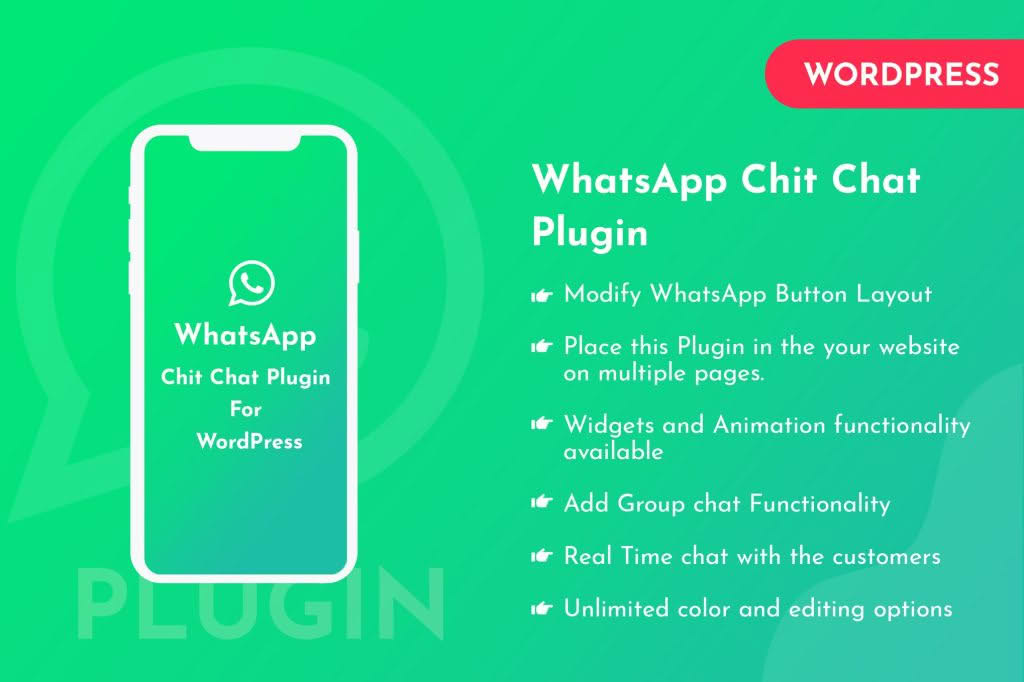
In today’s fast-paced digital landscape, customers expect instant answers. The WhatsApp Chit Chat Plugin for WordPress bridges the gap between your website and your visitors, transforming passive browsers into active conversations. By integrating the world‚Äôs most popular messaging platform directly into your site, you provide a familiar, trusted, and frictionless way for potential clients to reach out, ask questions, and finalize purchases, ultimately boosting your conversion rates and customer satisfaction.
Key Features
- Direct WhatsApp Integration: Connect your business WhatsApp number to your WordPress site with ease, allowing visitors to start a conversation with a single click.
- Customizable Chat Buttons: Tailor the look and feel of your chat button to match your brand identity, ensuring it blends seamlessly with your website’s theme.
- Personalized Welcome Messages: Automatically send a greeting or a pre-filled message when a user clicks the chat button to help initiate the conversation.
- Mobile and Desktop Support: Ensure a smooth experience whether your visitors are browsing on their smartphones or their desktop computers.
- Display Rules and Scheduling: Control exactly where and when your chat button appears, allowing you to show it on specific pages or only during your business hours.
- Multiple Agent Support: Easily manage inquiries by directing messages to different team members or departments based on the user’s needs.
- Analytics Tracking: Keep an eye on how often your chat button is clicked to measure engagement and optimize your customer support strategy.
Use Cases and Who It’s For
This plugin is an essential tool for any business owner who relies on direct communication to close sales or provide support. E-commerce store owners can use it to answer product-specific questions in real-time, helping to overcome hesitation and reduce cart abandonment. Service-based businesses, such as consultants, agencies, or local service providers, benefit by allowing potential clients to request quotes or schedule appointments instantly.
If you are a freelancer or a small business owner, the WhatsApp Chit Chat plugin acts as your 24/7 virtual receptionist. It is particularly effective for businesses that operate in regions where WhatsApp is the primary mode of communication, as it meets customers exactly where they are already comfortable interacting. By removing the barrier of traditional contact forms‚Äîwhich often feel like a “black hole” of communication‚Äîyou build immediate trust and rapport with your audience.
Setup and How It Works
Getting started with the WhatsApp Chit Chat plugin is designed to be straightforward, requiring no coding knowledge to get up and running.
- Install and Activate: Upload the plugin zip file to your WordPress dashboard via the Plugins menu and activate it.
- Configure Your Number: Navigate to the plugin settings page and enter your WhatsApp business phone number, including the country code.
- Customize Appearance: Choose your button icon, color, position on the screen (e.g., bottom-right or bottom-left), and the call-to-action text.
- Set Display Rules: Select which pages or post types should display the WhatsApp chat button to ensure it only appears where it is most relevant.
- Save and Publish: Once your settings are configured, save your changes. The chat button will immediately appear on your site, ready for your visitors to engage.
Similar Plugins
If you are exploring your options, there are several other popular solutions in the WordPress ecosystem that offer similar functionality, such as Join.chat, Click to Chat, and WP Social Chat. These plugins also focus on streamlining communication between website visitors and business owners via WhatsApp, providing various levels of customization and feature sets to suit different business needs.