
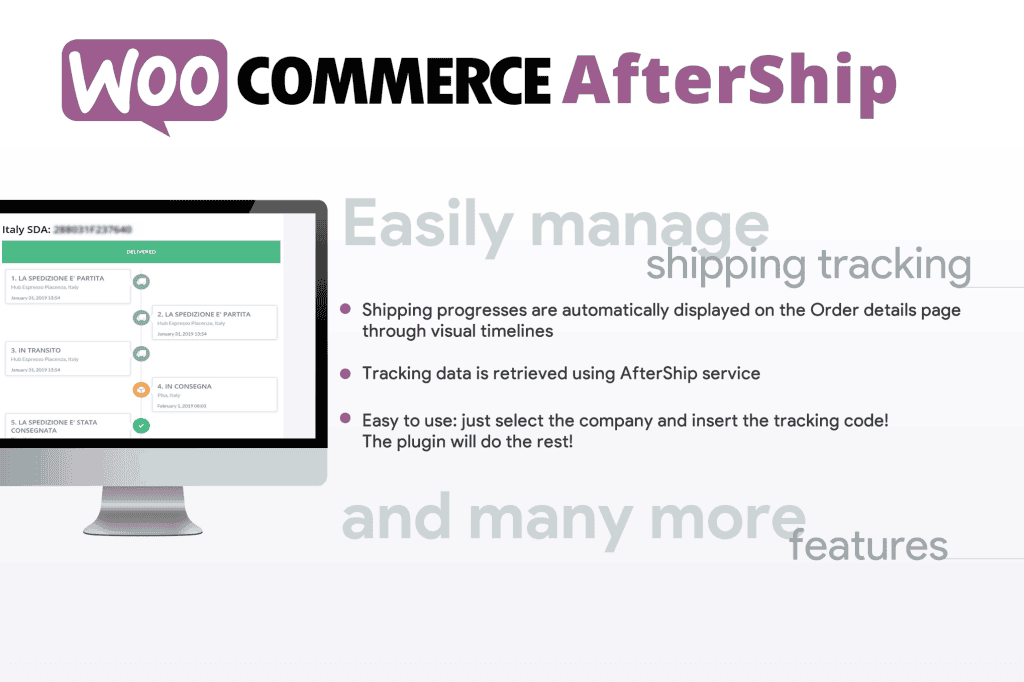
The WooCommerce AfterShip plugin transforms the post-purchase experience by providing your customers with a seamless, branded tracking journey. Instead of leaving your shoppers to navigate confusing third-party carrier websites, this integration brings shipment tracking directly into your ecosystem, reducing “Where is my order?” (WISMO) inquiries and building long-term customer trust through transparent, proactive communication.
Key Features
- Automated Tracking Updates: Automatically sync your WooCommerce orders with AfterShip to fetch real-time tracking data from over 1,000 global carriers, ensuring your customers always have the latest status on their shipments.
- Branded Tracking Pages: Create a professional, custom-branded tracking page on your own domain. This keeps customers engaged with your brand rather than sending them away to carrier websites, providing a cohesive post-purchase experience.
- Proactive Notifications: Send automated email and SMS delivery updates at key milestones‚Äîsuch as “In Transit,” “Out for Delivery,” and “Delivered”‚Äîkeeping customers informed without manual intervention.
- Centralized Dashboard: Manage all your shipments from a single, intuitive dashboard. Quickly identify delayed, exception, or failed deliveries so you can proactively resolve issues before the customer even notices.
- Analytics and Insights: Gain valuable data on your shipping performance. Monitor carrier reliability, average transit times, and delivery success rates to make informed decisions about your logistics partners.
- Seamless WooCommerce Integration: The plugin is designed for deep compatibility with WooCommerce, ensuring that tracking numbers, carrier information, and order statuses are synced automatically without complex manual data entry.
Use Cases / Who It’s For
This plugin is essential for any WooCommerce store owner looking to professionalize their shipping operations and improve customer retention. If you are a high-volume merchant, the time saved by automating tracking updates is invaluable, allowing your support team to focus on complex queries rather than repetitive shipping status requests.
For growing e-commerce brands, AfterShip is a vital tool for building credibility. By providing a branded, reliable tracking experience, you reduce the anxiety associated with online shopping, which directly correlates to higher customer satisfaction scores and increased repeat purchase rates. Whether you are shipping domestically or running a global dropshipping business, the ability to track packages across hundreds of different carriers from one unified interface makes this an indispensable asset for your logistics stack.
Setup / How It Works
- Install and Connect: Install the AfterShip plugin directly from your WordPress dashboard and connect it to your AfterShip account using your API key.
- Configure Carriers: Use the settings menu to select the carriers you use for your shipments; the plugin will automatically detect tracking numbers added to your WooCommerce orders.
- Customize Your Tracking Page: Access the AfterShip dashboard to upload your logo, add your brand colors, and include marketing assets like product recommendations or discount codes on your tracking page.
- Activate Notifications: Set up your notification templates to define when and how customers receive updates, ensuring your brand voice is consistent across all communications.
- Monitor and Optimize: Once active, the plugin will automatically pull tracking data for new orders. You can monitor your shipment health via the AfterShip dashboard and use the insights to optimize your delivery strategy.
Similar Plugins
While AfterShip is a comprehensive solution, other options in the WooCommerce ecosystem include:
- TrackShip: A dedicated WooCommerce plugin that focuses on automated tracking updates and branded notifications directly within the WordPress admin.
- ShipStation: A broader shipping management solution that includes label printing, order management, and tracking capabilities for merchants who need an all-in-one logistics platform.
- Advanced Shipment Tracking for WooCommerce: A plugin that allows you to add tracking information to orders and provides customers with a tracking link in their account area and emails.