
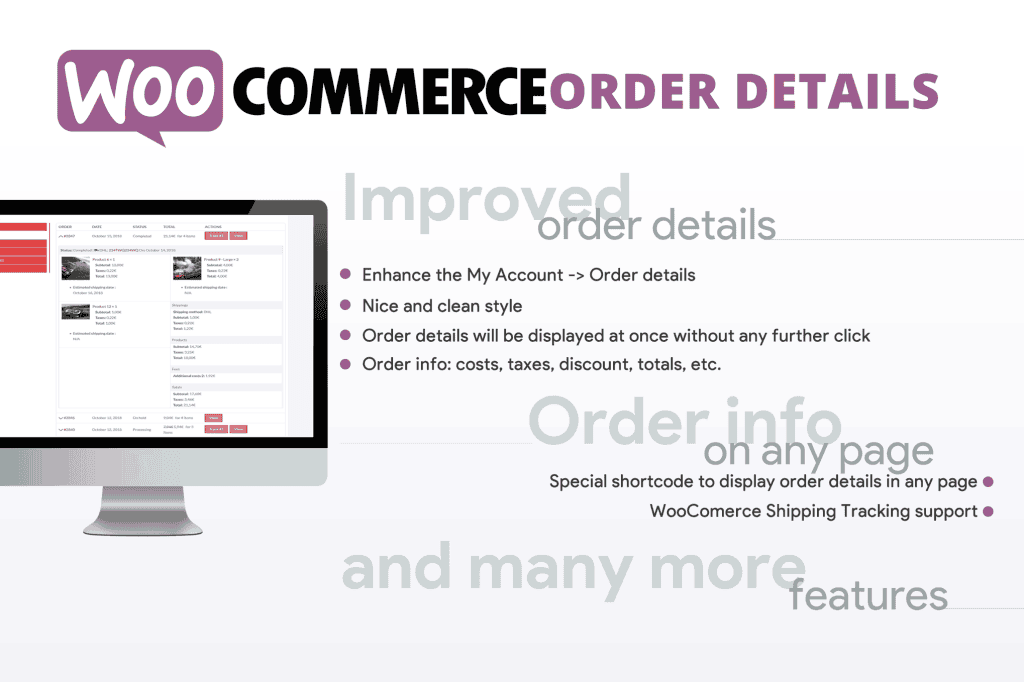
Managing customer orders efficiently is the backbone of any successful e-commerce store. The WooCommerce Order Details plugin is designed to give store owners, support teams, and warehouse staff total control over how order information is displayed, managed, and processed. By enhancing the default WooCommerce order interface, this plugin helps you reduce administrative overhead, minimize shipping errors, and provide a clearer view of your business operations right from your WordPress dashboard.
Key Features
- Customizable Order Views: Tailor the order list and individual order pages to show only the information that matters most to your workflow, hiding clutter and improving focus.
- Advanced Column Management: Add, remove, or reorder columns in the main WooCommerce orders table, allowing you to see critical data like custom fields, shipping methods, or order notes at a glance without clicking into each order.
- Enhanced Order Details Display: Display additional order metadata, product attributes, or custom fields directly within the order edit screen for faster processing and verification.
- Bulk Action Enhancements: Streamline your fulfillment process by adding custom bulk actions that save time when managing high volumes of orders simultaneously.
- Printable Order Summaries: Generate clean, professional, and easy-to-read order summaries that can be printed for packing slips or internal records, ensuring your warehouse team has exactly what they need.
- Seamless Integration: Designed to work harmoniously with core WooCommerce functionality and popular third-party extensions, ensuring compatibility with your existing tech stack.
- Performance Optimized: Built with clean code to ensure that your administrative dashboard remains fast and responsive, even as your order history grows over time.
Use Cases / Who It’s For
This plugin is an essential tool for any WooCommerce store owner looking to optimize their back-office operations. If you find yourself constantly clicking into individual orders just to check a specific detail—like a customer note, a custom field, or a specific shipping requirement—this plugin will save you hours of manual work every week.
It is particularly valuable for high-volume stores where warehouse staff need to quickly scan order lists to prioritize fulfillment. Customer support teams also benefit significantly, as they can pull up relevant order information instantly during customer inquiries, leading to faster resolution times and higher customer satisfaction. Whether you are running a boutique shop or a rapidly scaling e-commerce brand, having a bird’s-eye view of your order data is critical for maintaining efficiency and accuracy.
Setup / How It Works
Getting started with WooCommerce Order Details is designed to be straightforward, requiring no advanced coding knowledge. Follow these steps to begin optimizing your workflow:
- Installation: Upload and activate the plugin through your WordPress dashboard just like any other plugin.
- Configuration: Navigate to the plugin settings page located within the WooCommerce menu. Here, you will find a user-friendly interface to manage your order display preferences.
- Column Customization: Use the drag-and-drop interface to select which data points should appear in your orders table. You can toggle visibility for standard WooCommerce fields and any custom fields you have integrated into your checkout process.
- Save and Review: Once you have configured your preferences, save your settings and head over to your WooCommerce Orders page. You will immediately see your updated, streamlined view.
- Refinement: As your business needs evolve, you can return to the settings page at any time to adjust your columns or display settings, ensuring your dashboard always matches your current operational requirements.
Similar Plugins
While there are several ways to manage order data in WooCommerce, users often explore alternatives such as WooCommerce Order Status Manager for handling custom statuses, or general WooCommerce Custom Fields plugins that allow for deeper data collection and display. Additionally, plugins like TablePress or specialized WooCommerce Admin Customizer tools are sometimes used to modify the backend interface, though they may lack the specific focus on order-centric workflows found in this solution.