
Turn your valuable digital content into a powerful lead generation engine with Download Monitor Email Lock. This essential extension for the Download Monitor plugin allows you to gate your files behind an email capture form, ensuring that visitors provide their contact information before they can access your downloads. Whether you are distributing whitepapers, software, templates, or exclusive media, this tool helps you grow your mailing list effortlessly while providing your audience with the resources they crave.
Key Features
- Seamless Integration: Designed specifically for Download Monitor, this extension integrates directly into your existing download management workflow without requiring complex configurations.
- Email Gating: Require users to enter a valid email address before the download link is revealed, effectively capturing high-quality leads from interested visitors.
- GDPR Compliance Support: Include customizable checkbox fields to ensure your users consent to your privacy policy and marketing communications before downloading.
- Data Export Capabilities: Easily export your captured email addresses to CSV format, allowing you to import your new leads into your preferred CRM or email marketing platform.
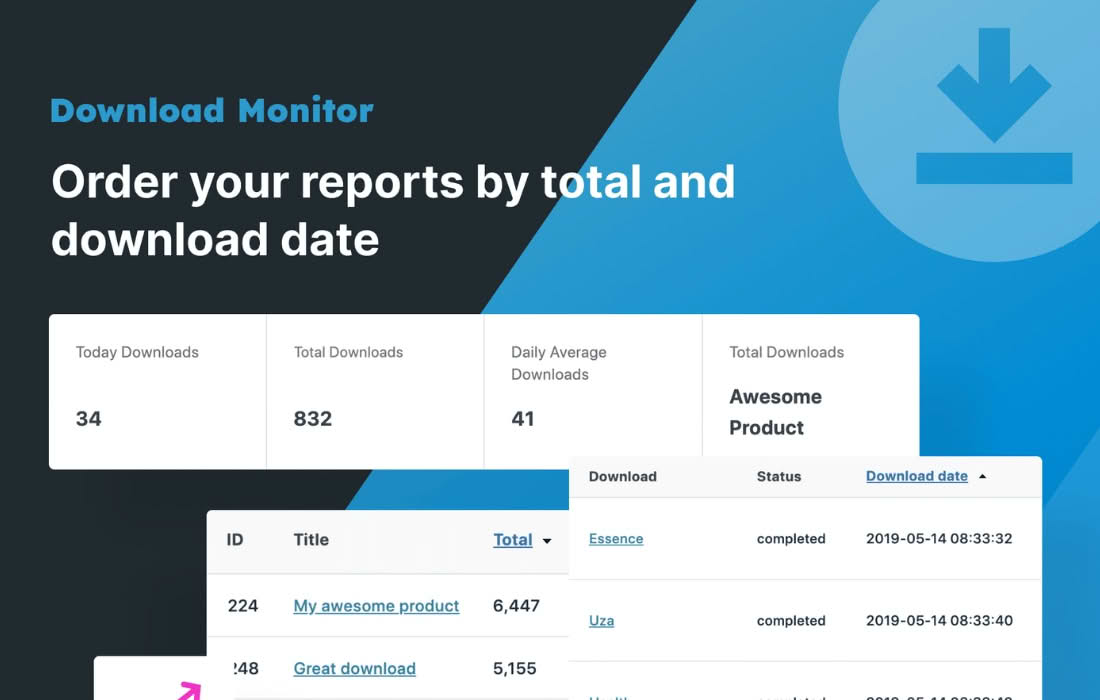
- Download Tracking: Maintain the robust tracking features of Download Monitor, ensuring you still know exactly how many times your files are being accessed, even when gated.
- Customizable Forms: Tailor the appearance and messaging of your email capture forms to match your brand identity and improve conversion rates.
Use Cases and Who It’s For
Download Monitor Email Lock is the perfect solution for content creators, marketers, and business owners who understand that high-quality content is a valuable asset. If you are tired of giving away resources without getting anything in return, this plugin shifts the dynamic by establishing a fair value exchange.
Content Marketers use this tool to gate lead magnets like eBooks, industry reports, and case studies, allowing them to nurture prospects through targeted email campaigns. Software Developers leverage it to capture user emails before providing access to beta versions or documentation, helping them build a community around their product. Creative Professionals, such as photographers or designers, can use it to distribute high-resolution assets or templates, ensuring they build a list of potential clients who are genuinely interested in their work.
Setup and How It Works
Getting started with Download Monitor Email Lock is straightforward, allowing you to begin capturing leads in minutes:
- Installation: Ensure you have the core Download Monitor plugin installed and activated on your WordPress site. Install and activate the Email Lock extension as you would any other plugin.
- Configuration: Navigate to the Download Monitor settings or the specific download edit screen where you wish to enable the lock.
- Enable Locking: Locate the Email Lock settings for your chosen file and toggle the option to enable the email gate.
- Customize: Configure your form settings, including the required fields, consent checkboxes, and the success message that appears after the user submits their email.
- Publish: Save your changes. When a user clicks the download button, they will now be prompted to enter their email address before the file download begins automatically.
Similar Plugins
If you are exploring options for gating content, you may also encounter other solutions in the WordPress ecosystem, such as Email Before Download or various membership-based plugins that offer content restriction features. However, for users already deeply integrated into the Download Monitor ecosystem, the Email Lock extension offers the most streamlined, native experience without the bloat of larger, multi-purpose membership platforms.