
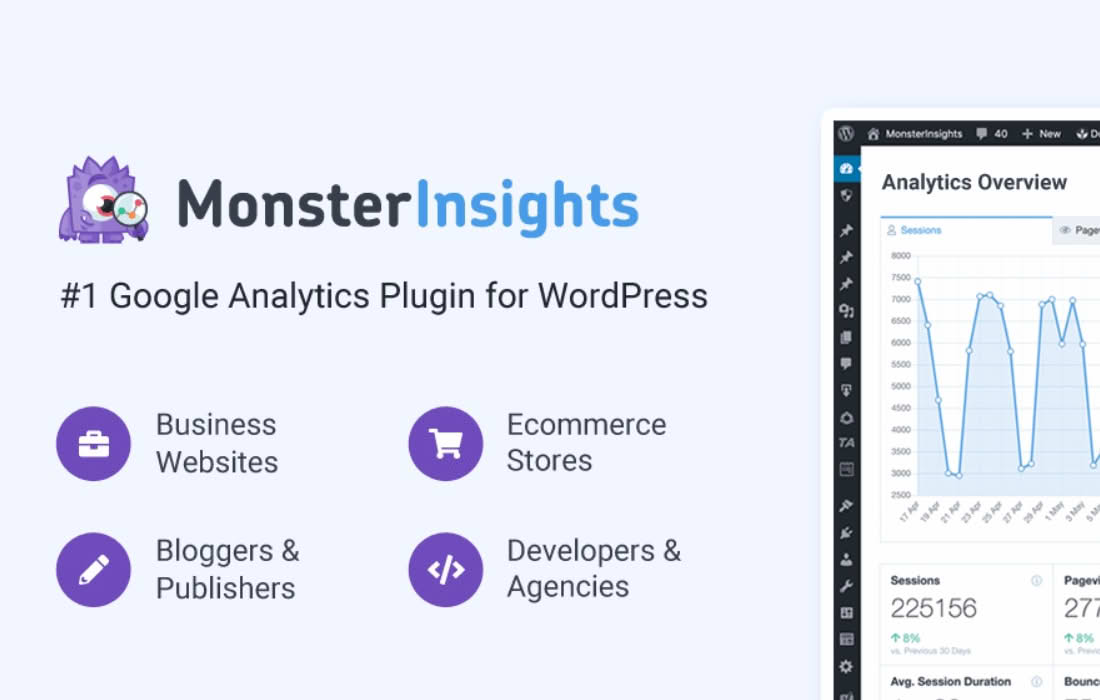
Stop guessing which of your paid advertising campaigns are actually driving sales and start making data-driven decisions that maximize your return on ad spend. The MonsterInsights PPC Tracking addon bridges the gap between your ad platforms and your WordPress site, providing you with clear, actionable insights into how your paid traffic behaves once they land on your pages. Designed for business owners, marketers, and e-commerce managers, this tool eliminates the complexity of manual tracking setup, allowing you to see exactly which ads are converting and which are wasting your budget.
Key Features
- Automated Campaign Tracking: Automatically detect and track your paid traffic sources without needing to manually add complex UTM parameters to every single ad link.
- Deep Integration with Google Ads: Seamlessly connect your Google Ads account to Google Analytics via MonsterInsights to see detailed performance metrics directly within your WordPress dashboard.
- E-commerce Conversion Attribution: Understand the full journey of your customers by linking specific ad clicks to completed purchases and revenue generated in your online store.
- Simplified Setup Process: Eliminate the need for developer intervention or complex code snippets; configure your PPC tracking in just a few clicks through the intuitive MonsterInsights interface.
- Unified Reporting: View your paid search performance alongside your organic traffic, social media metrics, and user behavior data, giving you a holistic view of your marketing efforts in one place.
- Support for Multiple Platforms: While optimized for Google Ads, the addon helps standardize how your site handles incoming campaign traffic, ensuring your analytics data remains clean and consistent across different ad networks.
Use Cases / Who It’s For
The PPC Tracking addon is an essential tool for any business owner or marketer actively investing in paid advertising. If you are running Google Ads campaigns to drive traffic to your WordPress site, this addon is designed to help you stop the guesswork. It is perfect for e-commerce store owners who need to know exactly which product ads are driving the most sales, allowing you to reallocate your budget toward high-performing keywords and audiences.
Marketing agencies and freelancers will also find this tool invaluable for reporting. Instead of spending hours compiling data from different platforms, you can provide your clients with clear, professional reports that show exactly how their ad spend is translating into tangible business results. Whether you are a small business owner running your own local ads or a professional marketer managing large-scale campaigns, this addon provides the clarity needed to optimize your marketing funnel and improve your overall profitability.
Setup / How It Works
Getting started with the PPC Tracking addon is designed to be a straightforward process that respects your time and technical resources.
- Install and Activate: Ensure you have the core MonsterInsights plugin installed and active on your WordPress site. Navigate to the Addons section within your MonsterInsights dashboard to locate and activate the PPC Tracking addon.
- Connect Your Accounts: Follow the guided authentication process to link your Google Analytics property to your WordPress site if you haven’t already done so.
- Configure Tracking Settings: Access the PPC Tracking settings tab. Here, you can enable the tracking features and verify that your Google Ads account is properly linked to your Google Analytics property.
- Monitor Performance: Once enabled, the addon begins automatically tracking incoming traffic from your configured ad campaigns. You can then view these insights directly within your WordPress dashboard under the MonsterInsights Reports tab, where your paid traffic data will be automatically aggregated and displayed.
Similar Plugins
While MonsterInsights provides a streamlined, all-in-one solution for WordPress users, other tools exist in the ecosystem that focus on advanced analytics and conversion tracking. These include PixelYourSite, which offers extensive support for various social media and advertising pixels, and GTM4WP (Google Tag Manager for WordPress), which is a powerful, developer-focused option for those who prefer to manage all their tracking tags through Google Tag Manager rather than a dedicated plugin interface.