
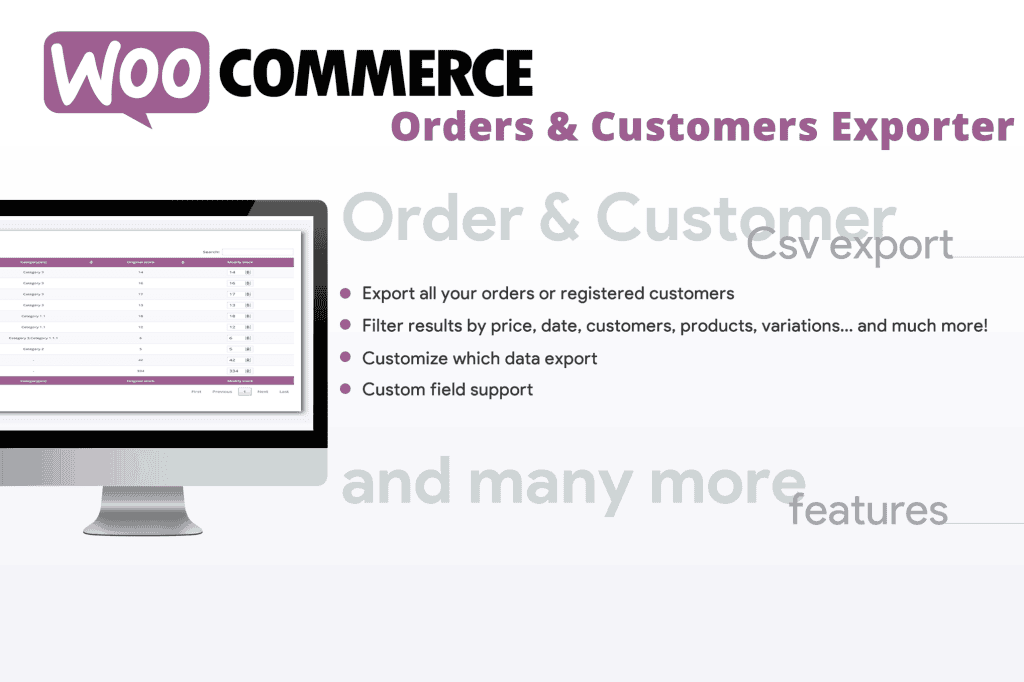
Managing your WooCommerce store data shouldn’t be a bottleneck to your growth. The WooCommerce Orders & Customers Exporter is a powerful, time-saving solution designed for store owners, accountants, and marketing teams who need to move data out of WordPress and into external systems quickly and accurately. Whether you are preparing reports for tax season, migrating to a new CRM, or performing deep-dive customer analysis, this plugin gives you complete control over your store’s most valuable information without requiring technical expertise or complex database queries.
Key Features
- Flexible Export Formats: Seamlessly export your order and customer data into widely compatible CSV or XML formats, ensuring compatibility with Excel, Google Sheets, accounting software, and third-party CRM platforms.
- Granular Data Filtering: Stop exporting unnecessary data. Use advanced filters to narrow down your exports by date range, order status, product categories, or specific customer segments to get exactly what you need.
- Customizable Field Mapping: Select only the specific columns you want to include in your export files. You can easily reorder fields or rename headers to match the exact requirements of your external software.
- Bulk Export Capabilities: Handle large databases with ease. The plugin is optimized to process high volumes of orders and customers efficiently, preventing server timeouts during large data transfers.
- Automated Scheduling: Set it and forget it. Configure recurring exports to be generated automatically and sent to your email or stored on your server, ensuring your external reports are always up to date without manual intervention.
- Customer Data Insights: Beyond just orders, export comprehensive customer profiles, including billing and shipping addresses, purchase history, total spend, and account registration dates to fuel your marketing efforts.
Use Cases / Who It’s For
This plugin is an essential tool for any WooCommerce store owner looking to streamline their operational workflow. If you are an e-commerce manager, you can use the plugin to extract sales data to identify top-performing products or analyze seasonal trends. Accountants and bookkeepers benefit by quickly pulling clean, formatted order lists for tax reporting and financial reconciliation, saving hours of manual data entry.
For marketing teams, the ability to export customer segments is a game-changer. By extracting specific customer data‚Äîsuch as high-value shoppers or customers who haven’t purchased in a specific timeframe‚Äîyou can easily upload these lists into email marketing platforms or ad networks to run highly targeted, data-driven campaigns. If you are migrating your store, this plugin serves as a reliable bridge, allowing you to export your existing customer base and order history to ensure a smooth transition to a new platform.
Setup / How It Works
- Installation: Install and activate the plugin through your WordPress dashboard just like any other plugin.
- Configuration: Navigate to the plugin settings page to define your default export preferences, such as preferred file format and date formats.
- Select Data: Choose whether you want to export orders, customers, or a combination of both.
- Apply Filters: Use the intuitive interface to select your desired date range, order statuses (e.g., processing, completed), or specific user roles.
- Map Fields: Drag and drop the fields you wish to include in your export file to ensure the output matches your destination software’s requirements.
- Export: Click the export button to generate your file instantly, or save your configuration as a preset for future use.
Similar Plugins
While this plugin offers a robust suite of tools for data management, the WooCommerce ecosystem includes other solutions that provide similar functionality. Popular alternatives include WP All Export, which is widely known for its advanced drag-and-drop interface, and Order Export & Order Import for WooCommerce by WebToffee, which provides specialized tools for those needing to both export and import data between stores.