
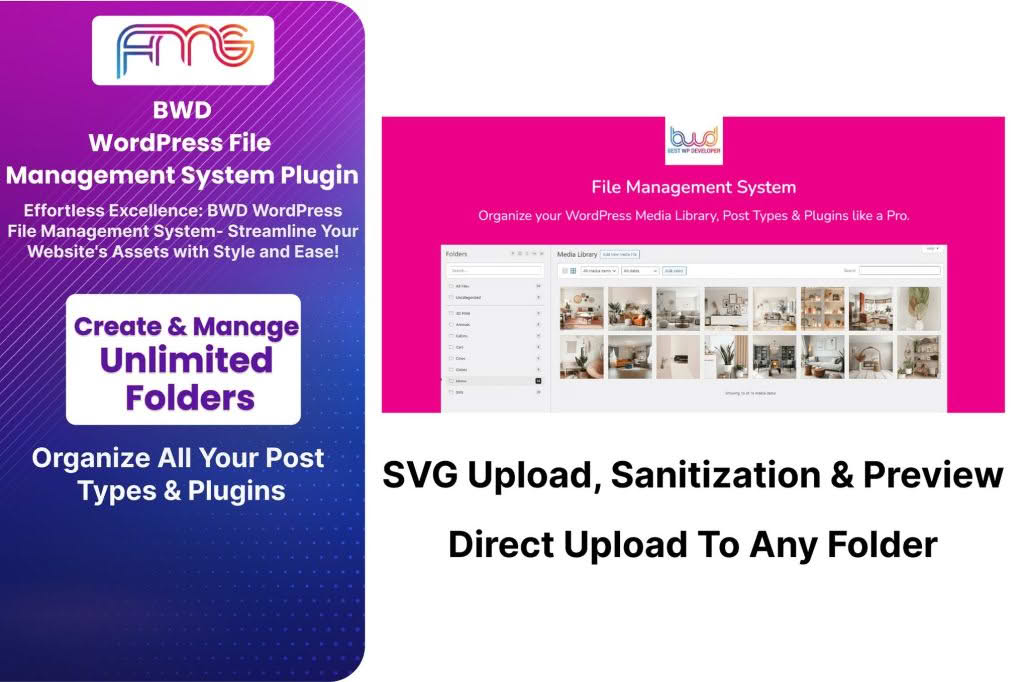
Managing files directly within the WordPress dashboard can often feel clunky and inefficient, forcing you to rely on external FTP clients or cluttered media libraries for simple tasks. The WordPress File Management System plugin transforms your administrative experience by bringing a professional-grade, desktop-like file explorer directly into your WordPress backend. Whether you are a developer managing site assets, a site administrator organizing documents, or a store owner handling digital downloads, this plugin streamlines your workflow, saves you time, and keeps your server environment organized without ever needing to leave your browser.
Key Features
- Full-Featured File Operations: Perform essential file management tasks such as creating, deleting, copying, moving, renaming, and archiving files and folders with an intuitive drag-and-drop interface.
- Advanced Code Editor: Edit PHP, CSS, HTML, JS, and text files directly within the plugin using a built-in code editor that features syntax highlighting, making quick site adjustments safer and faster.
- Secure Access Control: Define exactly who can access the file manager. You can restrict permissions based on user roles, ensuring that only authorized administrators have the power to modify core files or sensitive directories.
- Integrated Search and Preview: Quickly locate specific files using a powerful search function and preview images, documents, and media files instantly without needing to download them first.
- Detailed File Permissions: Easily manage file and folder permissions (chmod) to maintain the security and integrity of your server environment.
- Upload and Download Management: Efficiently upload large files or download entire folders as compressed archives, simplifying the process of backing up specific directories or transferring assets.
Use Cases / Who It’s For
This plugin is designed for anyone who needs more control over their WordPress installation’s file structure than the standard Media Library provides. It is an essential tool for web developers who need to quickly edit theme files, debug plugins, or manage configuration files without the hassle of setting up an FTP connection. For site administrators, it offers a centralized hub to organize site assets, manage uploaded documents, and perform routine maintenance tasks.
Store owners and digital content creators also benefit significantly. If you manage a large inventory of digital downloads, PDFs, or media assets, the File Management System allows you to categorize and organize your files logically on the server, ensuring that your backend remains as organized as your frontend. By consolidating these tasks into the WordPress dashboard, you reduce context switching and maintain a more focused, productive workflow.
Setup / How It Works
- Installation: Install and activate the plugin through the standard WordPress plugins menu.
- Access the Dashboard: Once activated, a new File Manager menu item will appear in your WordPress sidebar.
- Configure Permissions: Navigate to the plugin settings to specify which user roles are permitted to access the file manager and what level of access they should have.
- Manage Files: Click the File Manager menu item to open the interface. You can now browse your site’s directory structure, upload files, edit code, or organize your folders just as you would on your computer’s native file explorer.
Similar Plugins
If you are exploring options for file management within WordPress, other notable solutions include WP File Manager, FileBird, and Real Media Library. While each of these plugins offers varying approaches to file organization—with some focusing specifically on the Media Library and others providing a broader server-side file explorer experience—the WordPress File Management System stands out for its balance of robust server-side control and user-friendly interface design.