
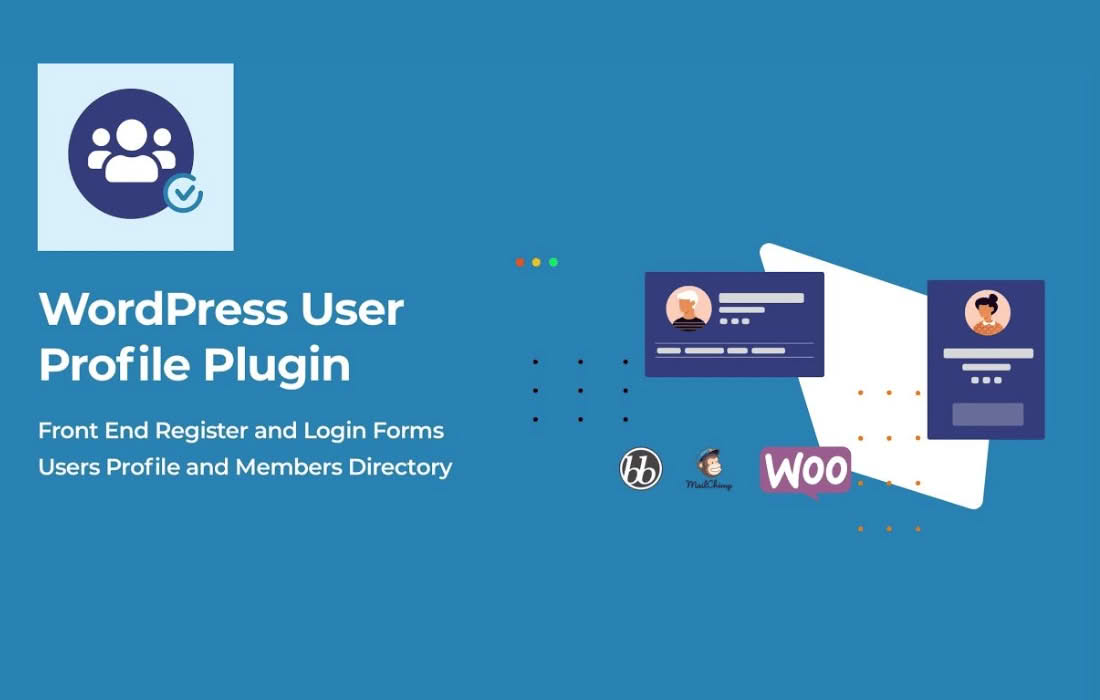
Establish trust and authority on your WordPress site by implementing a professional verification system. UsersWP Verified Users is a specialized add-on designed to help you identify authentic members of your community by displaying a prominent verification badge next to their names. Whether you are running a directory, a social network, or a membership site, this plugin helps you reduce spam, increase user engagement, and provide a clear visual indicator that a user has been vetted or is a legitimate representative of your platform.
Key Features
- Visual Verification Badges: Automatically display a professional verification icon next to user names across your site, including user profiles, comments, and directory listings.
- Admin-Controlled Verification: Maintain full control over your community by manually verifying users directly from the WordPress dashboard, ensuring only authentic accounts receive the status.
- Seamless UsersWP Integration: Built specifically to work in harmony with the UsersWP ecosystem, ensuring a native look and feel that requires minimal configuration.
- Customizable Display Settings: Choose exactly where and how the verification badge appears, allowing you to tailor the user experience to match your site’s specific design and layout.
- Enhanced Community Trust: Give your users peace of mind by clearly distinguishing verified members, influencers, or official staff from unverified accounts.
- Lightweight Performance: Engineered for speed and efficiency, the plugin ensures that adding verification status does not impact your site’s loading times or overall performance.
Use Cases and Who It’s For
UsersWP Verified Users is an essential tool for any site owner who prioritizes community quality and authenticity. If your website relies on user-generated content or community interaction, verification is a powerful tool to elevate the standard of your platform.
Business Directories: If you run a local or niche directory, verification badges help business owners stand out, signaling to potential customers that the business is legitimate and trustworthy.
Social Networks and Forums: For community-driven sites, verification helps identify long-standing members, content creators, or moderators, which discourages impersonation and helps reduce the prevalence of spam or bot accounts.
Membership Sites: If you offer exclusive content or services, using verification badges can help differentiate between standard members and premium or vetted users, adding a layer of prestige to your membership tiers.
Influencer and Creator Platforms: If your site hosts creators or influencers, verification badges act as a status symbol, helping your audience identify official profiles and preventing copycat accounts from misleading your community.
Setup and How It Works
Getting started with UsersWP Verified Users is designed to be straightforward, allowing you to focus on managing your community rather than wrestling with complex settings.
- Install and Activate: Ensure you have the core UsersWP plugin installed and active on your WordPress site, then install and activate the Verified Users add-on.
- Configure Settings: Navigate to the UsersWP settings panel to enable the verification feature and customize the appearance of the badge to suit your brand.
- Verify Users: Head over to your WordPress user list. You will see a new option to verify specific users. With a single click, you can toggle the verification status for any member of your site.
- Automatic Display: Once a user is marked as verified, the badge will automatically appear in all integrated areas of your site, such as their profile header, comments, and directory listings, without requiring any further manual input.
Similar Plugins
While UsersWP Verified Users is tailored specifically for the UsersWP framework, other solutions exist for general WordPress verification needs. Plugins such as WP User Verification or various BuddyPress-specific verification add-ons offer similar functionality for sites built on different community frameworks. However, if your site is built using UsersWP, this dedicated add-on remains the most compatible and efficient choice for maintaining site integrity and user trust.