
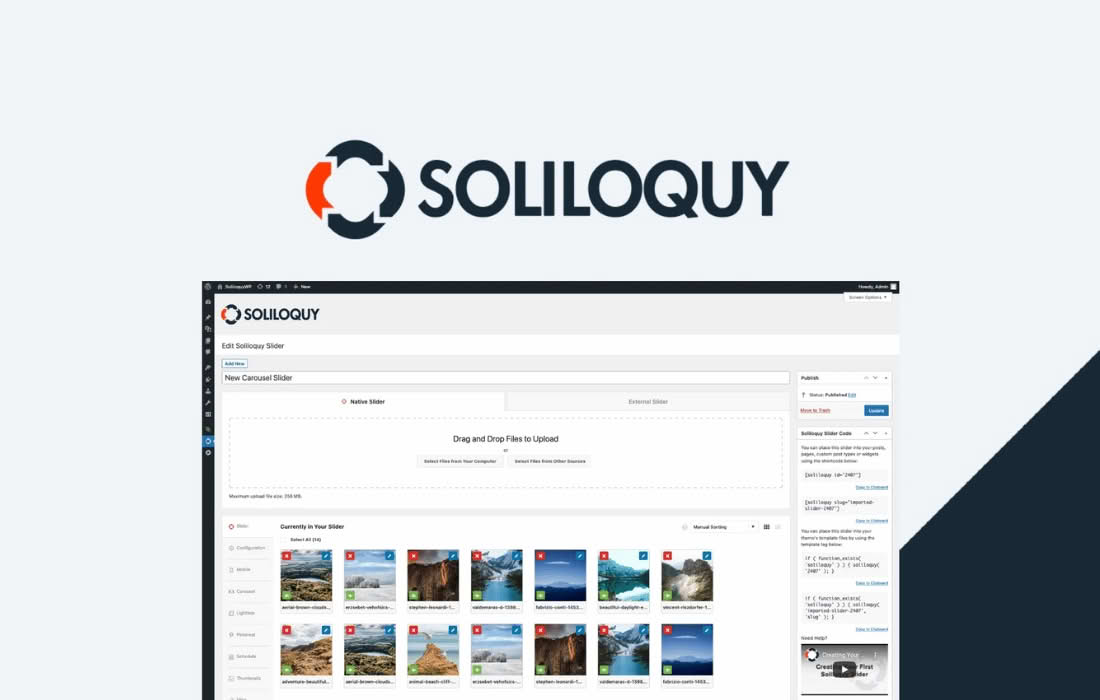
Take full control of your website’s visual storytelling with the Soliloquy Schedule Addon. Designed for busy site owners, marketers, and content managers, this powerful extension allows you to automate your slider content by setting specific start and end dates and times. Instead of manually swapping out banners or promotions at midnight, you can plan your content strategy weeks in advance, ensuring your site always displays the right message at the perfect moment without you needing to lift a finger.
Key Features
- Automated Scheduling: Set precise start and end dates for any slider, ensuring your content goes live and expires exactly when you intend.
- Time-Zone Aware: Manage your content based on your WordPress site’s configured time zone, making it easy to align your sliders with global or local marketing campaigns.
- Set-and-Forget Workflow: Plan your seasonal promotions, limited-time offers, or event announcements in advance and let the plugin handle the heavy lifting.
- Seamless Integration: Designed specifically for the Soliloquy slider ecosystem, ensuring that scheduled content transitions smoothly without impacting your site performance.
- Visual Management: Easily identify which sliders are scheduled to be active, expired, or pending directly from your WordPress dashboard.
Use Cases and Who It’s For
The Soliloquy Schedule Addon is an essential tool for anyone who relies on timely visual communication to drive conversions. E-commerce store owners will find it invaluable for managing flash sales, holiday-specific banners, or product launches that need to go live at a precise moment, such as Black Friday or Cyber Monday, without needing to be at their computer when the clock strikes twelve.
Marketing teams and agencies can use this addon to coordinate complex campaigns across multiple client sites. By pre-loading and scheduling sliders, you can ensure that marketing assets are perfectly synchronized with email newsletters, social media announcements, and press releases. It is also a perfect solution for event organizers who need to promote different stages of an event—such as early-bird registration, standard pricing, and final call—automatically as the event date approaches.
Setup and How It Works
Getting started with the Soliloquy Schedule Addon is designed to be intuitive and straightforward, allowing you to integrate scheduling into your existing workflow in minutes.
- Install and Activate: Once you have the Soliloquy core plugin installed, simply upload and activate the Schedule Addon just like any other WordPress plugin.
- Access Slider Settings: Navigate to your Soliloquy dashboard and edit the slider you wish to schedule.
- Configure Dates: Locate the Scheduling tab within the slider settings. Here, you can define the exact date and time you want the slider to become visible and when it should automatically hide.
- Save and Publish: Save your changes. The plugin will automatically monitor your site’s time settings and manage the visibility of the slider based on the parameters you have defined.
Similar Plugins
While various slider plugins exist in the WordPress ecosystem, such as MetaSlider or Smart Slider 3, the Soliloquy Schedule Addon is specifically engineered to function as a native extension for the Soliloquy platform. If you are already utilizing Soliloquy for its performance and ease of use, this addon provides the most stable and integrated method for adding scheduling functionality without the need to switch to a different slider architecture or install bloated third-party alternatives.