
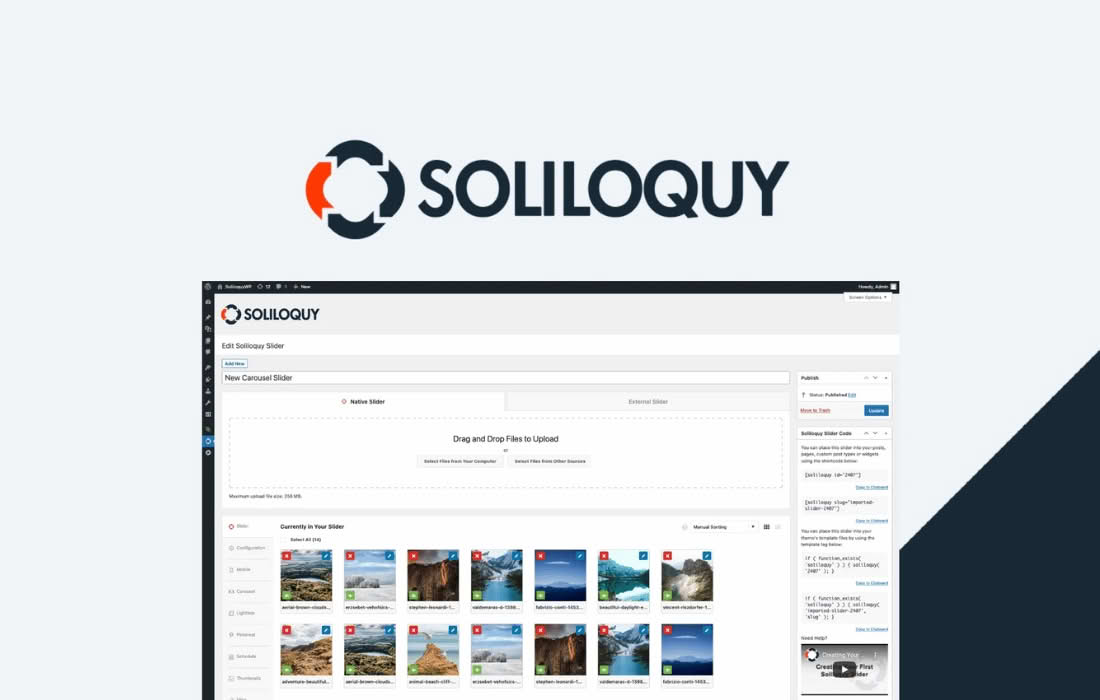
Unlock the viral potential of your image galleries by seamlessly integrating Pinterest functionality into your WordPress site. The Soliloquy Pinterest Addon is designed for photographers, bloggers, and e-commerce store owners who want to turn their beautiful slider images into shareable assets. By adding a dedicated “Pin It” button directly onto your slides, you remove friction for your visitors, encouraging them to save your content to their Pinterest boards and drive more traffic back to your website.
Key Features
- One-Click Pinning: Automatically adds a professional “Pin It” button to your Soliloquy slider images, allowing users to share content without leaving your page.
- Customizable Button Placement: Choose exactly where the Pinterest button appears on your images to ensure it complements your site design without obscuring your photography.
- Automated Metadata: Automatically pulls the image URL and page information, ensuring that when a user pins your image, it links directly back to your site for maximum traffic potential.
- Responsive Design: Built to work flawlessly across all devices, ensuring your Pinterest buttons look and function perfectly on mobile, tablet, and desktop screens.
- Lightweight Performance: Engineered to integrate with Soliloquy’s core architecture, ensuring your sliders remain fast and performant without unnecessary bloat.
- Seamless Integration: Works natively within the Soliloquy interface, requiring no complex coding or external API configurations to get started.
Use Cases and Who It’s For
The Soliloquy Pinterest Addon is an essential tool for any website owner who relies on visual storytelling. If you are a professional photographer, this addon makes it incredibly easy for potential clients to save your portfolio images to their inspiration boards, effectively acting as a digital business card that travels across the web.
For lifestyle and food bloggers, visual content is the primary driver of engagement. By making your recipe photos or travel shots “pinnable,” you tap into the massive Pinterest audience, turning casual readers into recurring visitors. Similarly, e-commerce store owners can leverage this tool to allow customers to pin product images directly from a slider, helping to build wishlists and increase social proof for your products.
Setup and How It Works
Getting started with the Soliloquy Pinterest Addon is designed to be straightforward, allowing you to enhance your galleries in minutes:
- Install and Activate: Ensure you have the core Soliloquy plugin installed, then upload and activate the Pinterest Addon from your WordPress dashboard.
- Enable the Addon: Navigate to your specific Soliloquy slider settings. You will now see a new tab or option for the Pinterest Addon.
- Configure Settings: Toggle the Pinterest button to “Enabled.” You can then select your preferred button alignment and style to match your theme‚Äôs aesthetic.
- Save and Publish: Save your slider settings. The “Pin It” button will now automatically appear on the images within that slider, ready for your visitors to share.
Why Pinterest Matters for Your WordPress Site
Pinterest is not just a social network; it is a powerful visual search engine. Unlike other social platforms where content has a short lifespan, pins can continue to drive traffic to your website for months or even years after they are first shared. By using the Soliloquy Pinterest Addon, you are not just adding a button—you are creating a sustainable pathway for new visitors to discover your content. When you make it effortless for your audience to share your work, you expand your reach, improve your SEO potential, and build a stronger, more engaged community around your brand.