
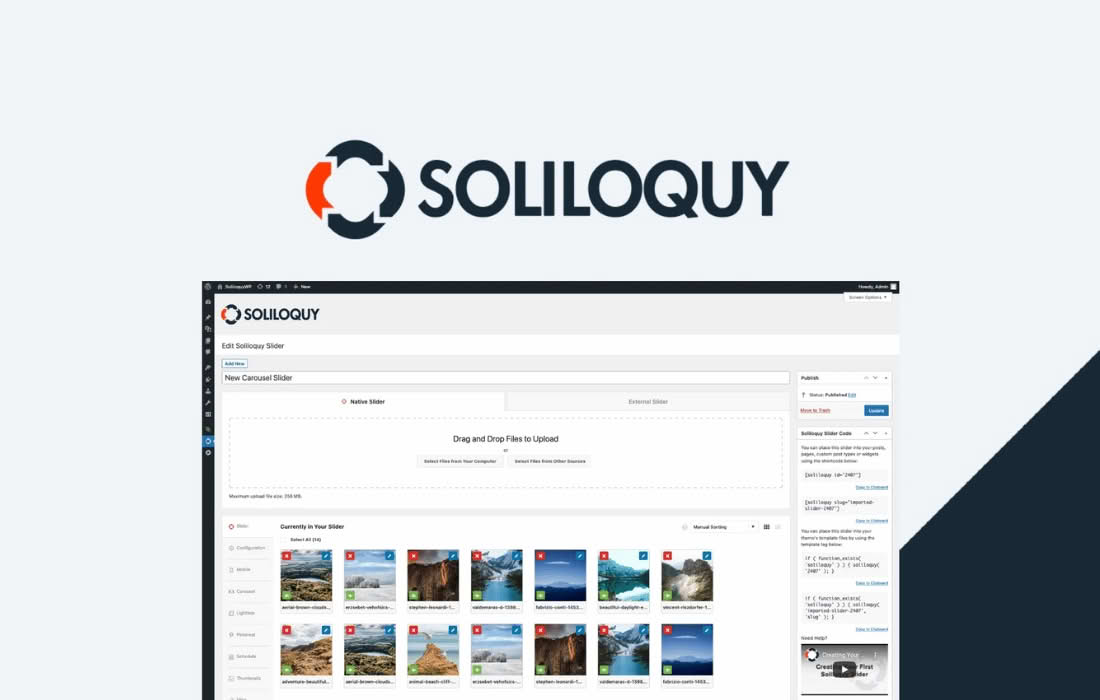
The Soliloquy Dynamic Addon transforms your WordPress slider experience by automating content creation, saving you hours of manual work. Instead of manually uploading and configuring every image for your sliders, this powerful extension allows you to pull content dynamically from your existing WordPress posts, pages, custom post types, or even external media sources like Instagram. It is the perfect solution for busy site owners, content marketers, and developers who want to keep their websites fresh and engaging without the repetitive task of building sliders from scratch every time new content is published.
Key Features
- Dynamic Content Sourcing: Automatically populate your sliders with content from your blog posts, pages, or custom post types, ensuring your slider always reflects your latest work.
- Customizable Content Filters: Precisely control which content appears in your slider by filtering by category, tag, author, or specific post ID.
- Instagram Integration: Seamlessly display your latest Instagram photos in a slider, keeping your social media feed and website perfectly synchronized.
- Automatic Refresh: Set your sliders to update automatically as you publish new content, eliminating the need to manually edit your sliders to add new items.
- Template Flexibility: Use Soliloquy’s template system to define exactly how your dynamic content looks, including post titles, excerpts, featured images, and metadata.
- Performance Focused: Designed to maintain the high performance and speed standards of the core Soliloquy plugin, ensuring your dynamic sliders load quickly despite pulling data on the fly.
Use Cases / Who It’s For
The Soliloquy Dynamic Addon is designed for anyone who manages a content-heavy website and wants to showcase their work without the administrative burden of manual slider management. If you run a news site, a photography portfolio, or a blog, this tool allows you to highlight your newest content automatically. For example, a travel blogger can create a slider that always shows their five most recent posts, while a photographer can have their slider automatically pull in images from a specific Instagram hashtag or account.
It is also an invaluable tool for developers building client sites. By setting up dynamic sliders, you provide your clients with a “set it and forget it” solution. Once the slider is configured, the client can simply publish their regular posts, and the slider will update itself, reducing the number of support requests related to basic site maintenance.
Setup / How It Works
- Install and Activate: Ensure you have the core Soliloquy plugin installed and active, then install and activate the Dynamic Addon.
- Create a New Slider: Navigate to the Soliloquy dashboard and create a new slider or edit an existing one.
- Select Dynamic Source: Within the slider configuration settings, locate the Dynamic tab and select your desired source, such as “Posts” or “Instagram.”
- Configure Parameters: Define the criteria for your content, such as the number of slides to display, specific categories to include, or the sort order.
- Customize Appearance: Use the template options to map your content fields—such as the featured image or post title—to the slider display.
- Publish and Display: Once saved, use the provided shortcode or block to place your dynamic slider anywhere on your site. The slider will now automatically pull and display content based on your settings.
Similar Plugins
While Soliloquy is a premium slider solution, other plugins offer dynamic content capabilities for WordPress sliders. These include MetaSlider, which offers some dynamic slide functionality, and Slider Revolution, which provides extensive dynamic content features for users who require highly complex, animated slider designs.