
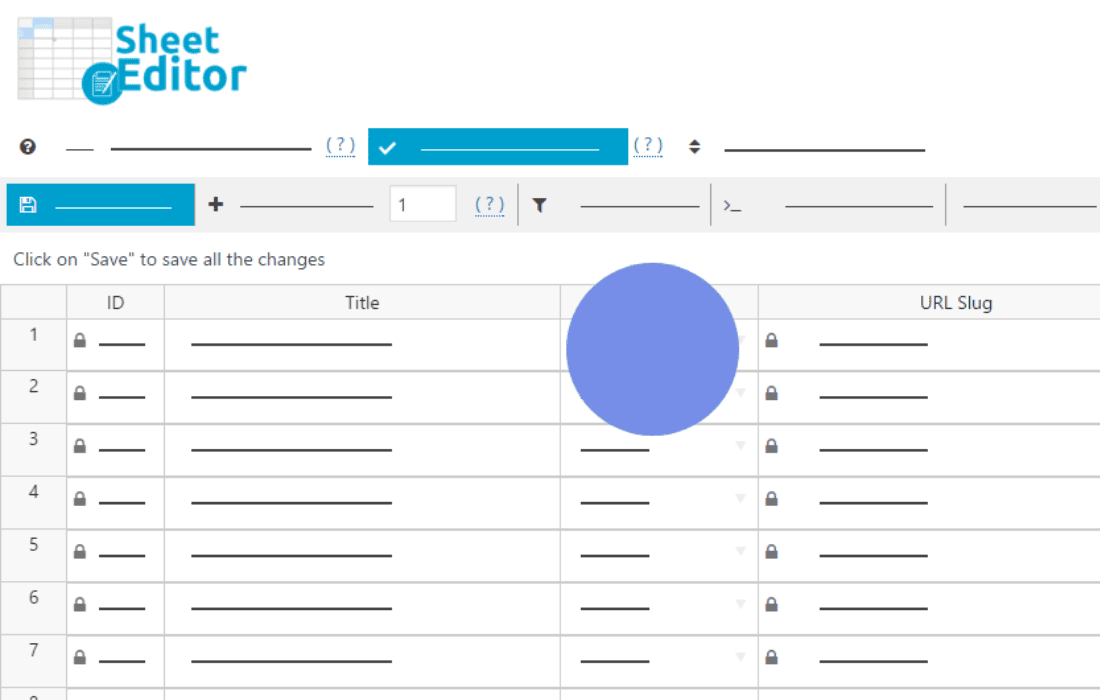
Managing a high volume of WooCommerce orders can quickly become a bottleneck, forcing you to spend hours clicking through individual order pages just to make simple updates. WP Sheet Editor – WooCommerce Orders Pro transforms your WordPress dashboard into a powerful, spreadsheet-like interface, allowing you to view, filter, and edit hundreds of orders in seconds. Designed for busy store owners, warehouse managers, and support teams, this plugin eliminates the tedious back-and-forth navigation, giving you total control over your order management workflow directly from a familiar, grid-based view.
Key Features
- Bulk Edit Orders: Update statuses, shipping information, customer notes, or custom fields for hundreds of orders simultaneously using the powerful bulk-edit tool.
- Spreadsheet Interface: Work with your orders in a familiar, intuitive grid layout that allows you to copy, paste, and edit data just like you would in Excel or Google Sheets.
- Advanced Filtering: Use a robust search tool to filter orders by date range, status, customer, product, shipping method, or any custom metadata, making it easy to find exactly what you need.
- Customizable Columns: Choose which order details to display in your spreadsheet view. Hide unnecessary columns and reorder them to match your specific workflow.
- Export and Import: Seamlessly export your order data to CSV files for reporting or external processing, and import updates back into your store with ease.
- Support for Custom Fields: Easily manage data added by other plugins, such as custom checkout fields, tracking numbers, or specialized order meta, all within the same grid.
- Real-time Validation: Ensure data integrity with built-in validation that helps prevent errors when updating order information in bulk.
Use Cases / Who It’s For
WP Sheet Editor – WooCommerce Orders Pro is built for anyone who feels bogged down by the default WooCommerce order management interface. If you are a store owner processing dozens or hundreds of orders daily, this plugin is a game-changer. It is particularly valuable for warehouse managers who need to quickly update shipping statuses or print packing slips for large batches of orders at once.
Customer support teams also benefit significantly, as they can quickly search for specific customer orders, check statuses, or add internal notes without navigating away from the main dashboard. Whether you are managing seasonal spikes in traffic, handling large-scale inventory fulfillment, or simply trying to streamline your daily operations, this plugin provides the efficiency required to scale your business without increasing your administrative workload.
Setup / How It Works
Getting started with WP Sheet Editor is designed to be straightforward, allowing you to regain control of your order data almost immediately after installation.
- Install and Activate: Upload the plugin to your WordPress site and activate it through your plugin dashboard.
- Access the Sheet Editor: Navigate to the new menu item created by the plugin in your WordPress sidebar to open the order spreadsheet.
- Configure Columns: Use the column management settings to select the specific order fields you want to view and edit.
- Filter Your Data: Use the search and filter bar to isolate the specific set of orders you need to manage.
- Edit and Save: Make your changes directly in the cells. You can edit individual cells or use the bulk-edit tool to apply changes to all filtered rows at once. Save your changes to update your WooCommerce store instantly.
Similar Plugins
While WP Sheet Editor offers a comprehensive spreadsheet-based approach, other solutions exist in the WordPress ecosystem for managing WooCommerce data. Alternatives include plugins like WooCommerce Bulk Edit Products, Orders & Coupons by various developers, as well as dedicated export/import tools like WP All Import, which focuses heavily on data migration and bulk updates via CSV files rather than a live, interactive spreadsheet interface.