
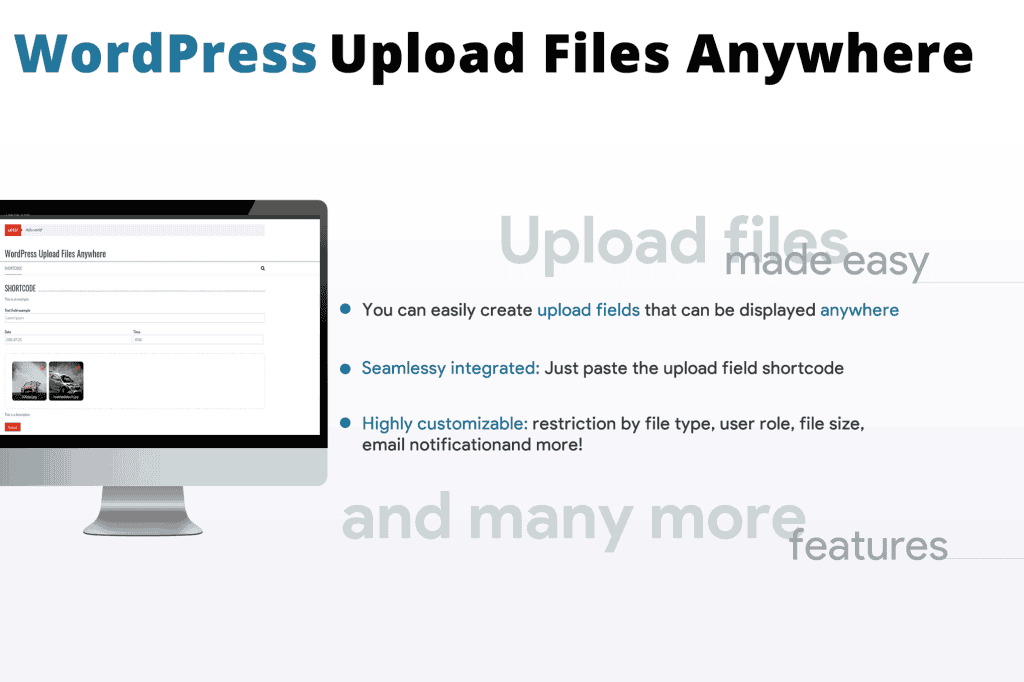
Managing file submissions on your website shouldn’t be a technical hurdle. The WordPress Upload Files Anywhere plugin provides a streamlined, flexible solution for site owners who need to accept documents, images, audio, or other files directly from their visitors. By allowing you to place secure, customizable upload forms on any page, post, or widget area, this plugin eliminates the need for complex server configurations, making it an essential tool for membership sites, client portals, and service-based businesses that rely on user-submitted content.
Key Features
- Universal Placement: Use simple shortcodes to embed file upload forms anywhere on your site, including pages, posts, and widget-ready sidebars.
- Advanced Customization: Tailor each upload field to your specific needs, including custom area widths and additional input fields like text, textareas, dates, times, and dropdown selections.
- Granular Control: Maintain security and order by setting strict limitations on file types and maximum file sizes for every individual upload area.
- User Access Management: Easily restrict who can see and use your upload forms by configuring user role permissions.
- Translation Ready: Built with compatibility for WPML, allowing you to easily translate and customize all interface text to suit a global audience.
- Streamlined Workflow: Designed for efficiency, the plugin allows you to handle file submissions directly through your WordPress dashboard without needing to alter complex server settings.
Use Cases / Who It’s For
This plugin is designed for any WordPress user who needs to bridge the gap between their website and their clients or community. It is particularly valuable for businesses that require external input to complete a transaction or service. For example, agencies and freelancers can use it to allow clients to securely share project briefs, design assets, or large documents. Educational sites can enable students to submit assignments or projects directly through the site. Furthermore, support portals can benefit by allowing customers to attach screenshots or logs to help troubleshoot issues, significantly reducing back-and-forth email communication.
Setup / How It Works
Getting started with WordPress Upload Files Anywhere is designed to be a straightforward, code-free process:
- Configure: Navigate to the plugin’s dedicated configurator in your WordPress dashboard to create a new upload field.
- Customize: Use the settings menu to define your requirements, such as allowed file types, file size limits, and user role restrictions.
- Enhance: Add any necessary extra input fields, such as text boxes for descriptions or date pickers, to gather more context with the file submission.
- Deploy: Copy the generated shortcode and paste it into any page, post, or widget area where you want the upload form to appear.