
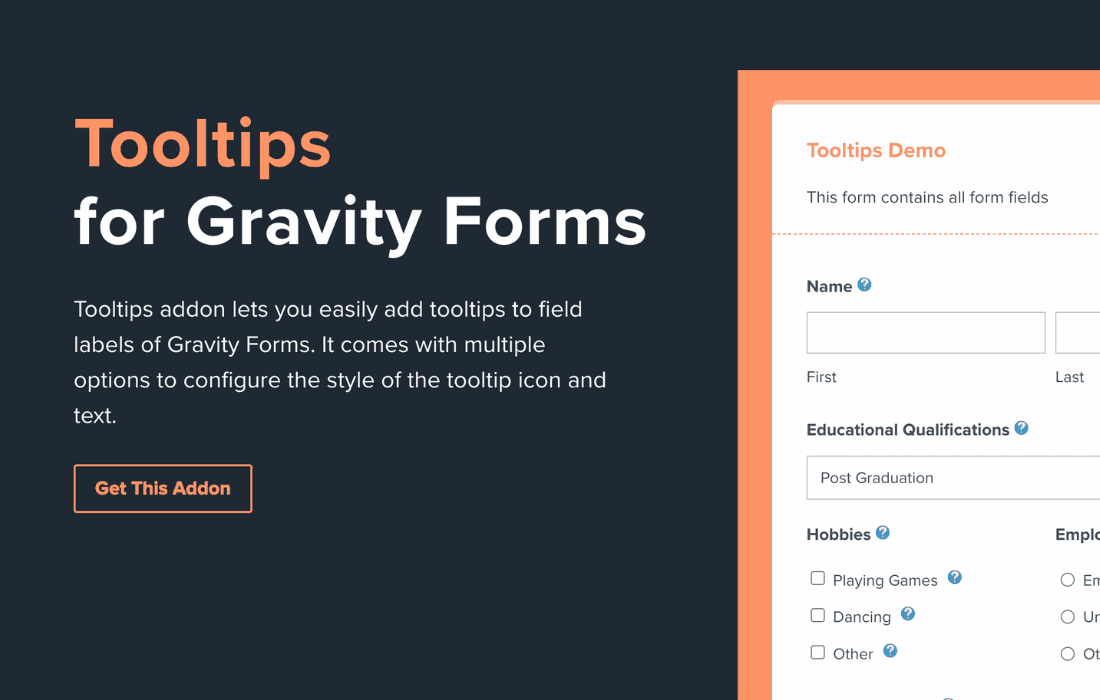
Improve your form conversion rates and reduce user frustration by providing instant, helpful guidance exactly where your visitors need it most. The Gravity Forms Tooltips Addon allows you to seamlessly integrate informative, unobtrusive tooltips into any Gravity Form field. By offering context-sensitive help, you can clarify complex questions, explain technical requirements, or guide users through your checkout process without cluttering your page layout with lengthy instructional text.
Key Features
- Contextual Help Icons: Easily add a sleek, professional tooltip icon next to any form field label or description.
- Customizable Content: Use the built-in editor to add rich text, links, or even images inside your tooltips to provide comprehensive explanations.
- Flexible Trigger Options: Choose between hover or click triggers to ensure the best user experience for both desktop and mobile visitors.
- Styling Controls: Match the look and feel of your tooltips to your existing theme design, ensuring a cohesive brand experience across your website.
- Mobile-Responsive Design: Ensure your tooltips function perfectly on all devices, providing a consistent experience for users on smartphones, tablets, and desktops.
- Performance Focused: Built with clean, lightweight code to ensure your forms remain fast and responsive, preventing any negative impact on page load times.
Use Cases / Who It’s For
This addon is an essential tool for any website owner or developer who relies on Gravity Forms to collect data. If your forms contain fields that often confuse users—such as complex tax IDs, specific formatting requirements for file uploads, or detailed shipping instructions—this plugin is for you.
E-commerce store owners can use tooltips to explain shipping policies or return requirements directly at the checkout stage, reducing cart abandonment caused by uncertainty. For service providers and agencies, the addon helps streamline onboarding forms by providing instant clarity on what information is required, significantly reducing the back-and-forth communication needed to correct incomplete submissions.
Setup / How It Works
Getting started with the Gravity Forms Tooltips Addon is designed to be intuitive, allowing you to enhance your forms in just a few minutes without needing to touch a single line of code.
- Install and Activate: Upload the plugin to your WordPress dashboard and activate it as you would with any standard plugin.
- Access Field Settings: Navigate to your Gravity Forms editor and select the specific field where you want to add a tooltip.
- Configure Tooltip Content: Within the field settings, locate the new Tooltip tab. Enable the feature and enter the text or media you wish to display.
- Customize Appearance: Adjust the trigger settings and visual preferences to ensure the tooltip aligns with your site’s design.
- Save and Preview: Save your form and preview it on the front end to verify that the tooltips appear exactly where intended and provide the necessary guidance to your users.
Similar Plugins
While the Gravity Forms Tooltips Addon is a dedicated solution for this specific functionality, other alternatives exist within the WordPress ecosystem. These include the Gravity Forms Tooltipster integration, as well as various third-party addons available through the official Gravity Forms Add-On browser that provide similar contextual help features for form fields.