
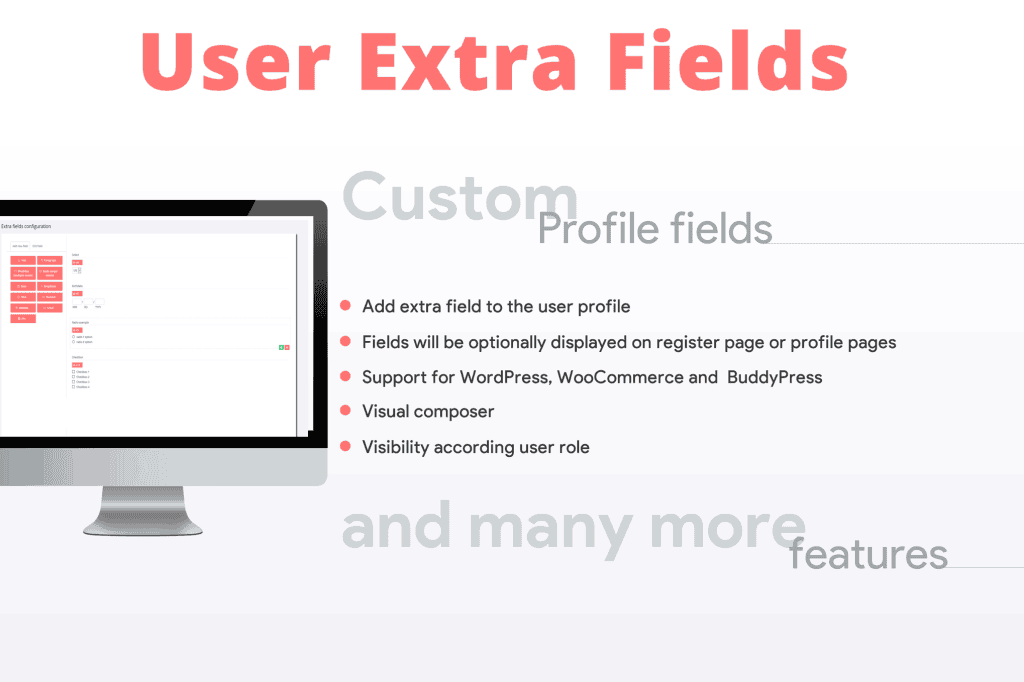
The User Extra Fields plugin empowers website administrators to extend the default WordPress user profile system by adding custom fields tailored to their specific business needs. Whether you are managing a membership site, a multi-vendor marketplace, or a corporate directory, this plugin allows you to capture, store, and display essential user data beyond the standard WordPress fields like username and email. By gathering more comprehensive information about your users, you can personalize their experiences, improve administrative workflows, and better segment your audience without needing to write custom code.
Key Features
- Flexible Field Types: Create a wide variety of inputs including text fields, text areas, dropdown menus, radio buttons, checkboxes, and date pickers to ensure you collect data in the most efficient format.
- User Profile Integration: Seamlessly add your custom fields directly into the WordPress user profile screen, ensuring a familiar and intuitive experience for both administrators and users.
- Frontend Profile Editing: Allow users to view and update their own custom information directly from the frontend of your site, reducing the need for them to access the WordPress dashboard.
- Conditional Logic: Display specific fields based on the values selected in other fields, keeping your forms clean and relevant to the user’s specific situation.
- User Role Restriction: Control visibility and editability by assigning specific fields to particular user roles, ensuring that sensitive data is only accessible to the right people.
- Data Validation: Implement basic validation rules to ensure that the information submitted by users meets your requirements, such as mandatory fields or specific character formats.
- Seamless Compatibility: Designed to work harmoniously with standard WordPress themes and most popular user-management plugins, ensuring a stable and reliable performance.
Use Cases / Who It’s For
This plugin is an essential tool for any WordPress site owner who needs to move beyond the basic user data collected by default. If you run a membership website, you might use User Extra Fields to collect member IDs, subscription levels, or emergency contact information. For businesses managing a team, it is perfect for storing employee details like department codes, office locations, or hire dates directly within their user profiles.
Marketplace owners benefit by adding fields for vendor tax IDs, business addresses, or social media handles, which can then be used to populate vendor profile pages. Educational platforms can utilize the plugin to track student enrollment numbers, course progress, or instructor certifications. Essentially, if your site requires a deeper understanding of your users to provide a better service, this plugin provides the structural foundation to make that data collection possible.
Setup / How It Works
- Install and Activate: Upload the plugin to your WordPress site via the Plugins menu and activate it to begin configuration.
- Create Field Groups: Navigate to the plugin settings area to define a new field group. You can name these groups to keep your custom fields organized logically.
- Add Fields: Within your group, add individual fields by selecting the desired input type (e.g., text, dropdown, checkbox) and providing a label for each.
- Configure Settings: Set your preferences for each field, such as making it a required field, setting default values, or restricting it to specific user roles.
- Save and Deploy: Once saved, the fields will automatically appear on the user profile pages. If you have enabled frontend editing, you can use the provided shortcodes or widget options to display these fields on your user account pages.
Similar Plugins
If you are exploring your options, there are other solutions in the WordPress ecosystem that offer similar functionality for extending user profiles. Plugins such as Advanced Custom Fields (ACF), Ultimate Member, and Profile Builder are well-known alternatives that also provide robust tools for adding custom fields to WordPress users. Each of these plugins offers a unique interface and feature set, so it is recommended to evaluate them based on your specific requirements for frontend integration, ease of use, and compatibility with your existing theme and plugins.